Features
Every request, visible and actionable.
Each capability is built around one outcome: confirming that the data moving in and out of your app is correct, before it reaches your users.
Traffic capture
Spot the bad request the moment it happens.
A wrong header, a missing parameter or a call your app shouldn't be making rarely shows up in the UI. It shows up in the traffic.
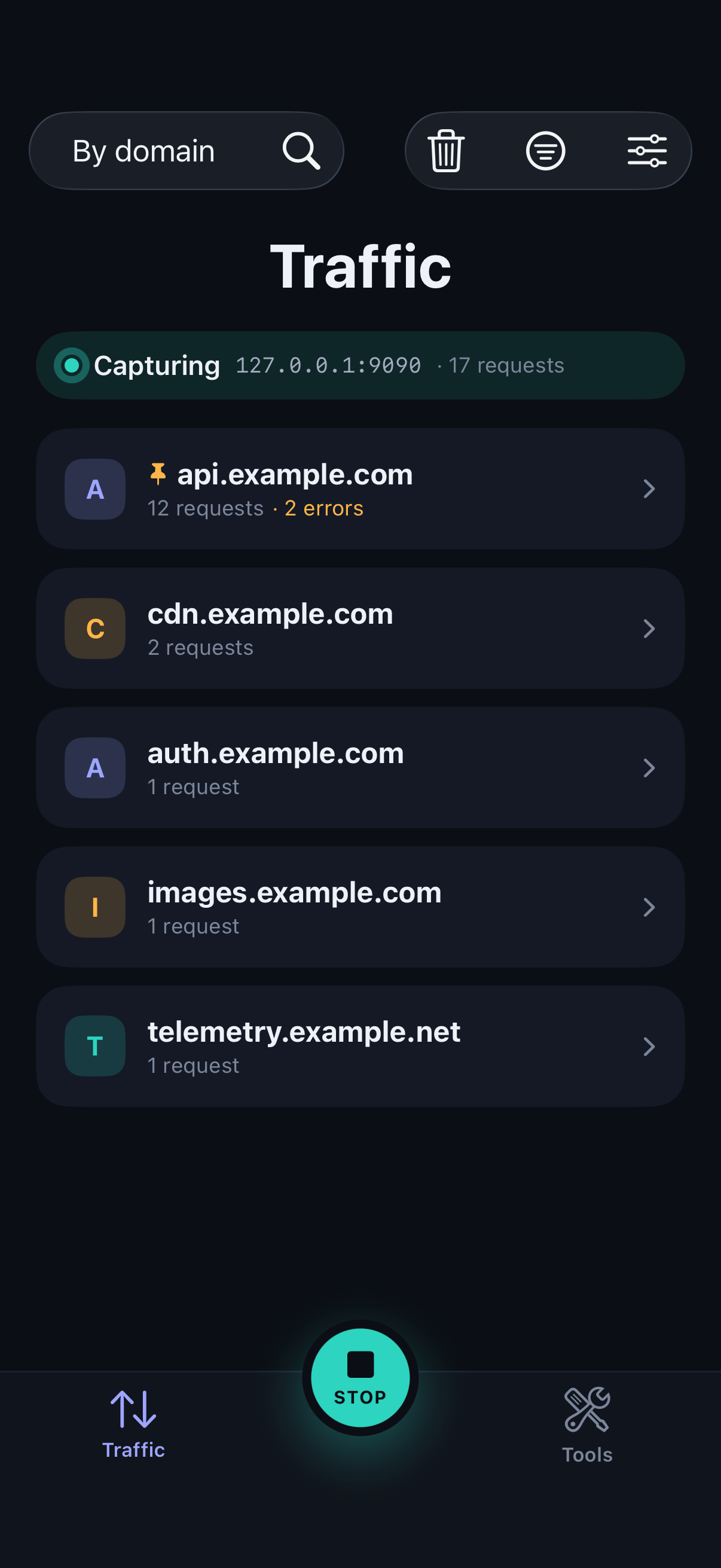
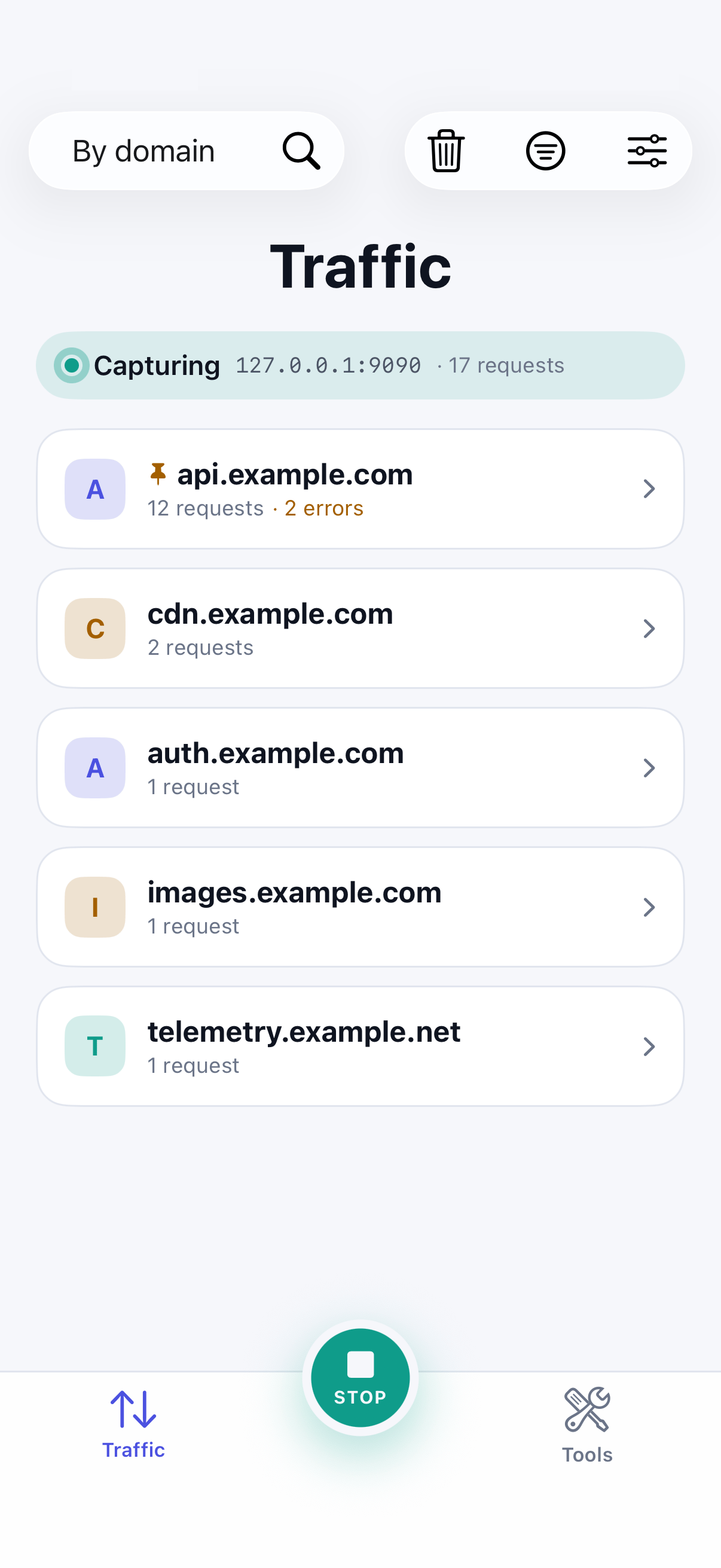
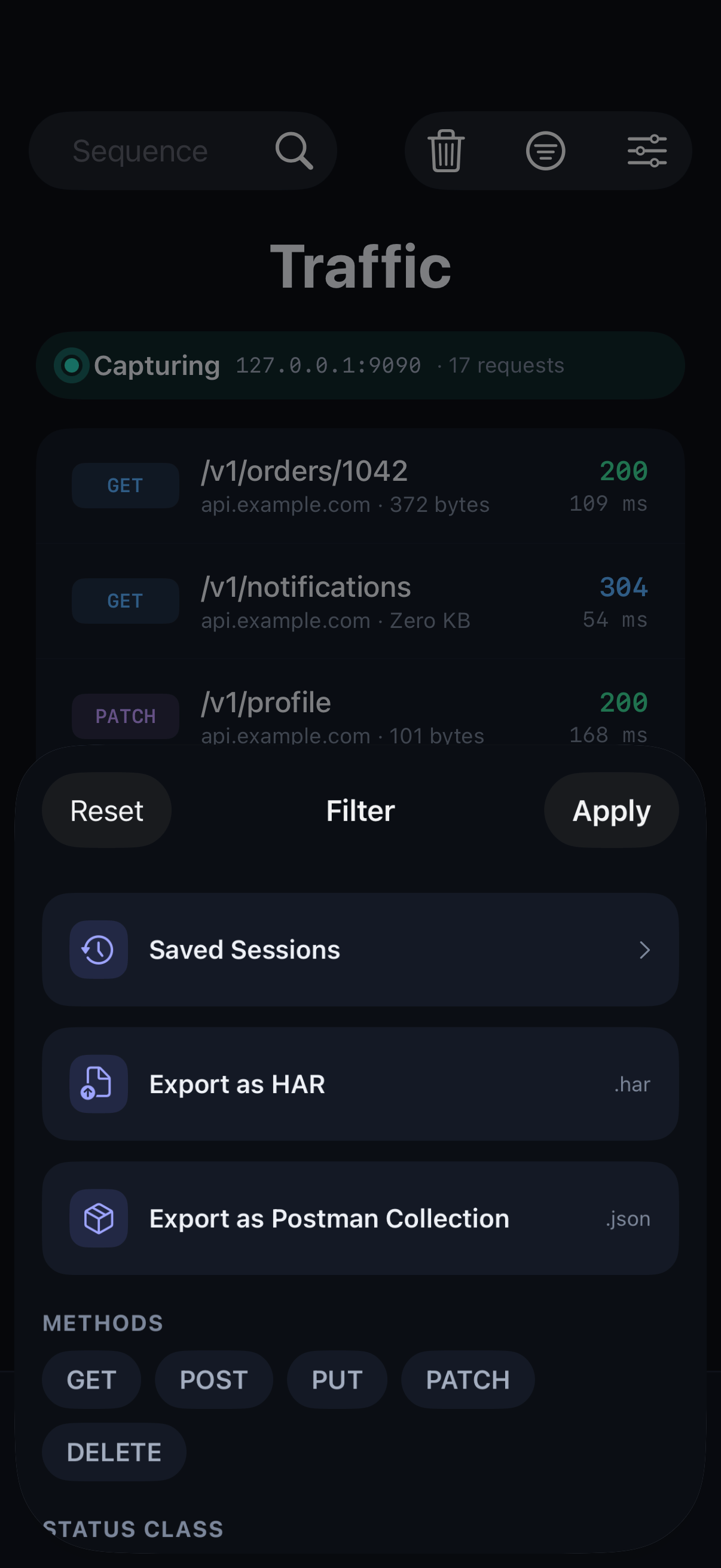
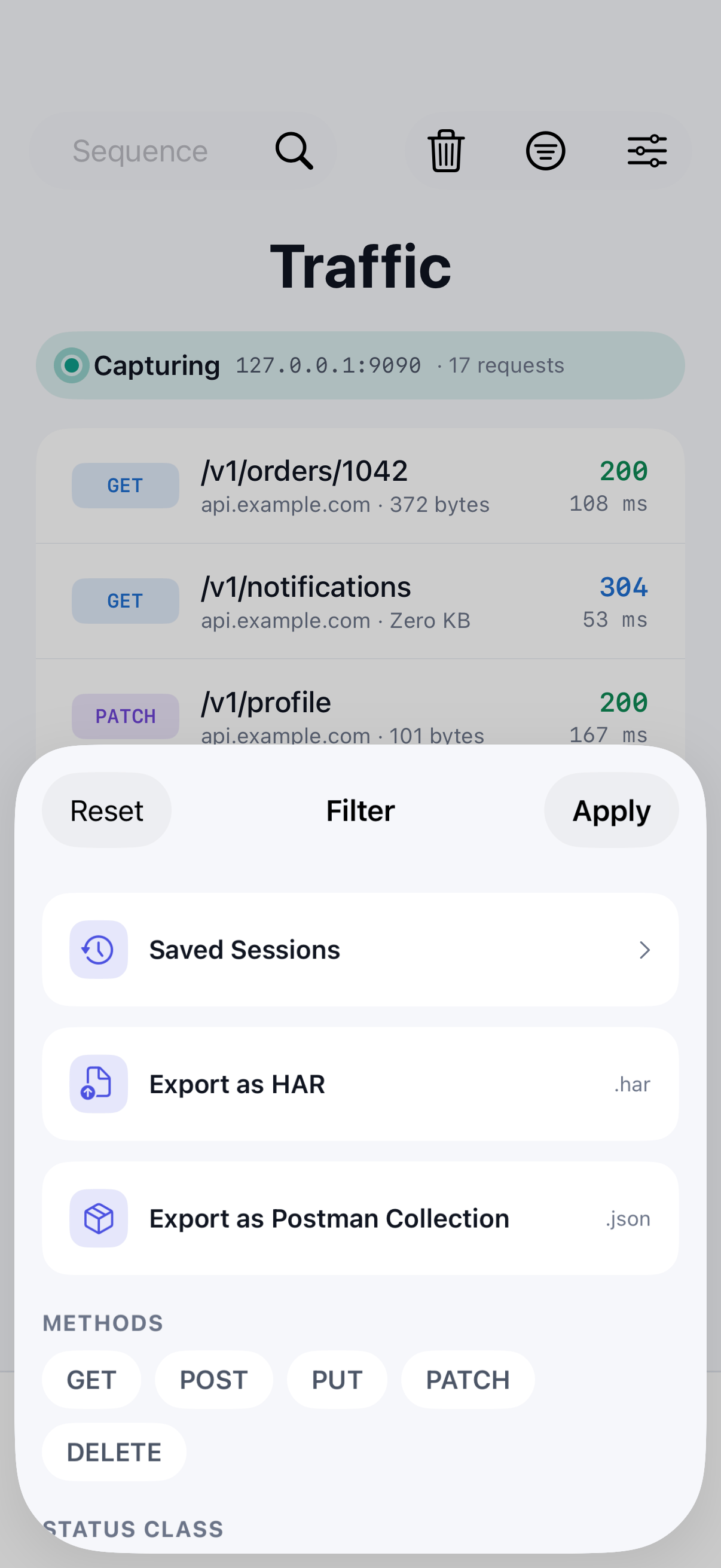
SoftLee lists every request your app makes in real time, on the device it's running on. View calls in the order they were made, grouped by domain, or as a folder tree of paths, and cut through noise with search and filters.
- Group by sequence, domain or folder
- Search by host, path, method or status code
- Filter by method, status class, or errors only
- Hide static assets to focus on API calls
- Pin the hosts you check most often
Choose what's decrypted
Read only the traffic you're debugging.
You should know exactly which traffic is being read, and the rest of the device shouldn't slow down while you debug one API.
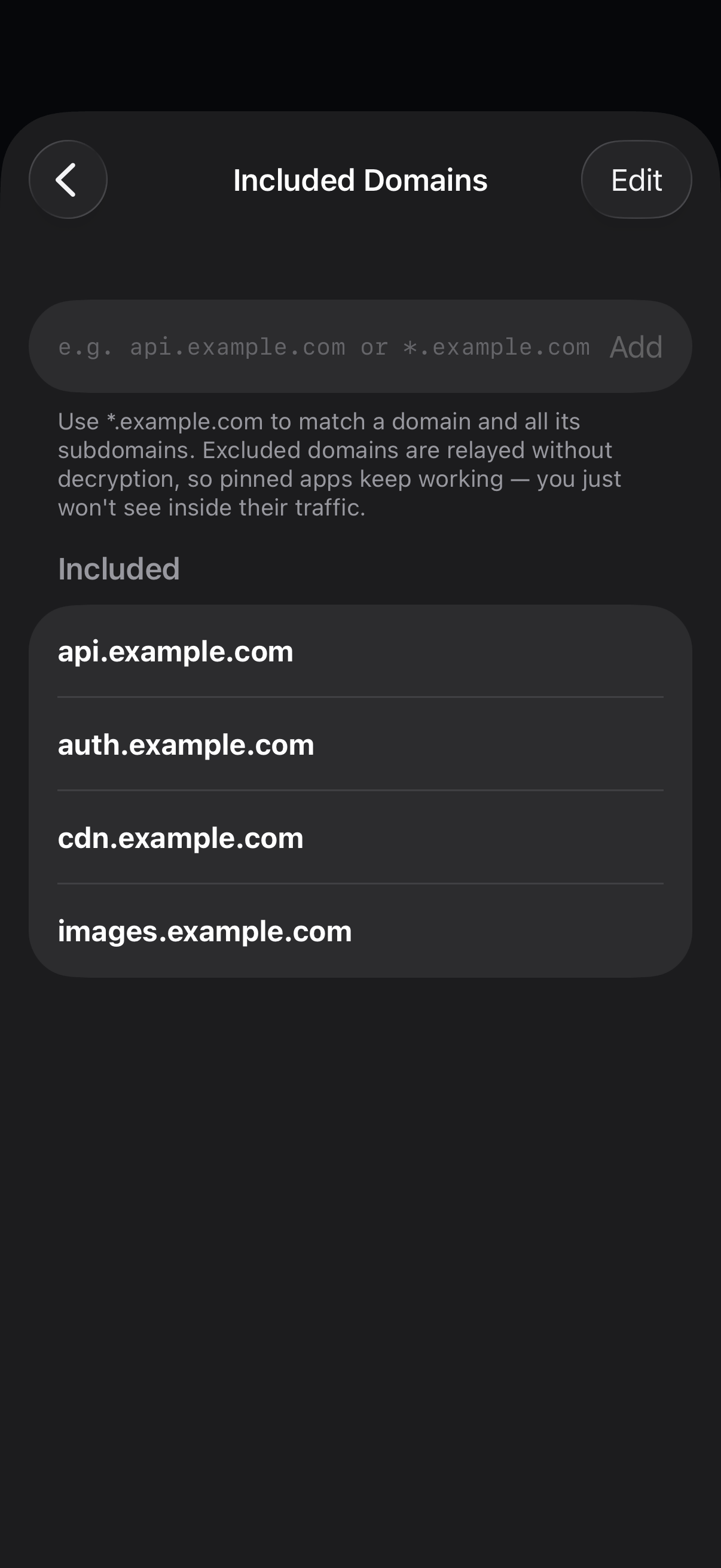
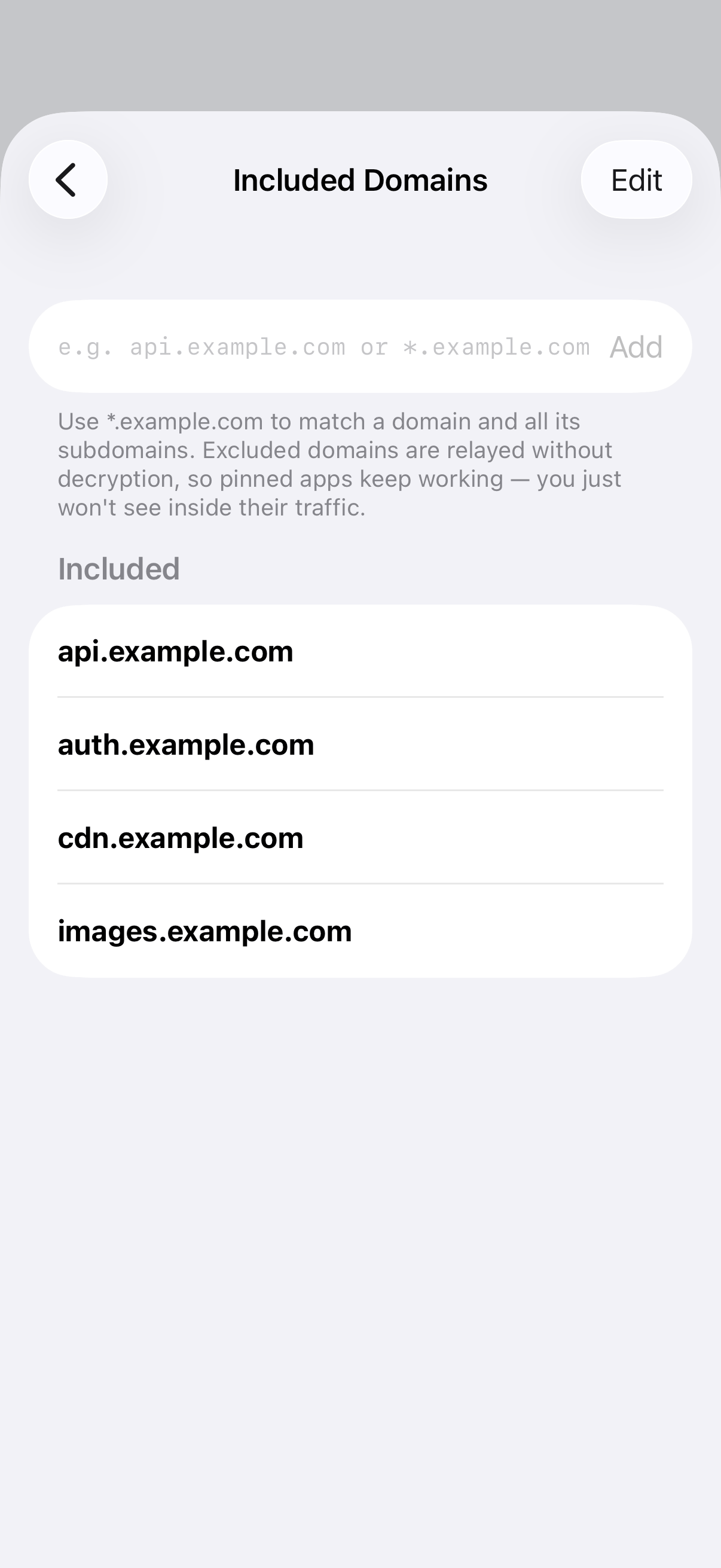
Decide which domains SoftLee decrypts with included and excluded lists, or turn decryption on for a host straight from one of its calls. Excluded domains are relayed untouched, so apps that pin their certificates keep working normally.
- Decrypt all domains, or only a custom list
- Wildcards such as *.example.com cover subdomains
- Excluded domains pass through without decryption
Request & response detail
Confirm your app sends and receives exactly what it should.
When a screen looks wrong, the first question is whether the data was wrong. Answer it in seconds, not after an afternoon of logging.
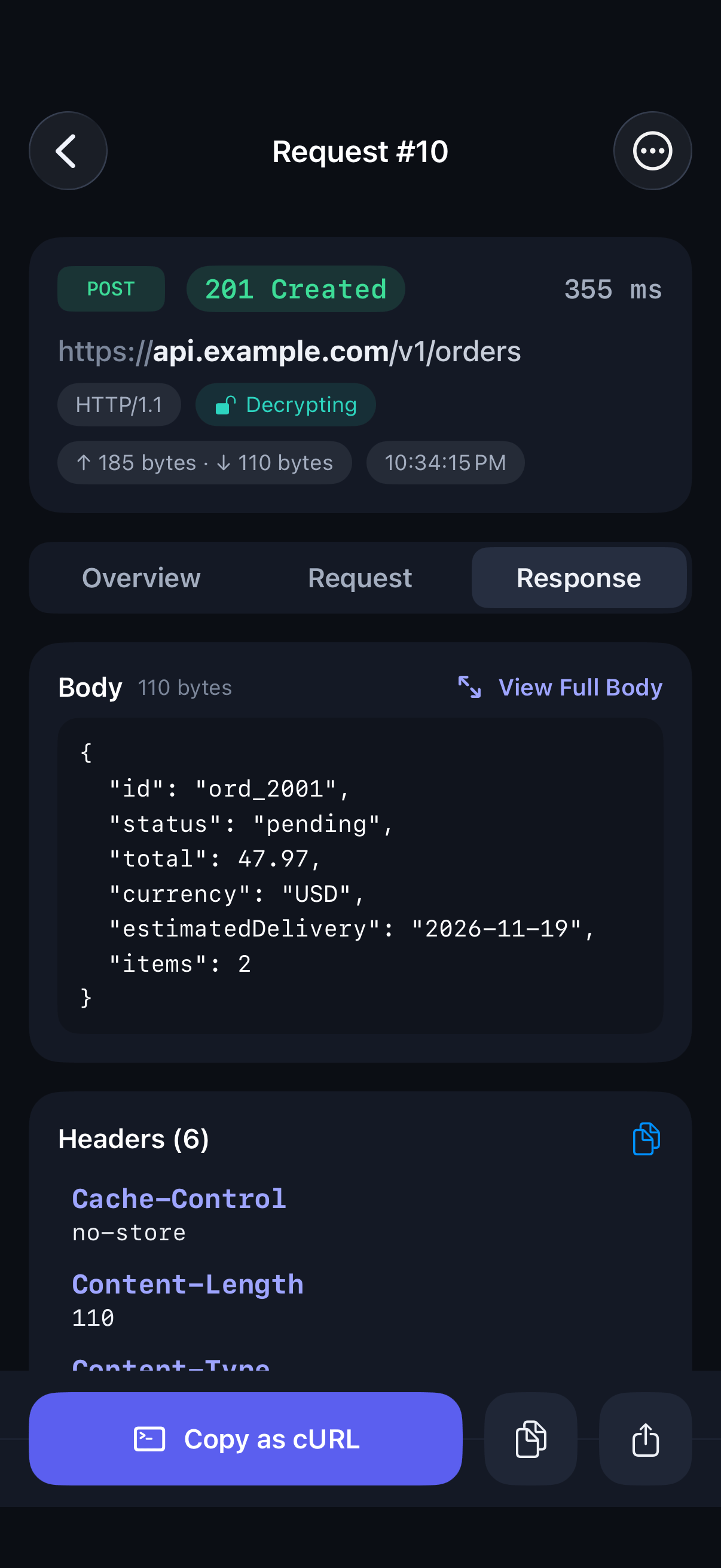
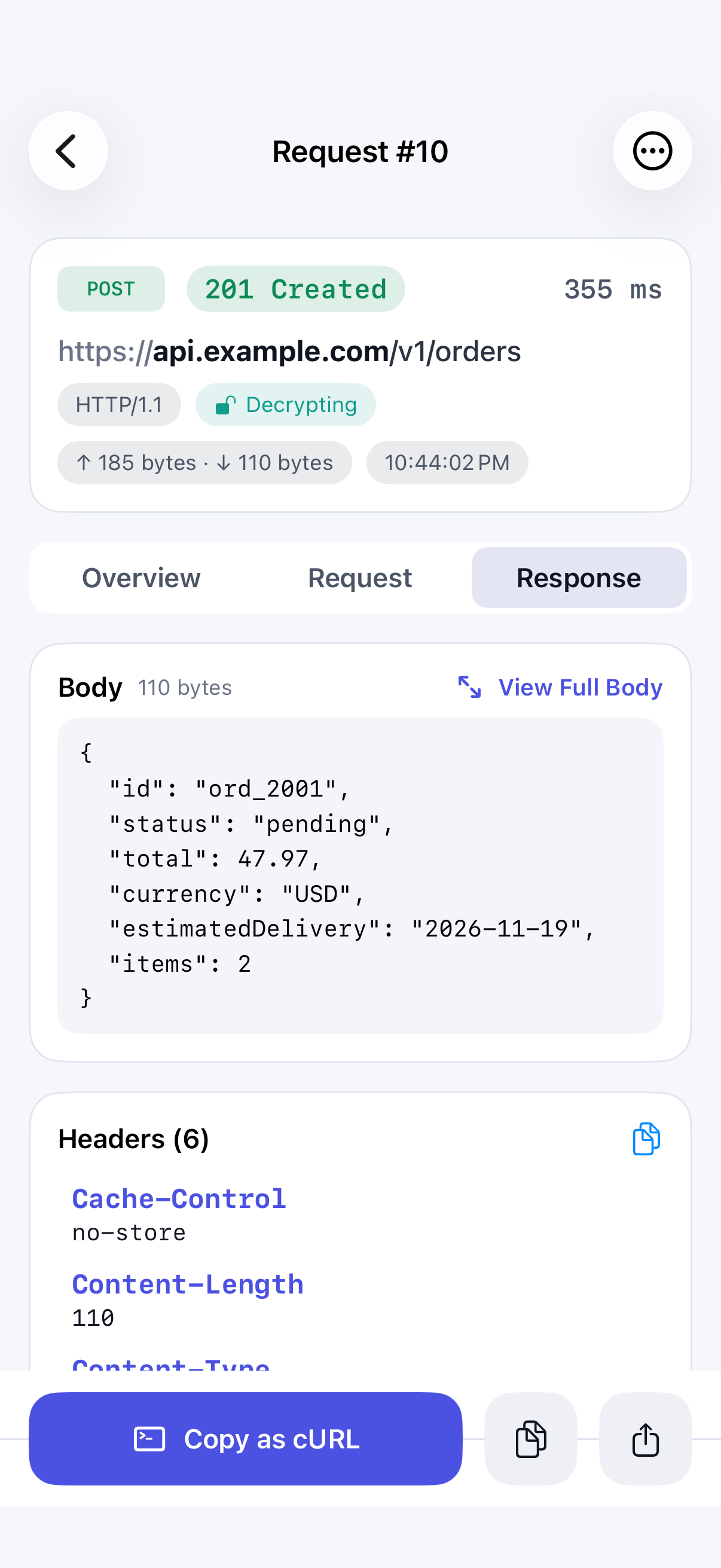
Open any request to see its full headers, body, status, timing and size. JSON is formatted automatically and shown as a tree you can fold and unfold, so a deep payload stays readable. A timing breakdown shows where the time on a slow call went.
- Full request and response headers and bodies
- JSON formatted automatically, with collapsible sections
- Switch any body to plain text
- Timing breakdown and payload size per call
Edit & Replay
Test a fix without rebuilding your app.
Checking whether a different header or payload fixes a bug normally means changing code and rebuilding. It doesn't have to.
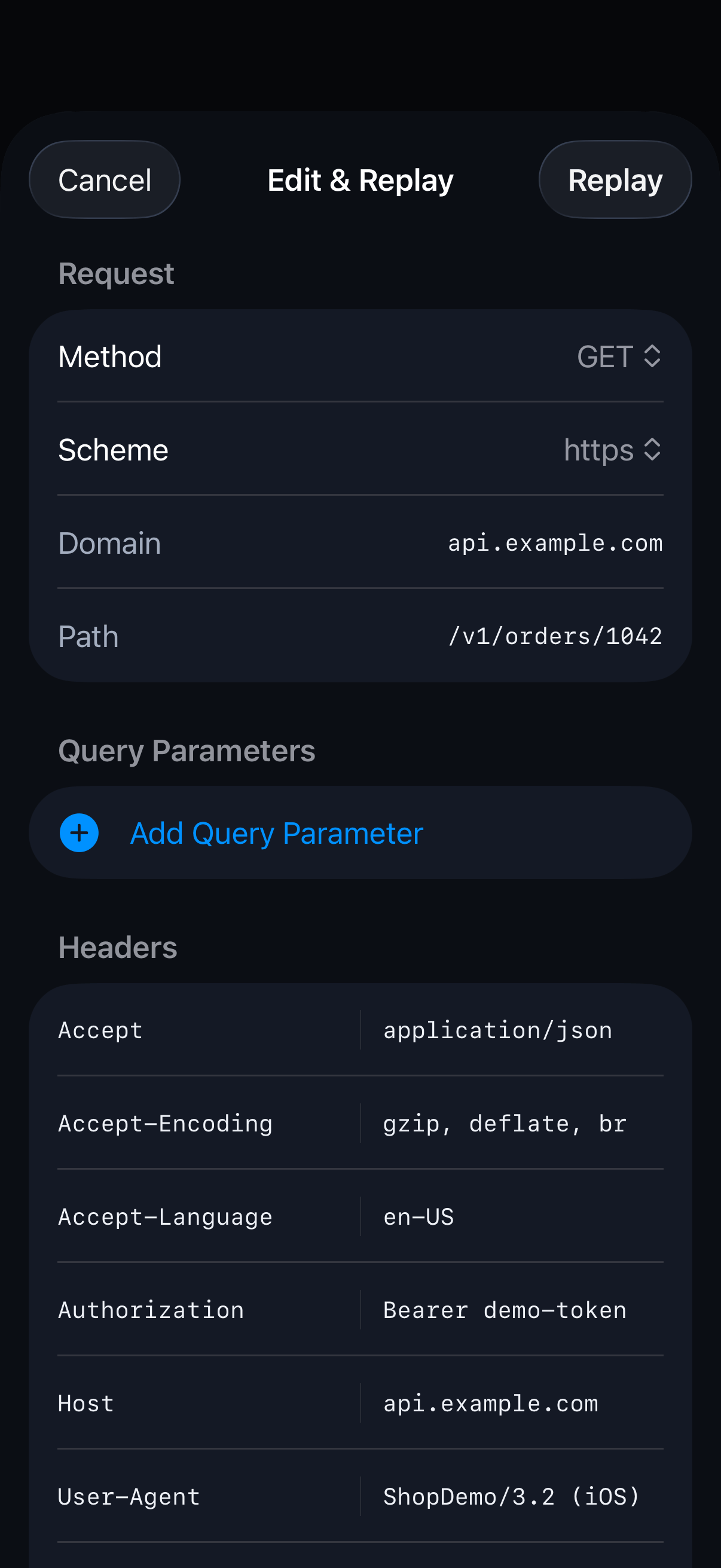
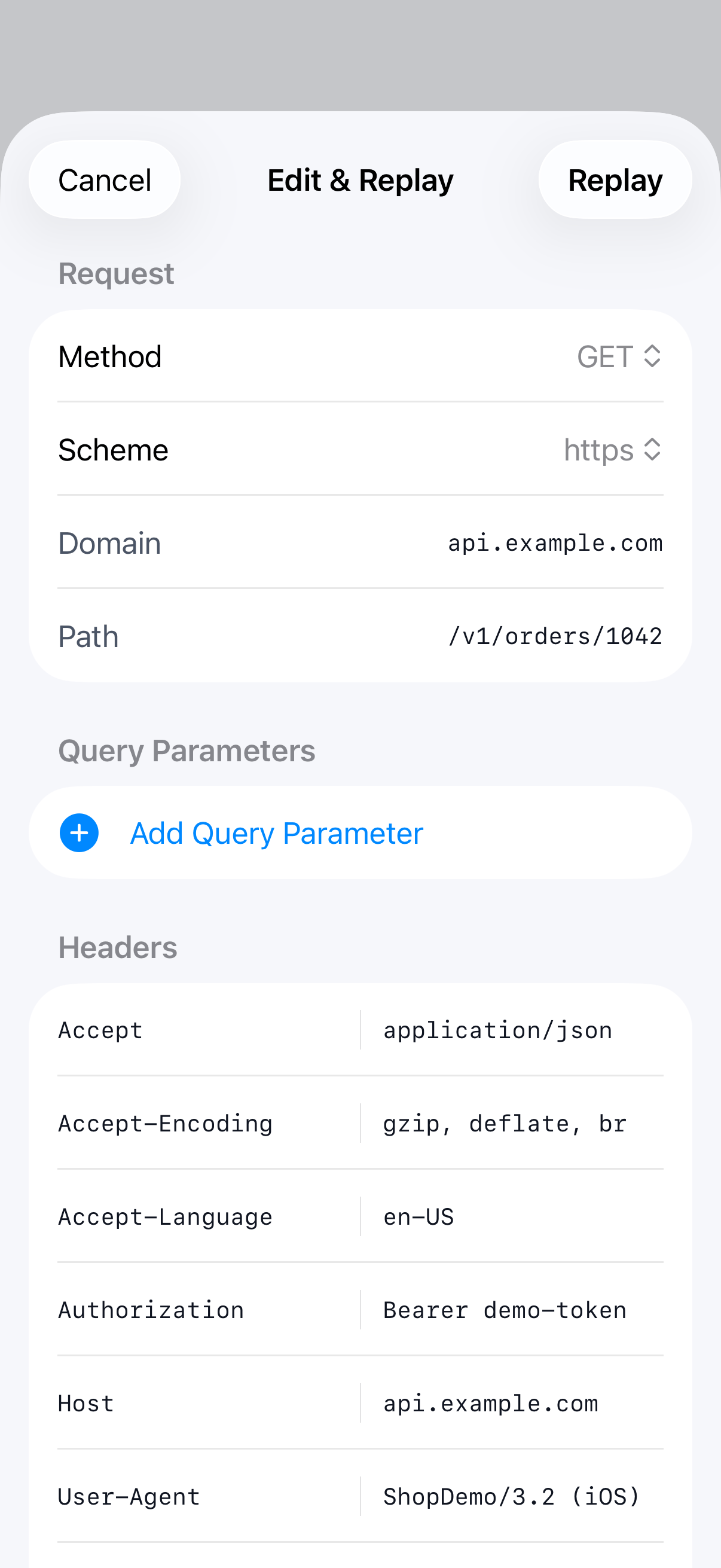
Edit a captured request's method, domain, path, query, headers or body and send it again, or compose a request from scratch. The real response arrives in seconds. Replayed calls carry an Edited marker so they're never mistaken for your app's own traffic.
- Edit method, domain, path, query, headers and body
- Start from a captured call, or from a blank request
- See the server's real response immediately
- Replayed calls are clearly marked Edited
Breakpoints
Make the edge case happen on demand.
How does your app handle a slow response, a malformed payload or an error status? Rather than waiting for one to happen, create it.
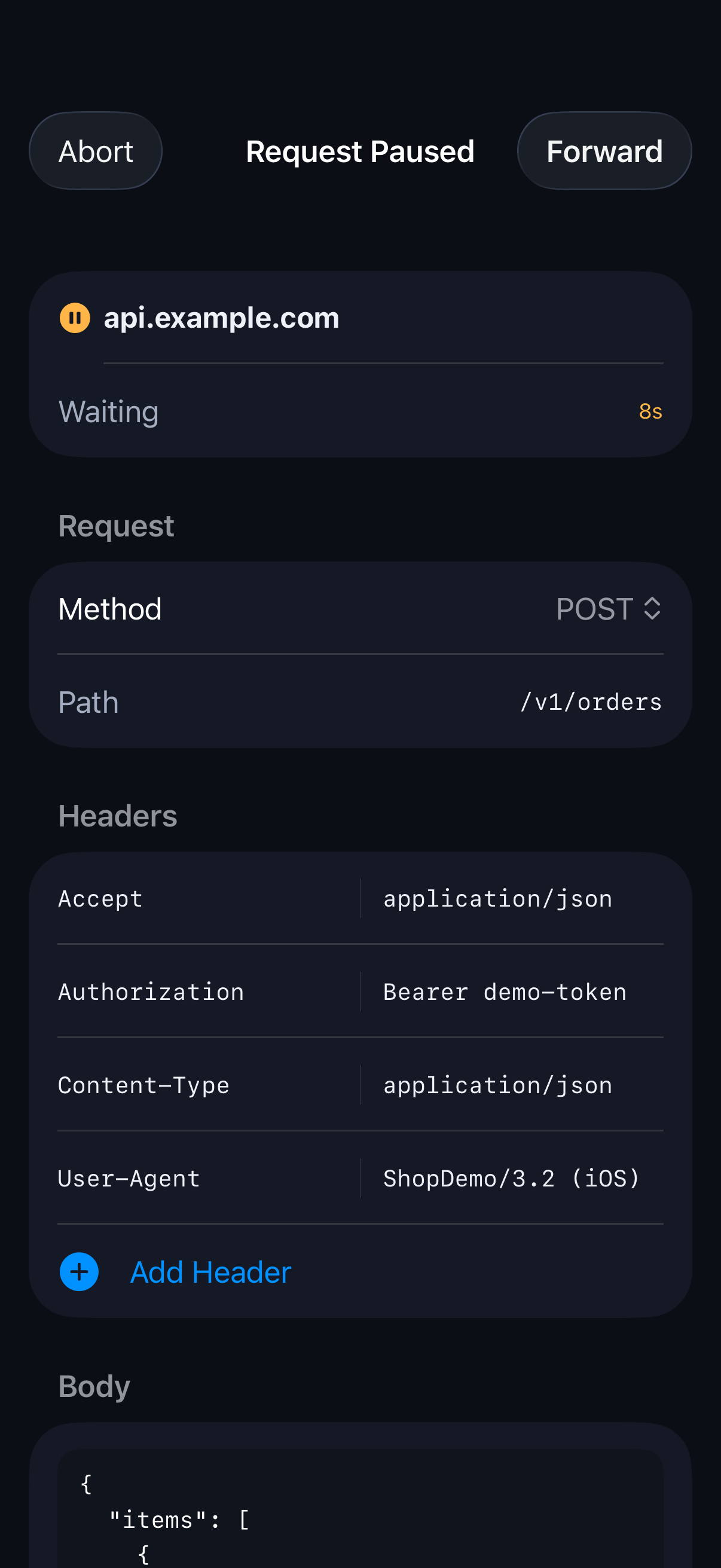
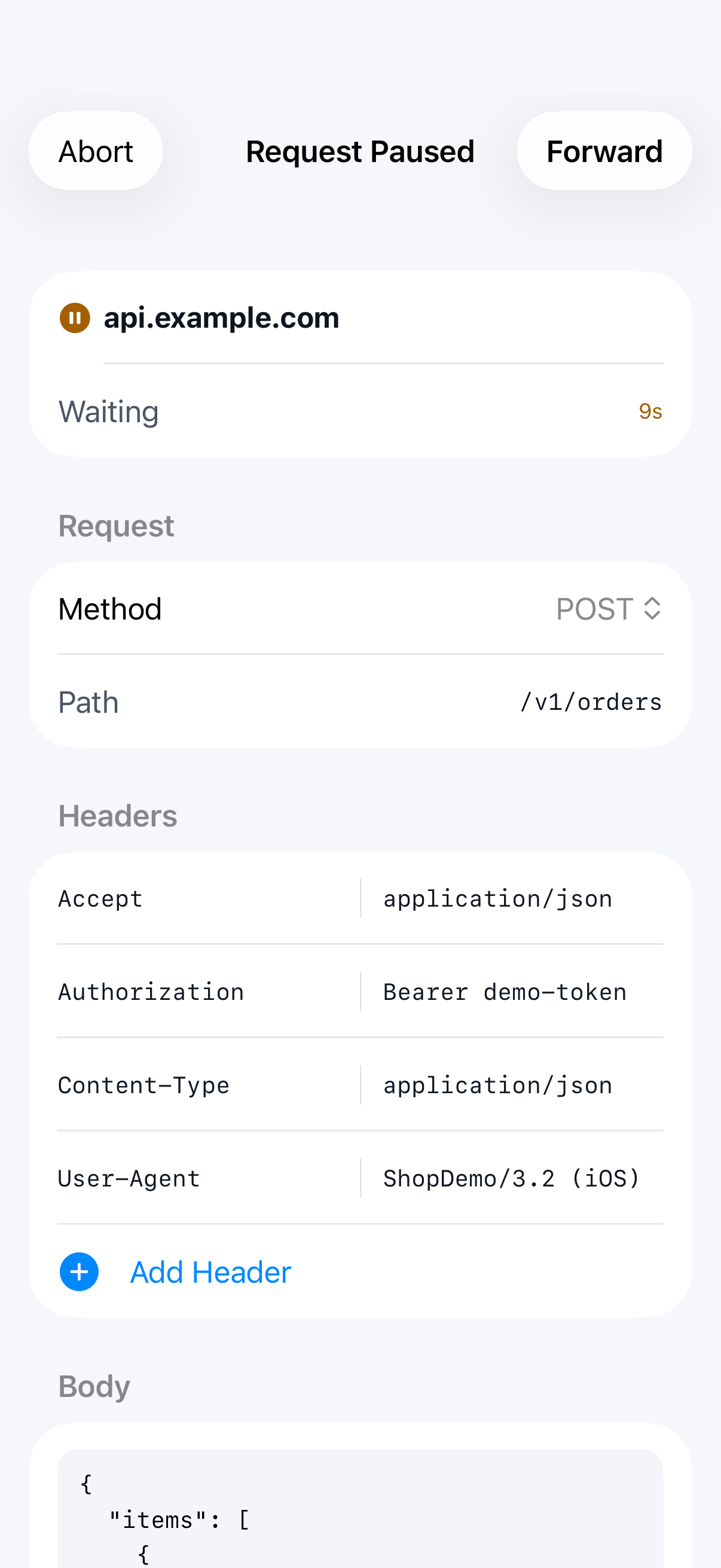
Set a breakpoint on an API and SoftLee pauses matching requests before they reach the server, or responses before they reach your app. Edit what's paused, then forward it or abort it. If a breakpoint fires while you're in another app, a notification brings you straight back.
- Pause at the request stage, the response stage, or both
- Master switch plus independent per-rule controls
- Path wildcards, e.g. /v1/profile/*
- Forward or abort each paused call
- Notification when a call pauses in the background
Map Local
Build against an API that isn't ready yet.
Waiting on a backend change, or trying to reproduce an error the server rarely returns, stalls testing. A prepared response removes the wait.
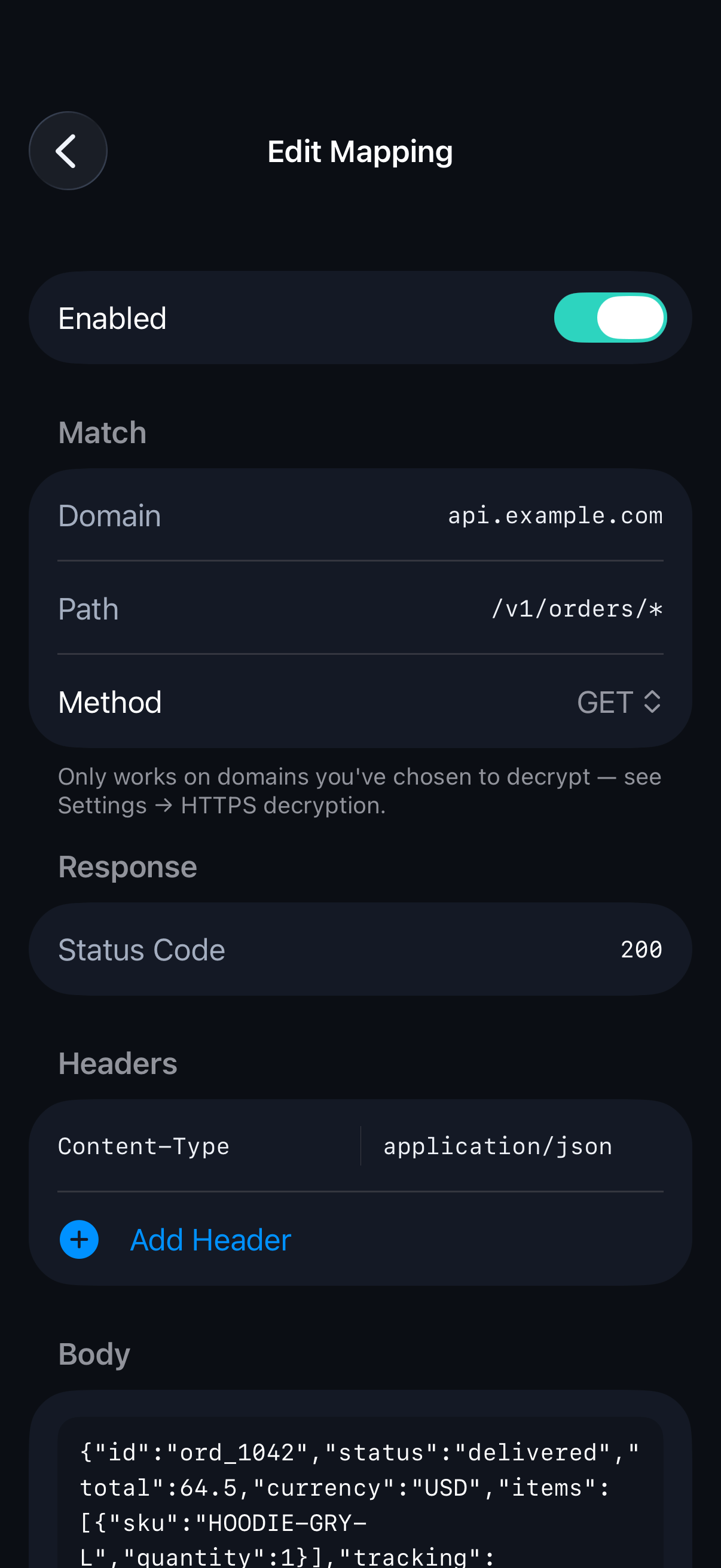
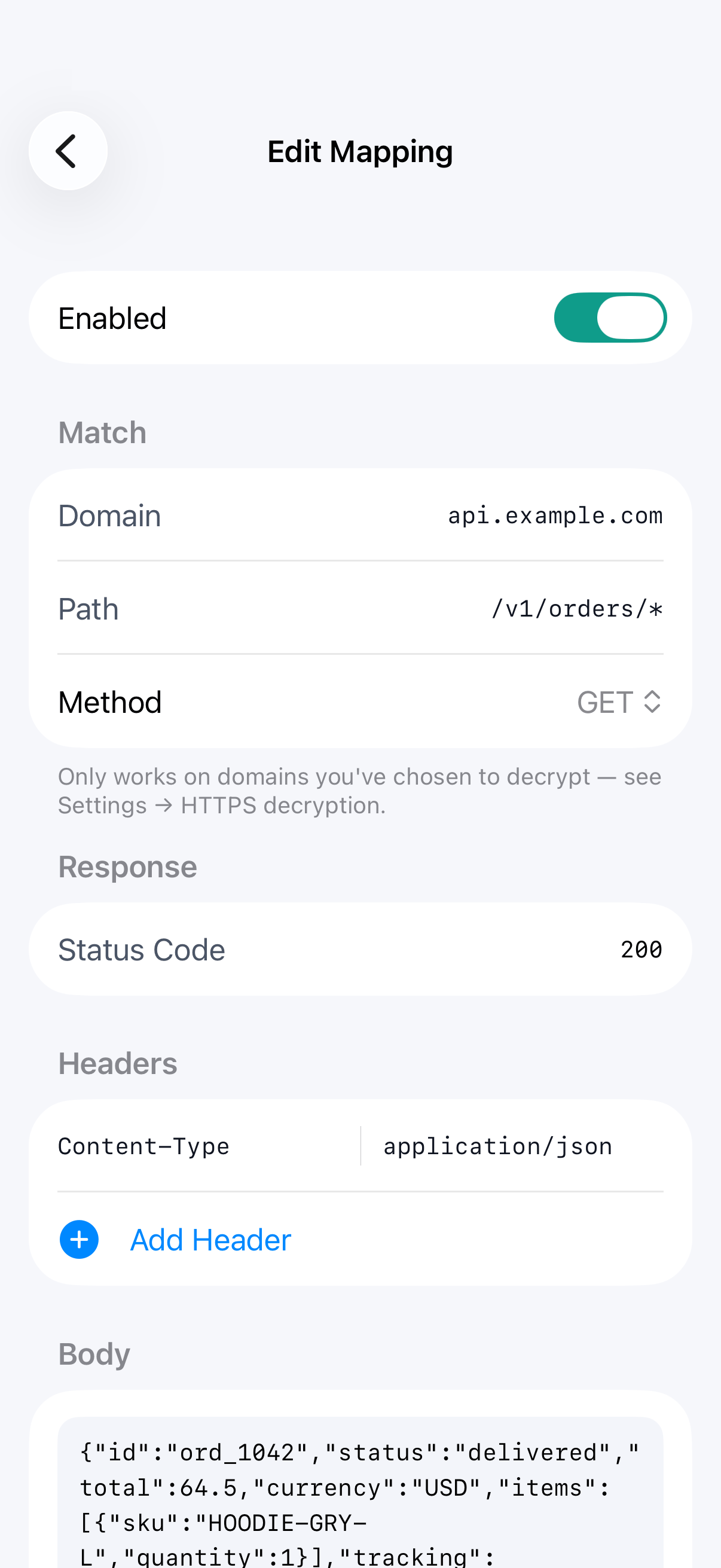
Create a rule for a domain, path and method, and prepare the response SoftLee should send back: status, headers and body. Matching requests never reach the real server, and your app receives your response instead. Start from a captured response, write one from scratch, or load the body from a file.
- Mock an endpoint before it exists
- Return any status, headers and body you choose
- Start from a real captured response
- Load a response body from a file
- Wildcards for domains and paths
- Master switch plus independent per-rule controls
Compare
See exactly what changed between two calls.
When a call works on one try and fails on the next, the cause is in the difference between them, and it's often a single line.
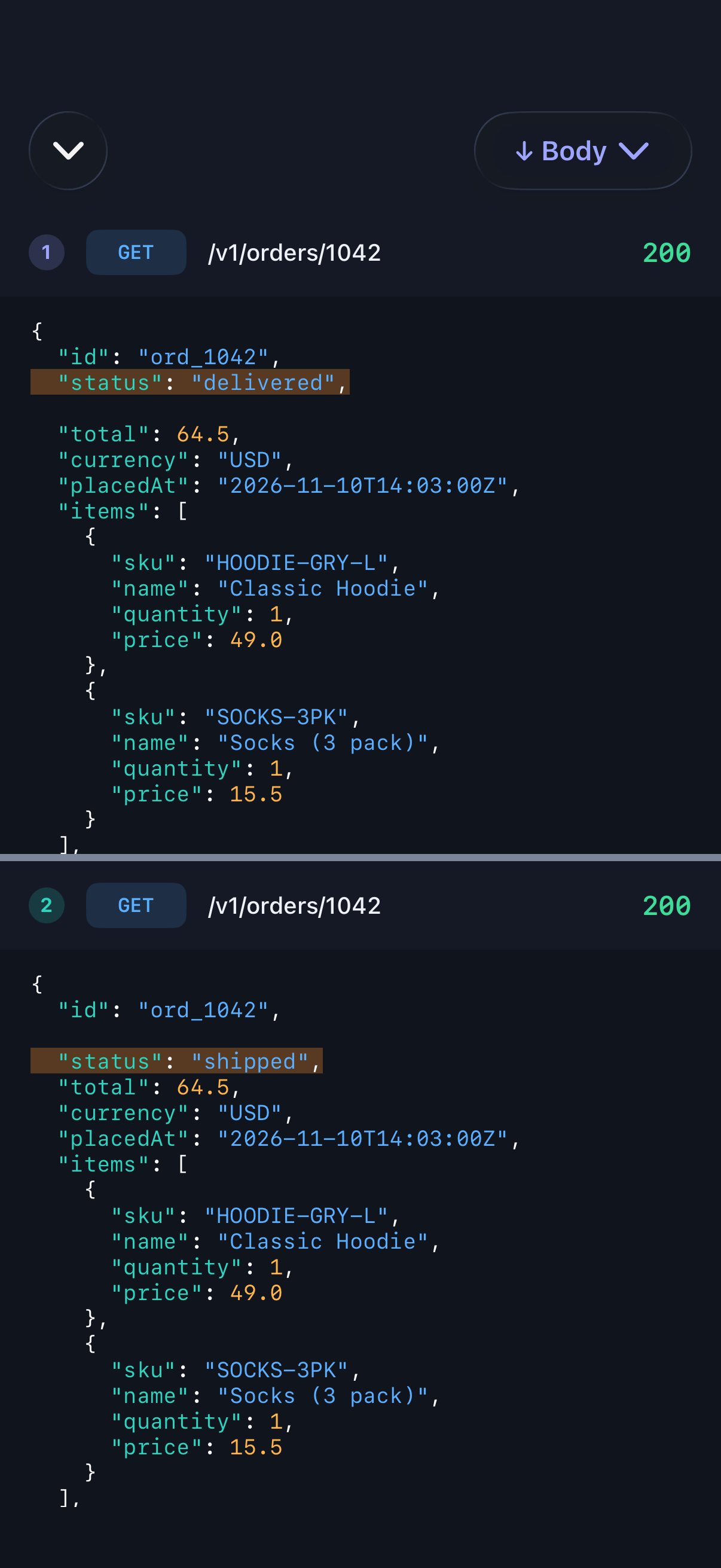
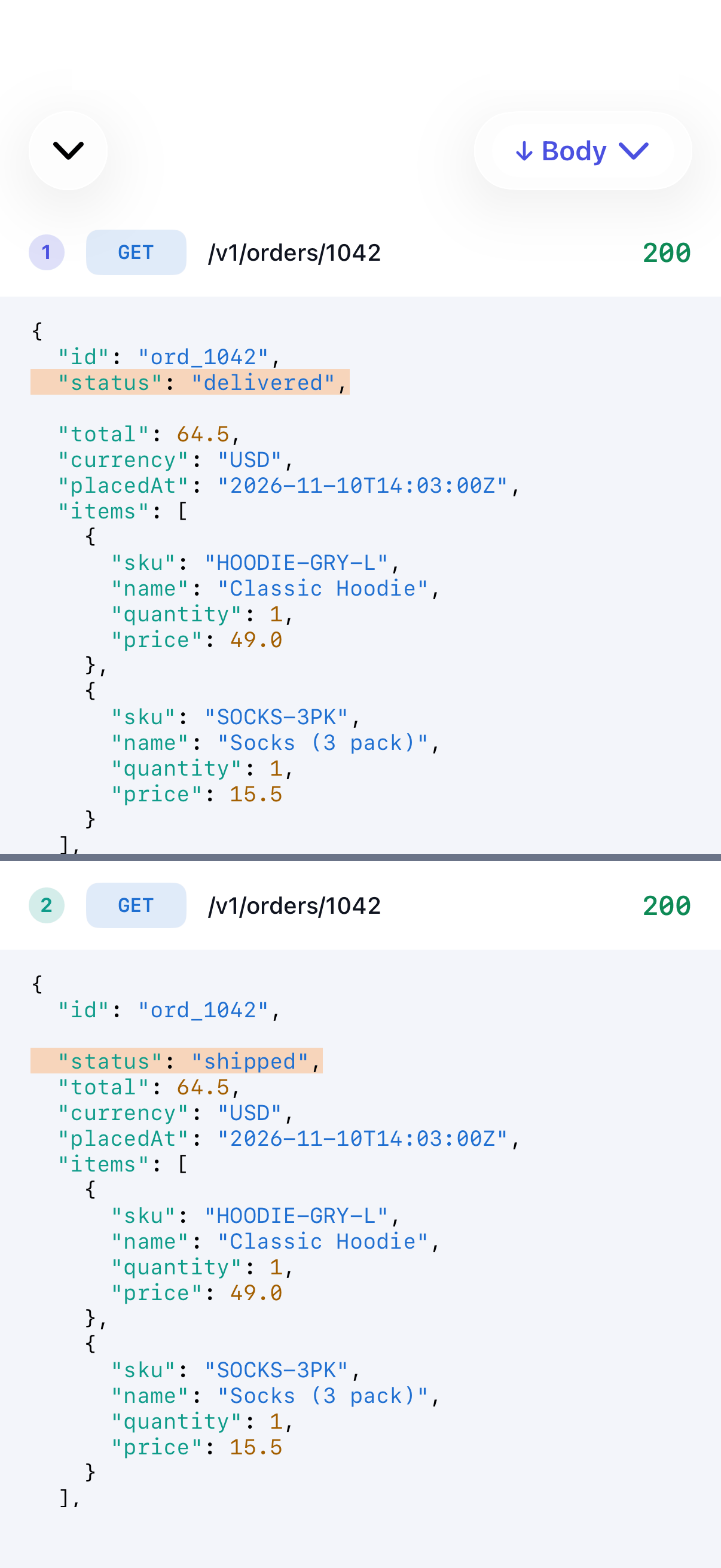
Choose any two captured calls and SoftLee shows them side by side, with differing lines highlighted and both sides aligned row by row. Switch between request headers, request body, response headers and response body.
- Side-by-side, line-aligned view
- Differences highlighted
- Compare request or response headers and bodies
Saved Sessions
Never lose the run that showed the bug.
The request that explains a bug is often the one you scrolled past an hour ago. It should still be there.
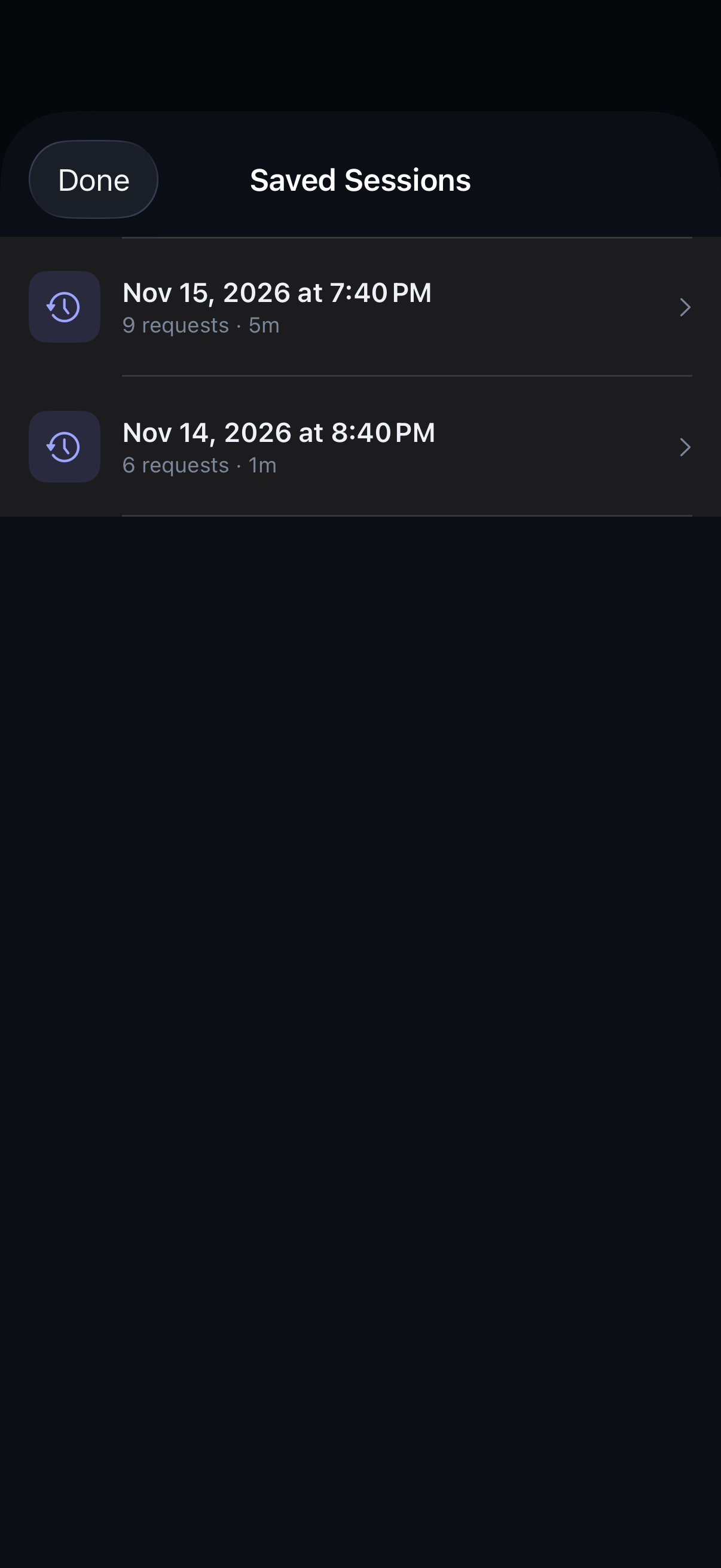
Each capture run is kept as a session on your device. Go back to the traffic from an hour or a day ago and inspect it exactly as it was recorded.
- Sessions saved automatically
- Stored only on your device until you clear them
Export
Hand over a reproduction, not a description.
A bug report is fastest to act on when it can be run. Share the exact request instead of describing it.
Copy any request as a cURL command a teammate can run as-is. Export one call or everything you've filtered as a HAR file, or as a Postman collection organised into folders by host and path, ready to import. Nothing is shared until you choose to share it.
- Copy as cURL
- Export a single call or filtered traffic as HAR
- Export filtered traffic as a Postman collection
- Copy the URL, the request or the response
- Share through the system share sheet
Good to know
What SoftLee can't see.
- Apps that pin their certificates can't be decrypted, and SoftLee doesn't try to work around that. Exclude their domains and they keep working normally.
- HTTP/2, HTTP/3 (QUIC) and WebSocket traffic may not be inspected.
- Breakpoints and Map Local work only on domains you've chosen to decrypt.
Some features have daily or rule limits on the free plan. Compare plans →