Guide
Comparing two requests
Put two calls side by side and see exactly what changed.
When a call works once and fails the next time, the cause is in the difference. Compare puts two captured calls side by side and highlights every line that differs.
Step 01
Add the first call
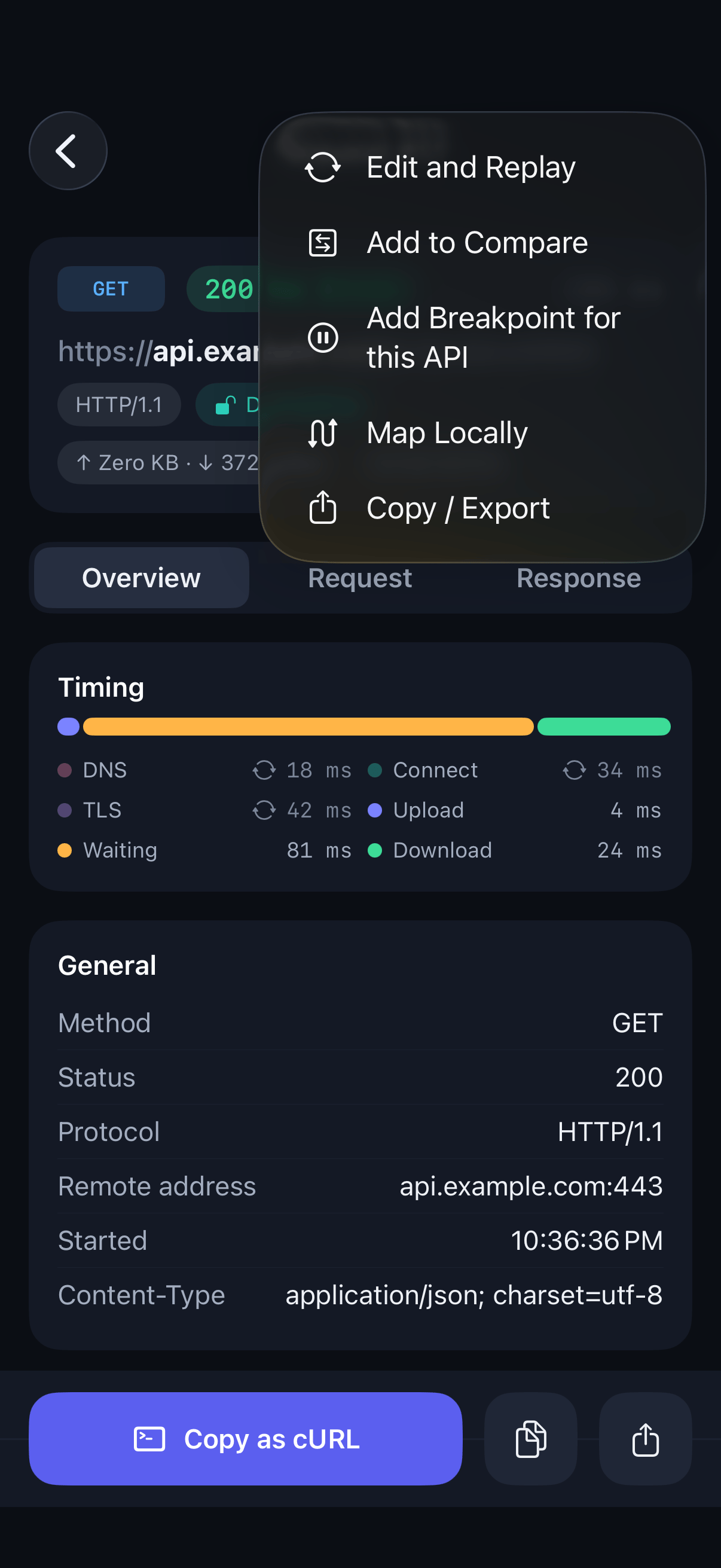
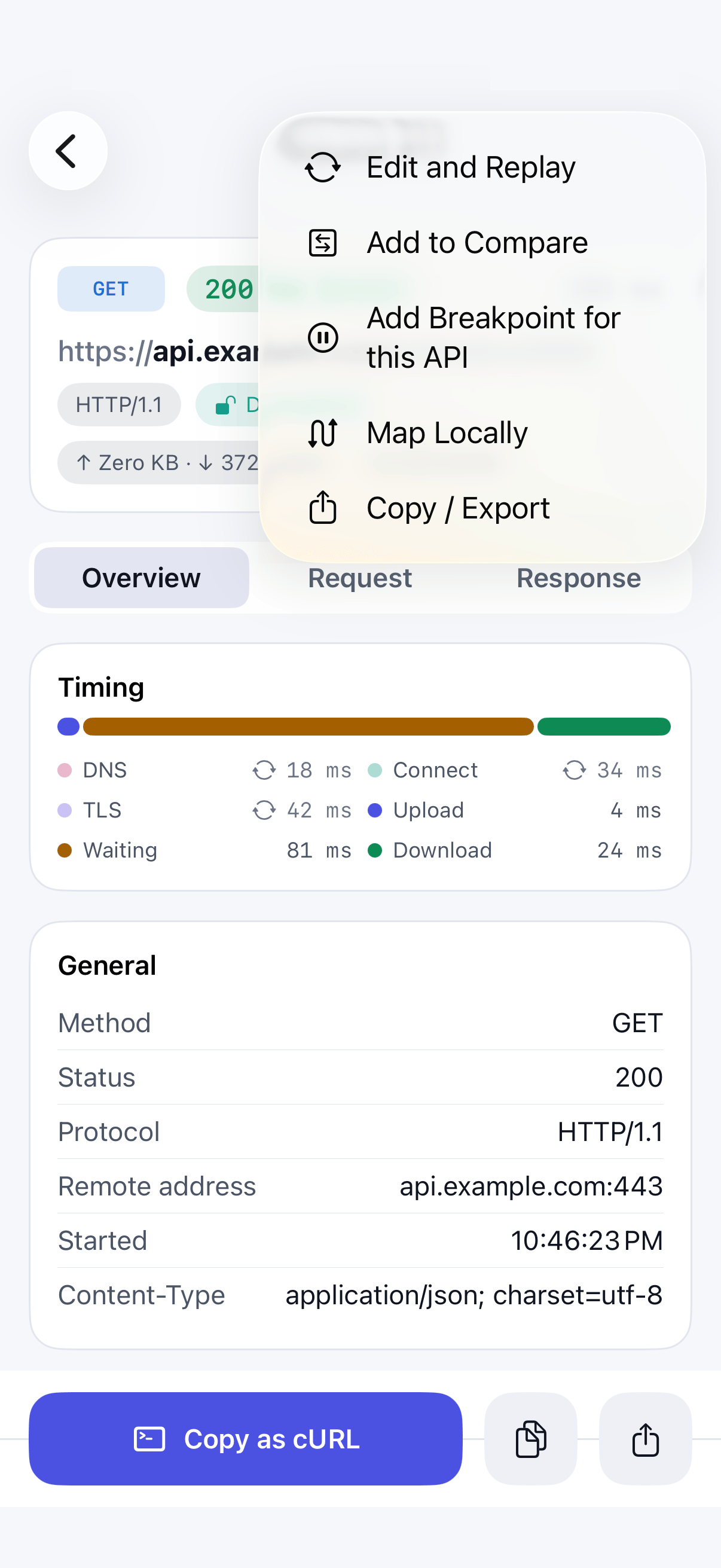
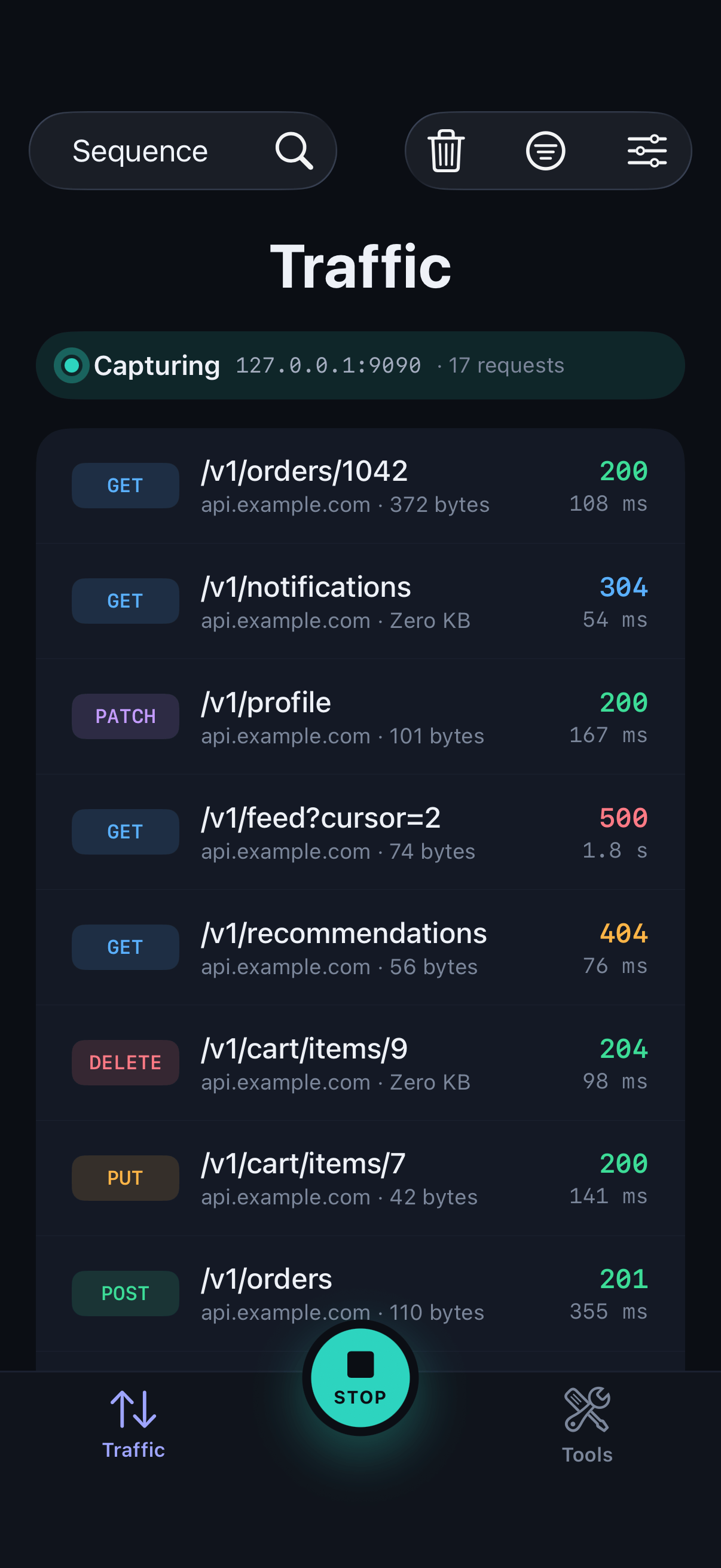
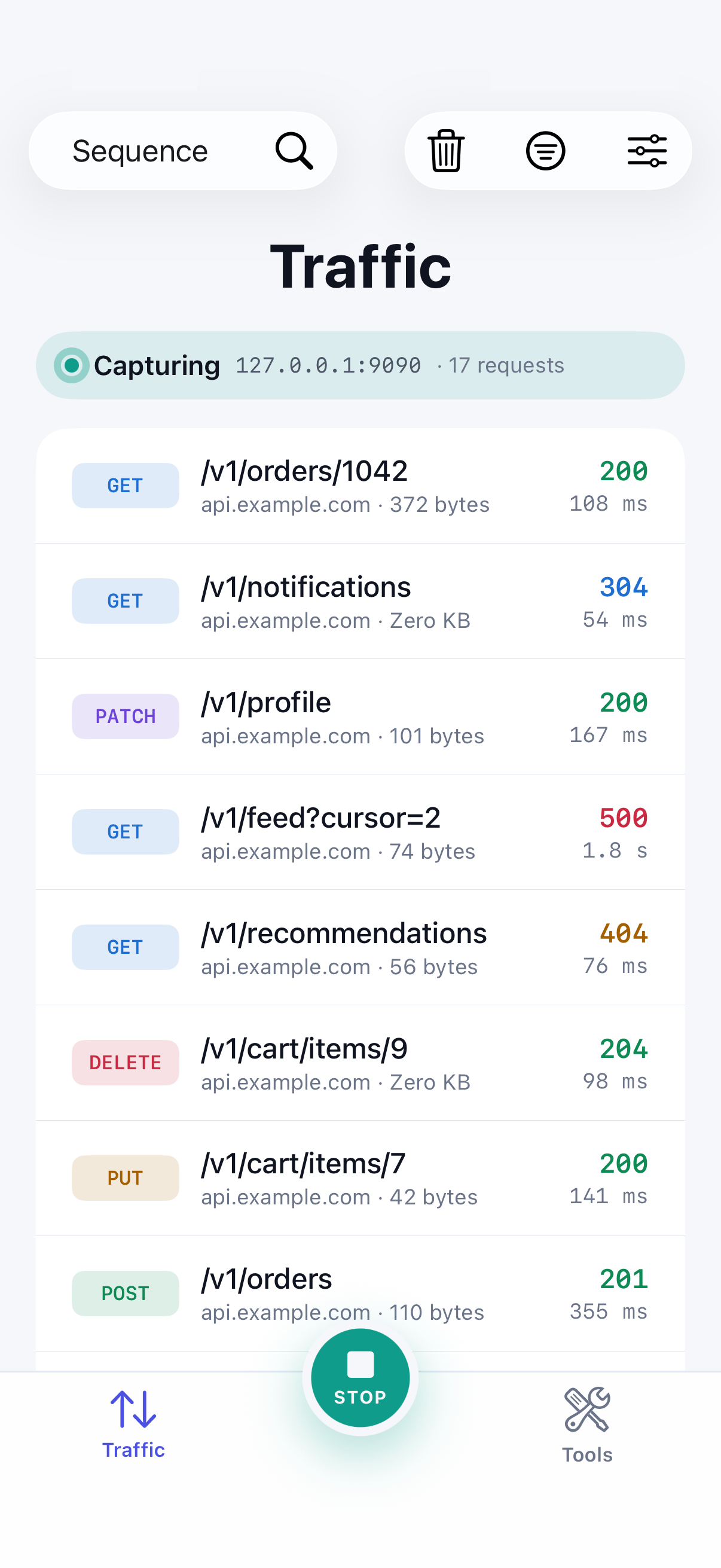
In the traffic list, touch and hold a call and choose Add to Compare. You can also choose it from a call's … menu.
Step 02
Add the second call
Do the same for the call you want to compare it with, such as the failing version of the same request.
Step 03
Pick the pair
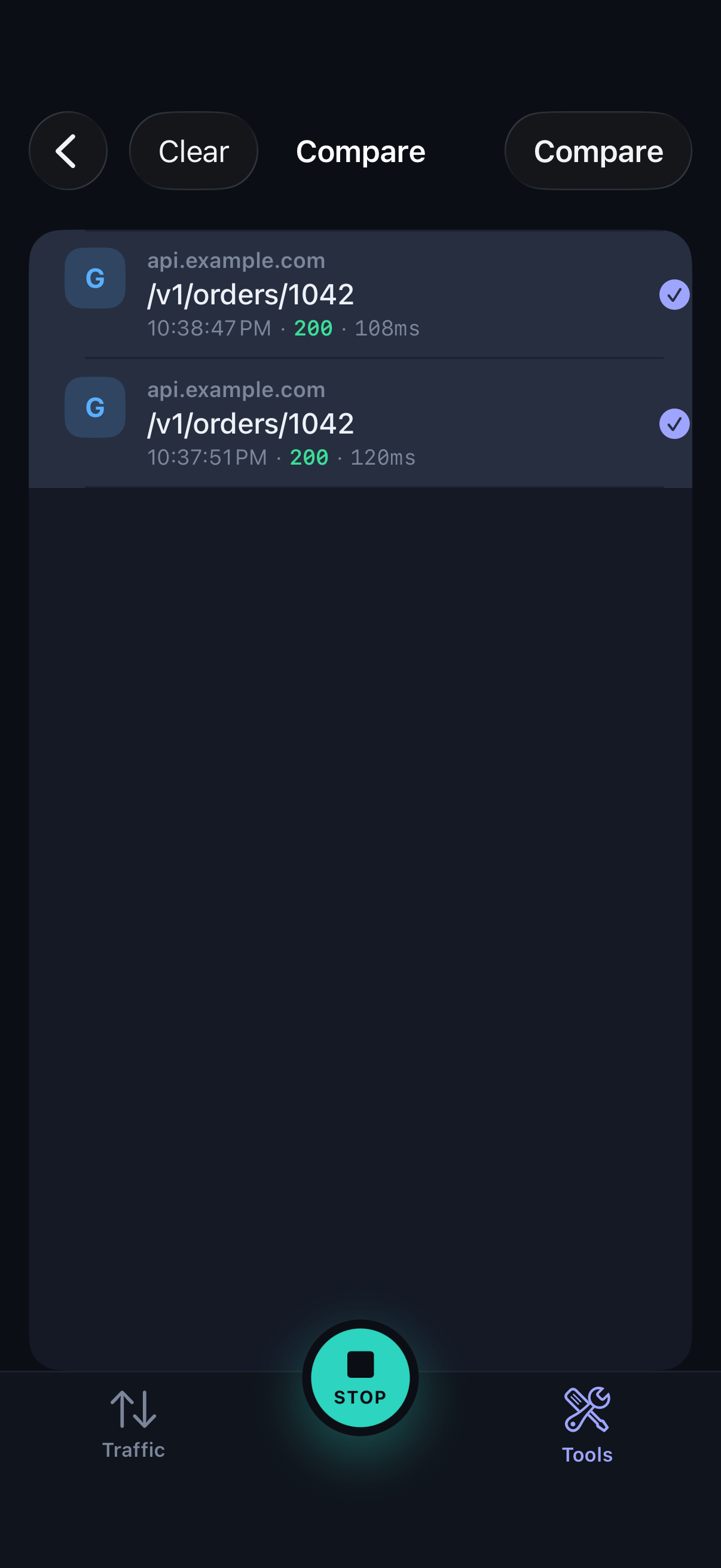
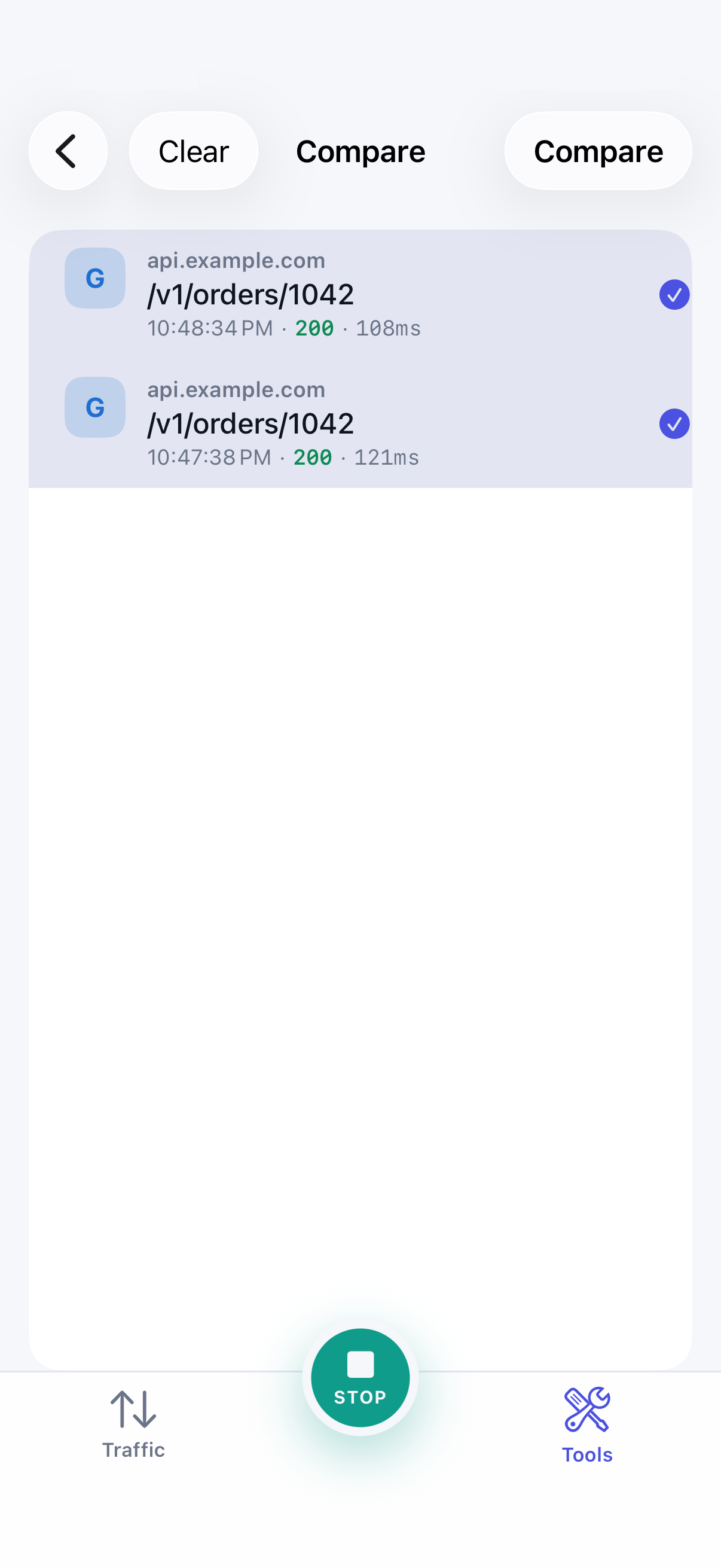
Open Compare from the Tools tab, select the two calls, and tap Compare.
Step 04
Read the differences
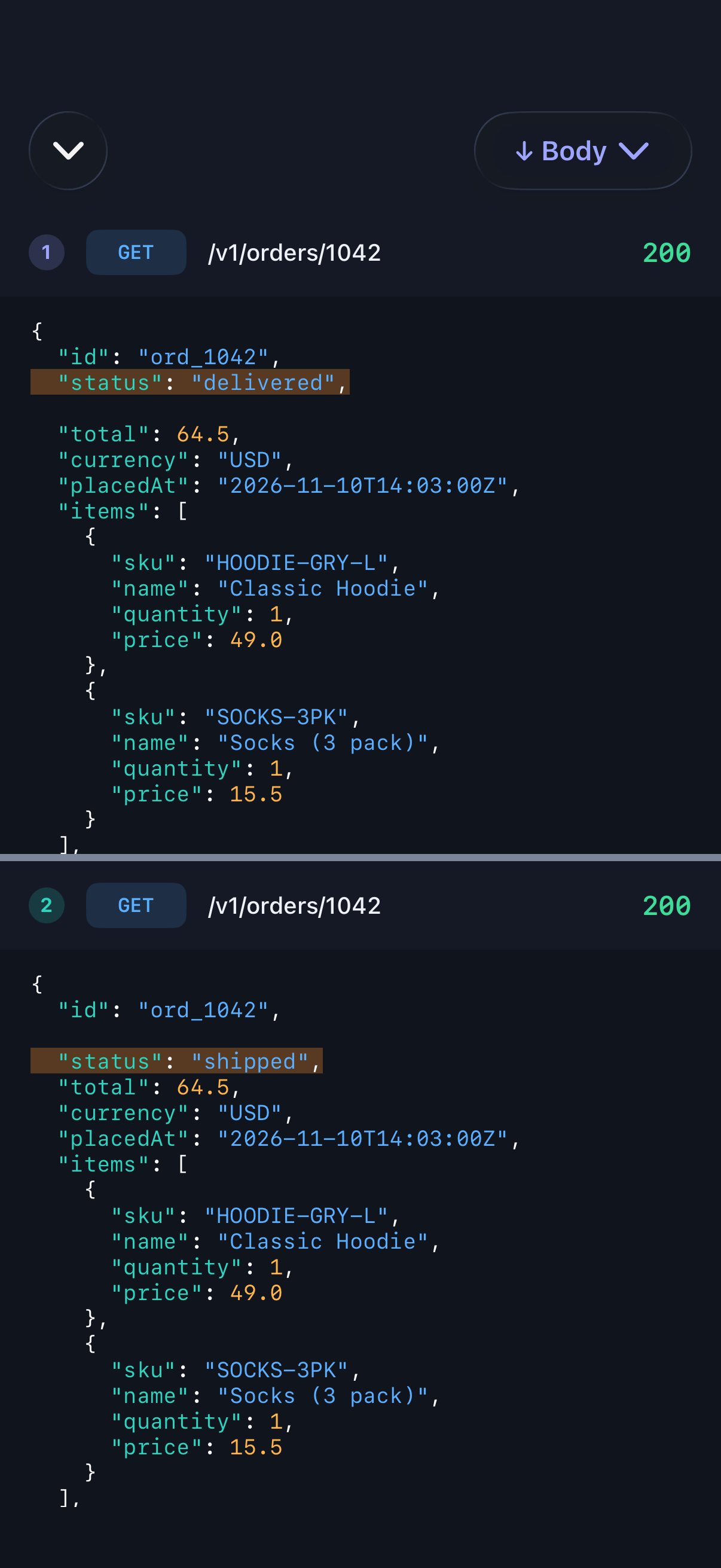
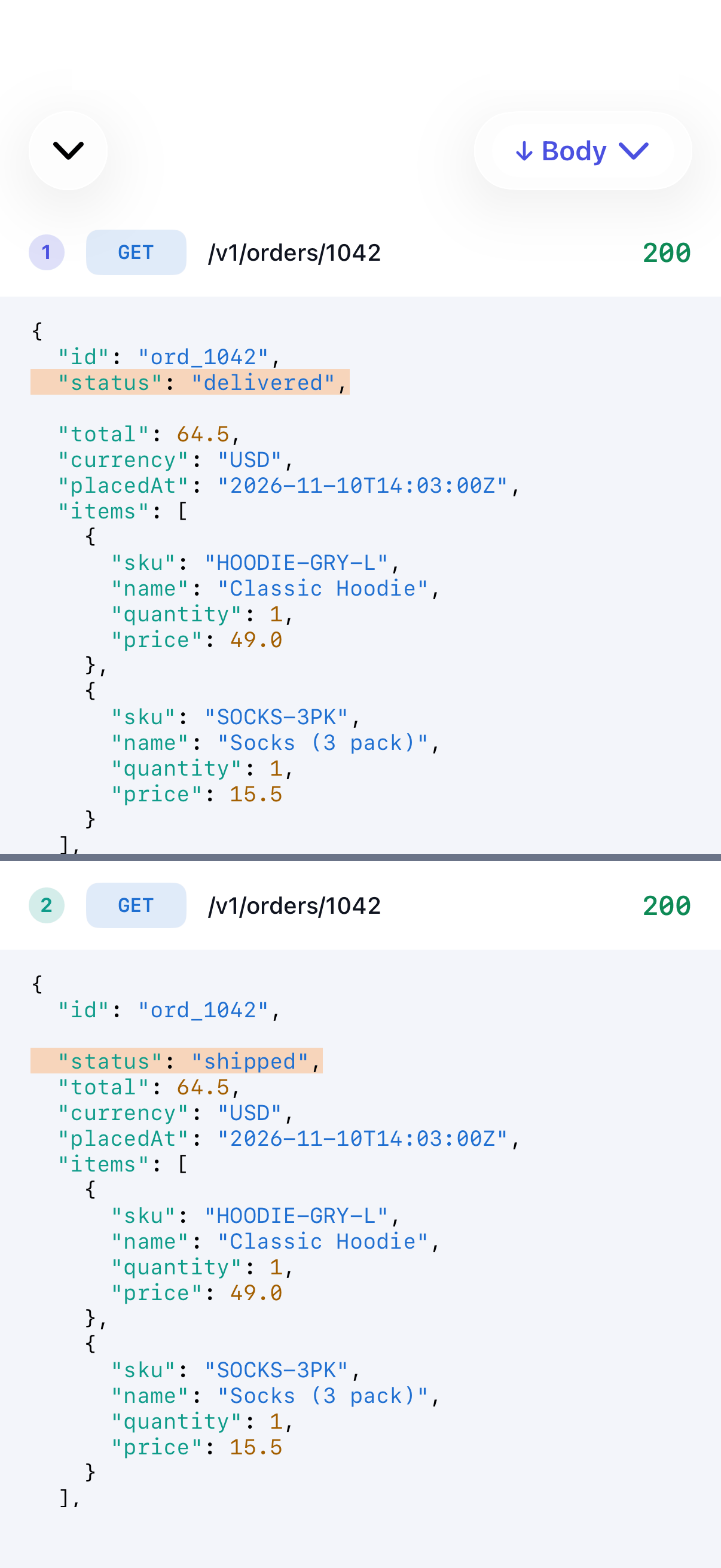
The calls appear side by side, aligned line by line, with differences highlighted. Switch between request headers, request body, response headers and response body.