Guide
Mocking a response with Map Local
Answer a request with a response you prepared, without contacting the server.
Map Local answers a request with a response you prepared. The real server is never contacted. Use it to build against an endpoint that doesn't exist yet, or to see how your app handles an error the server rarely returns.
Step 01
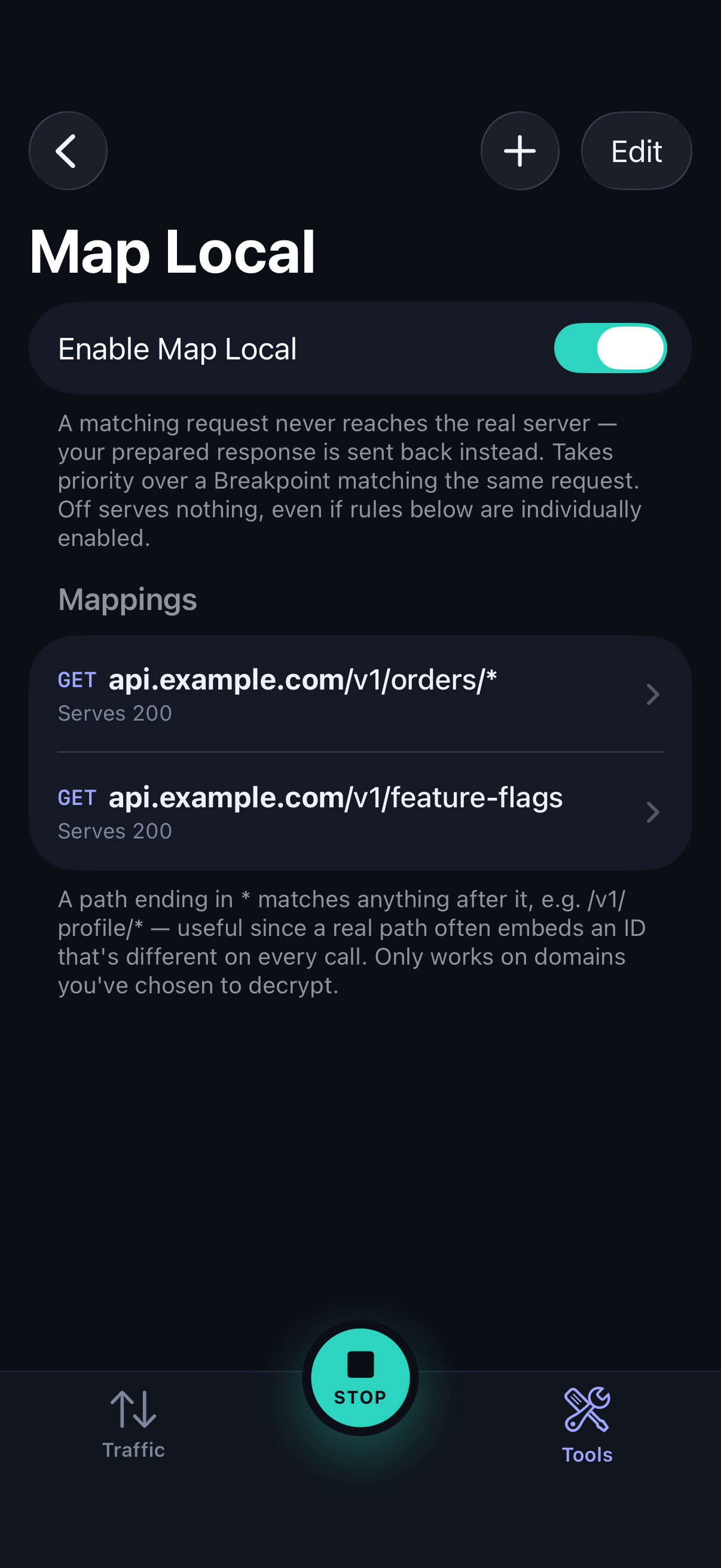
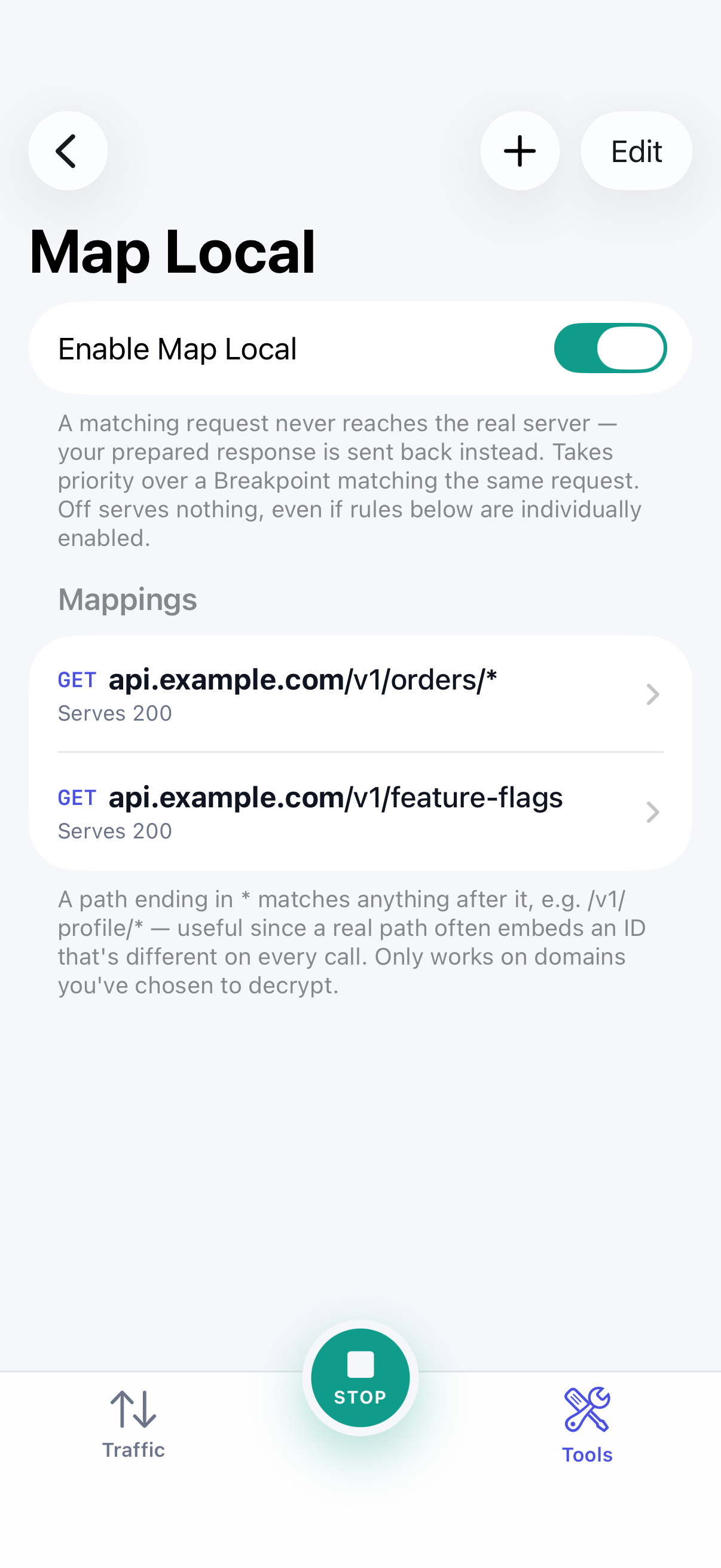
Open Map Local
Open Map Local from the Tools tab and turn on the master switch. With it off, no rule runs.
Step 02
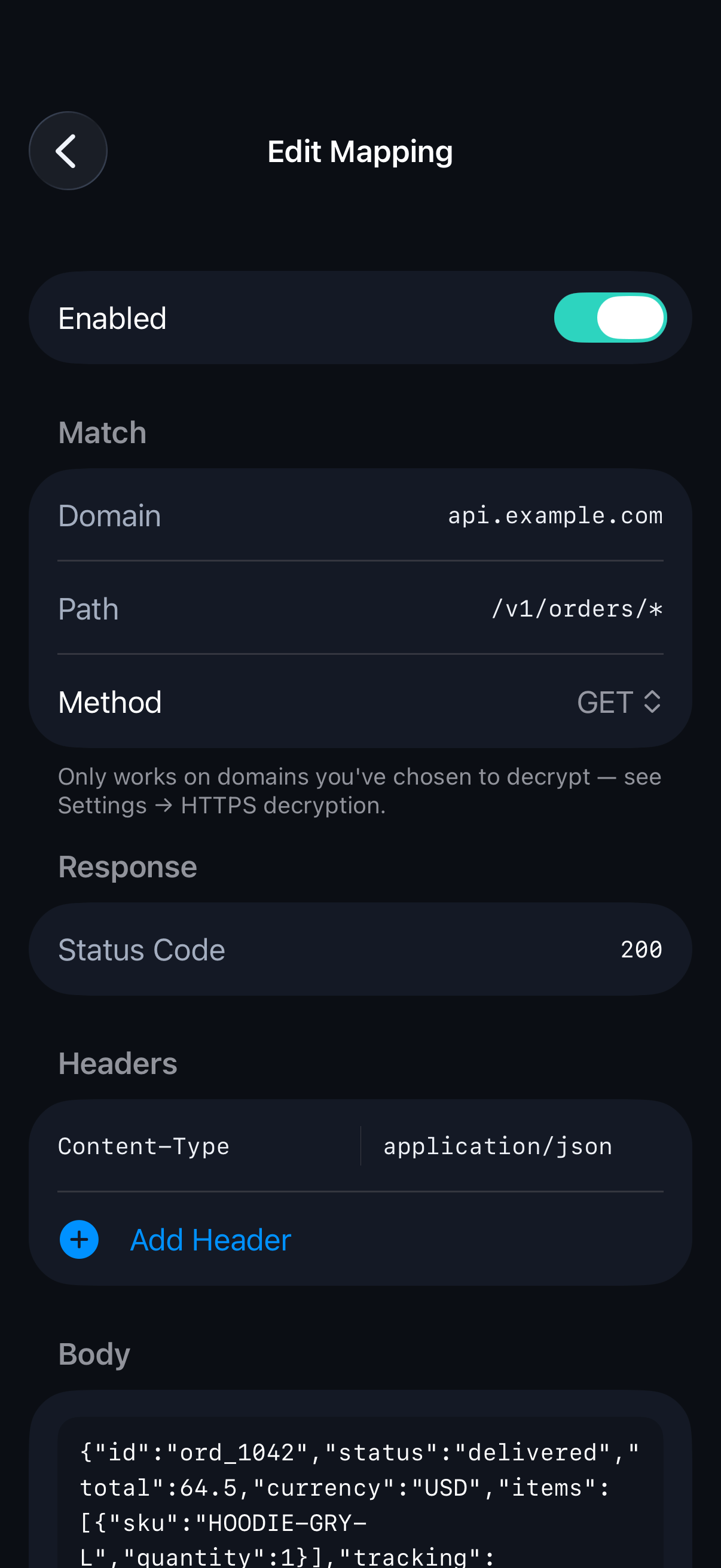
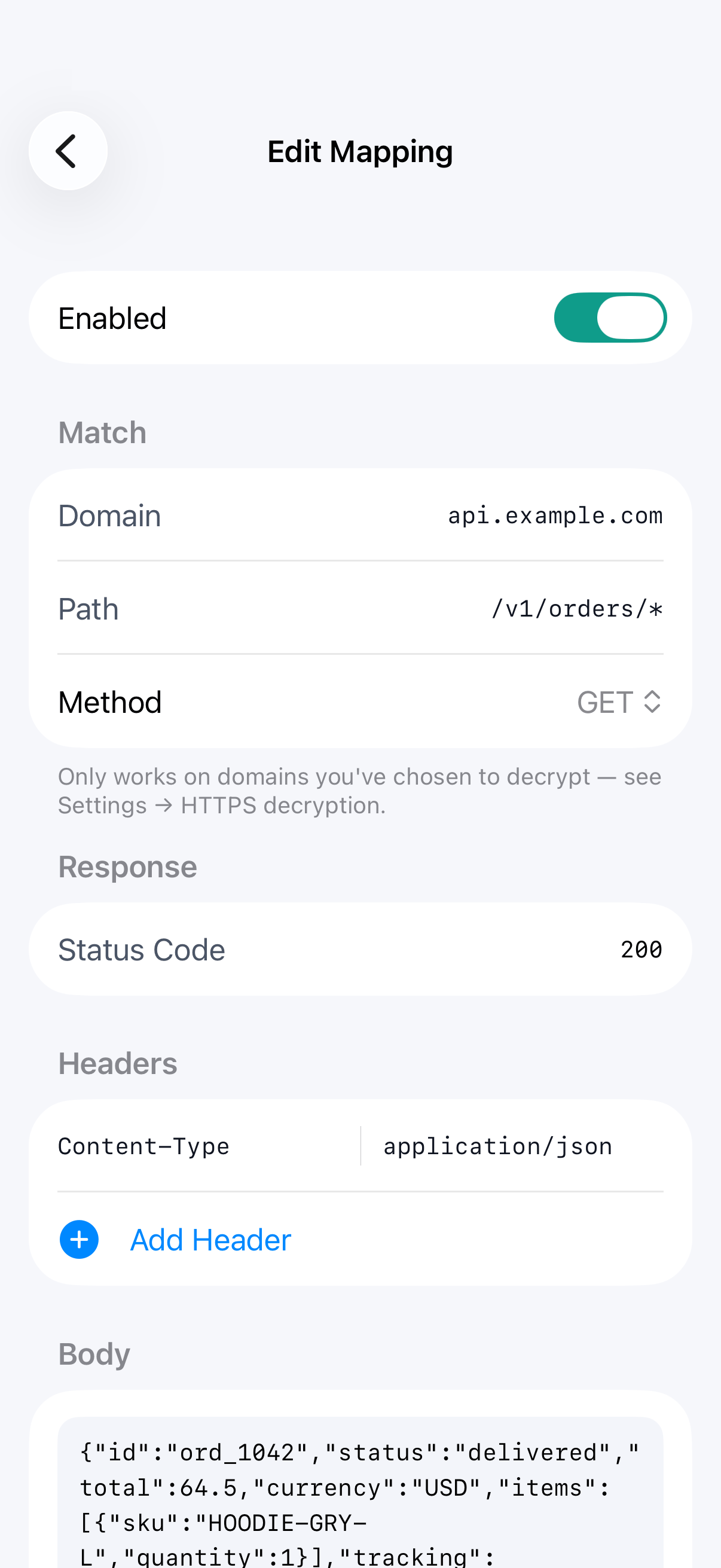
Choose what to match
Add a rule and enter the domain, path and method to match. Use
*.example.comfor subdomains, and end a path with*to match anything after it, such as/v1/profile/*.Step 03
Prepare the response
Set the status code, headers and body SoftLee should send back. You can type the body or load it from a file, and the content type is set to match the file.
Step 04
Or start from a real response
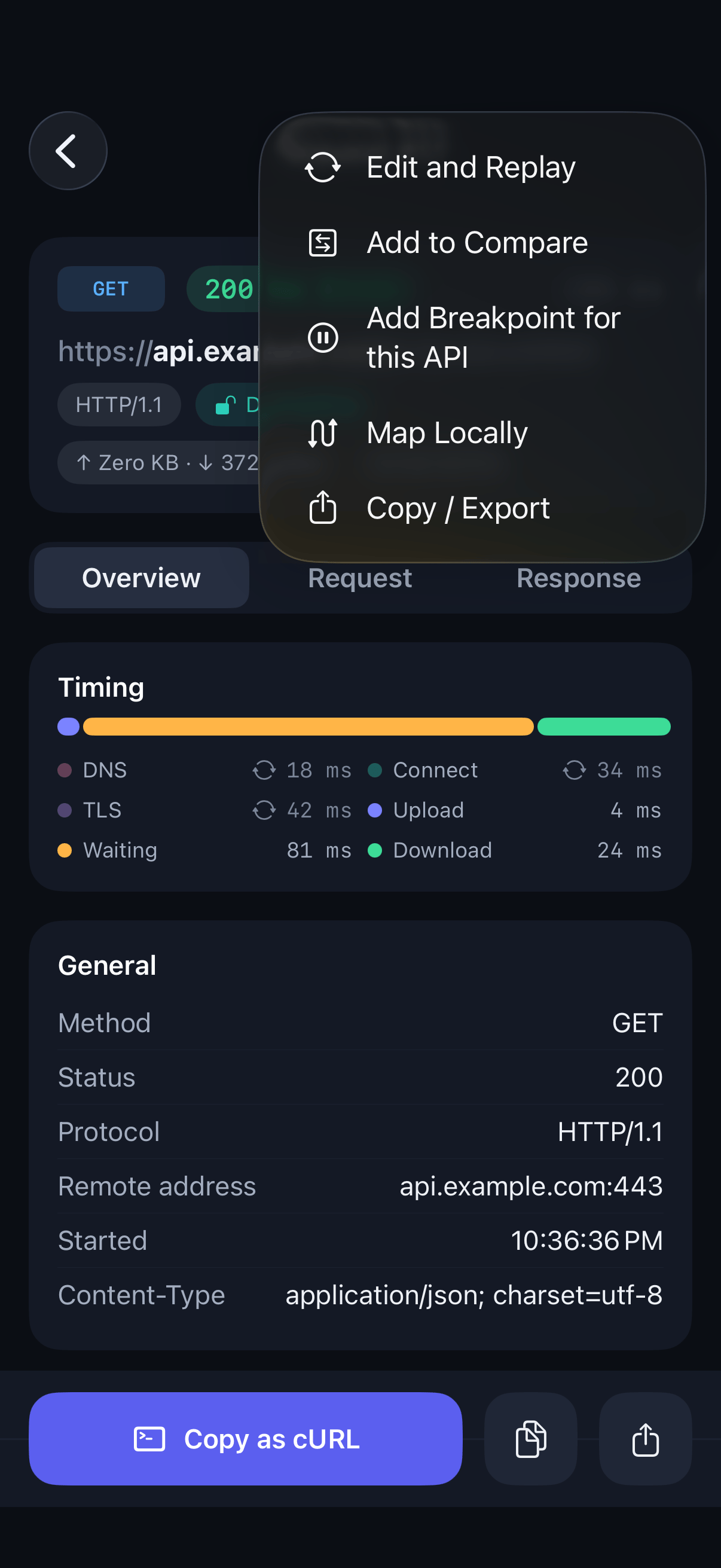
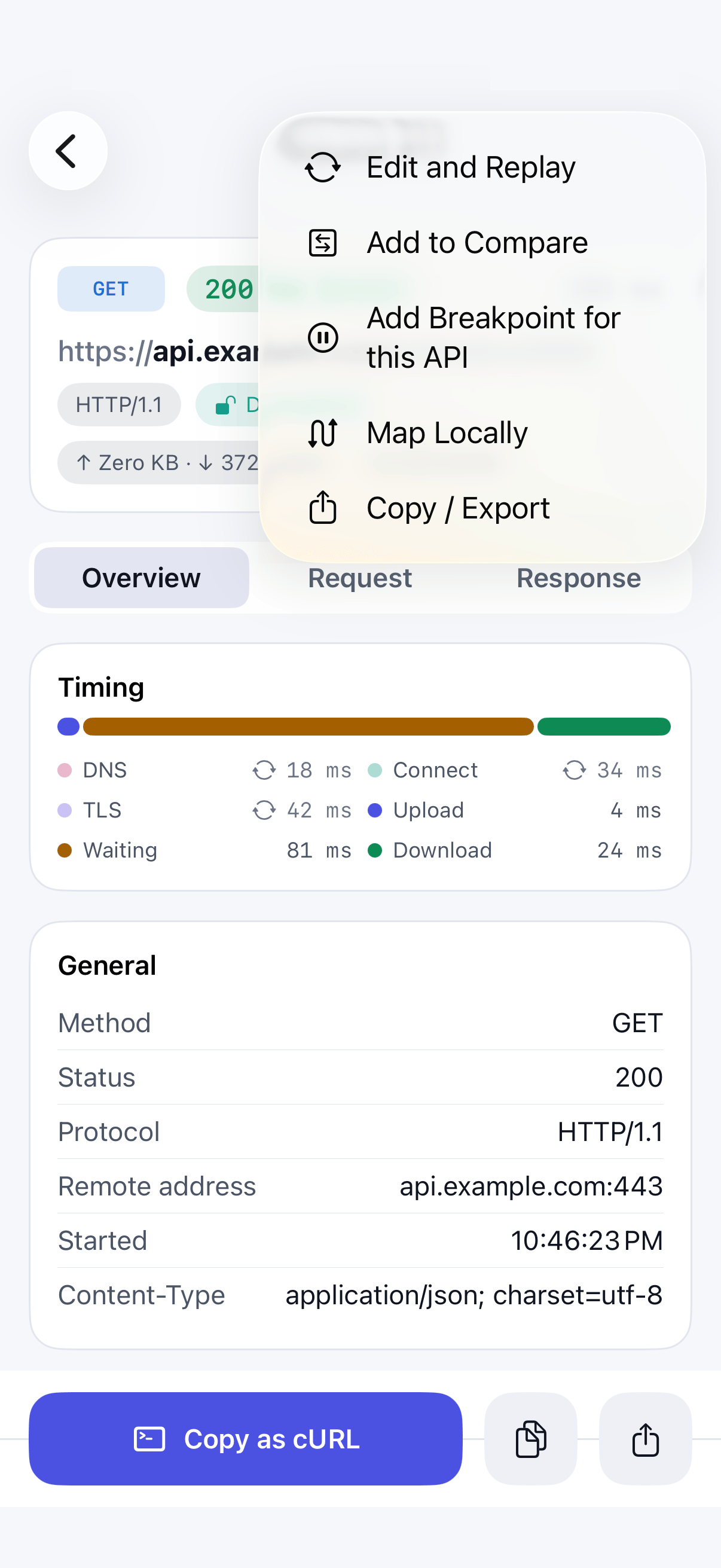
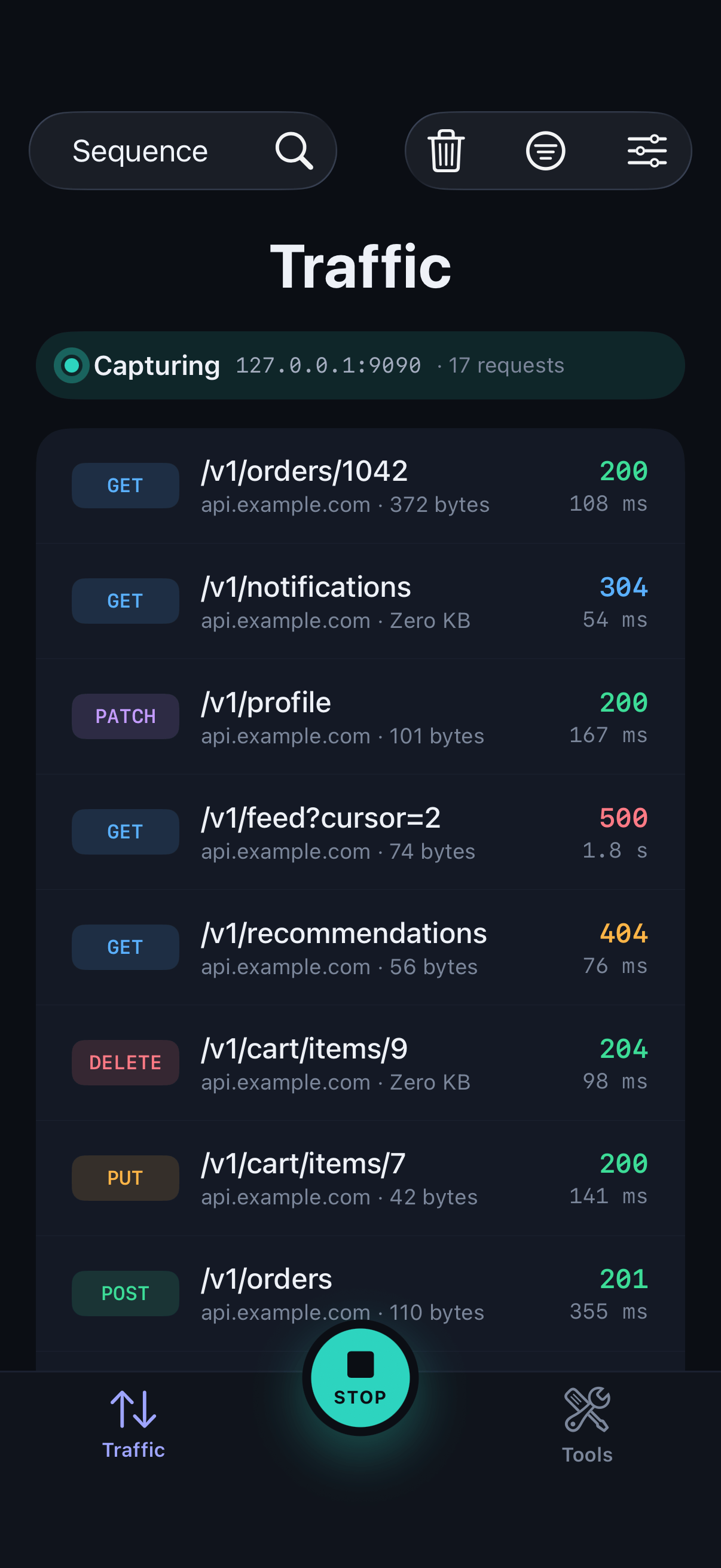
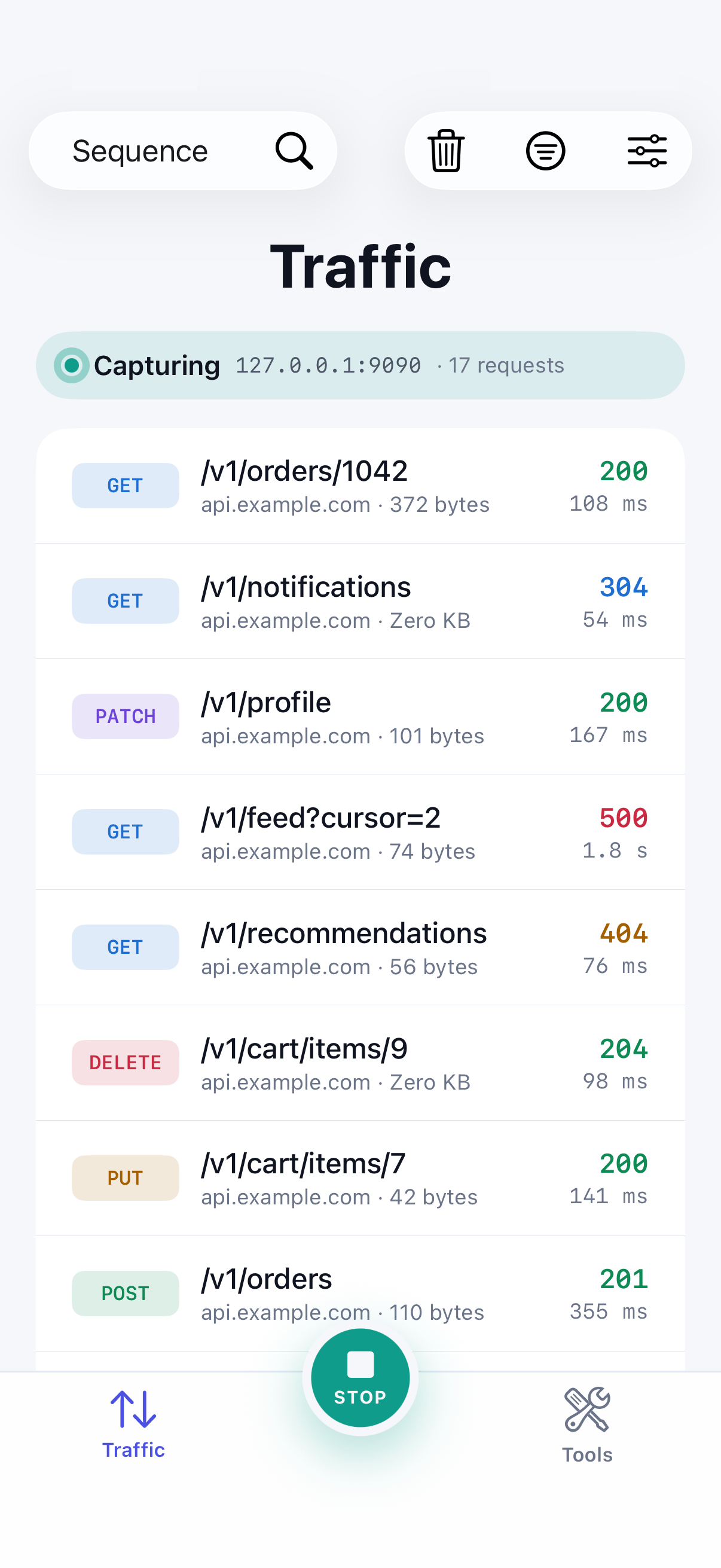
Open a captured call, tap the … menu and choose Map Locally. The rule starts with the real response, ready for you to change.
Step 05
Run your app
Trigger the request in your app. SoftLee returns your prepared response immediately, and the request never leaves the device.