Guide
Choosing which domains are decrypted
Decide exactly which HTTPS traffic SoftLee reads, and leave the rest untouched.
SoftLee only reads the contents of HTTPS traffic for domains you choose. Keeping decryption focused on what you're debugging keeps you in control of what is read, and leaves everything else on the device untouched.
Step 01
Open the decryption settings
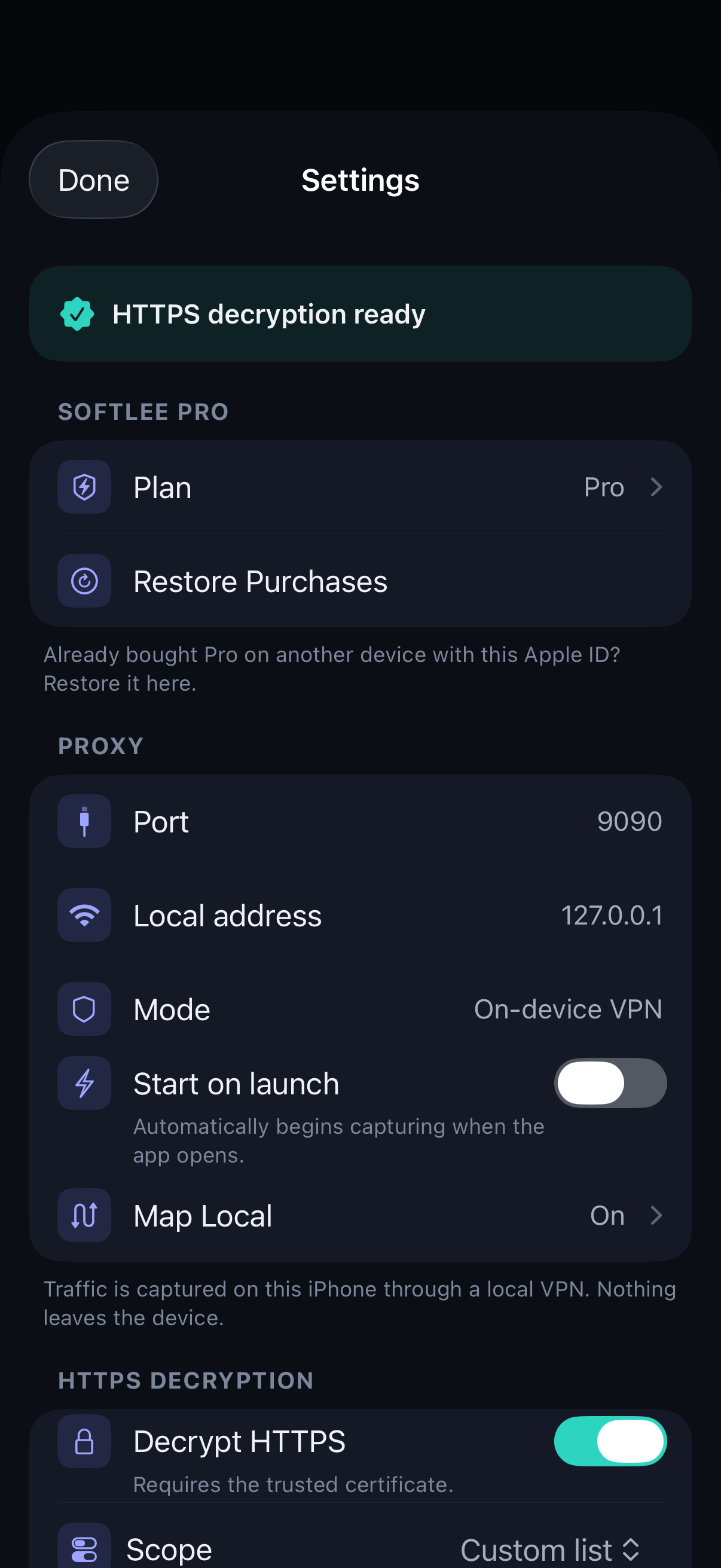
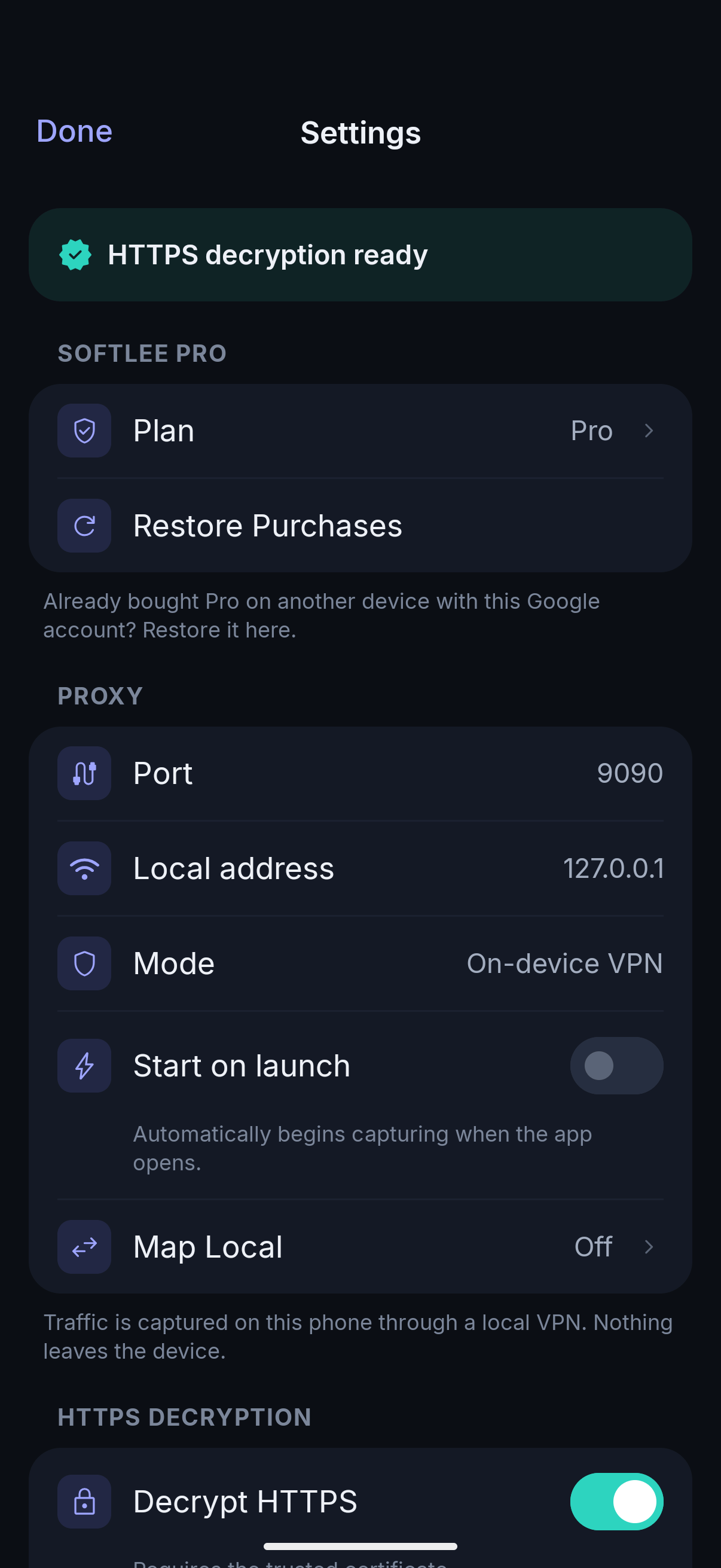
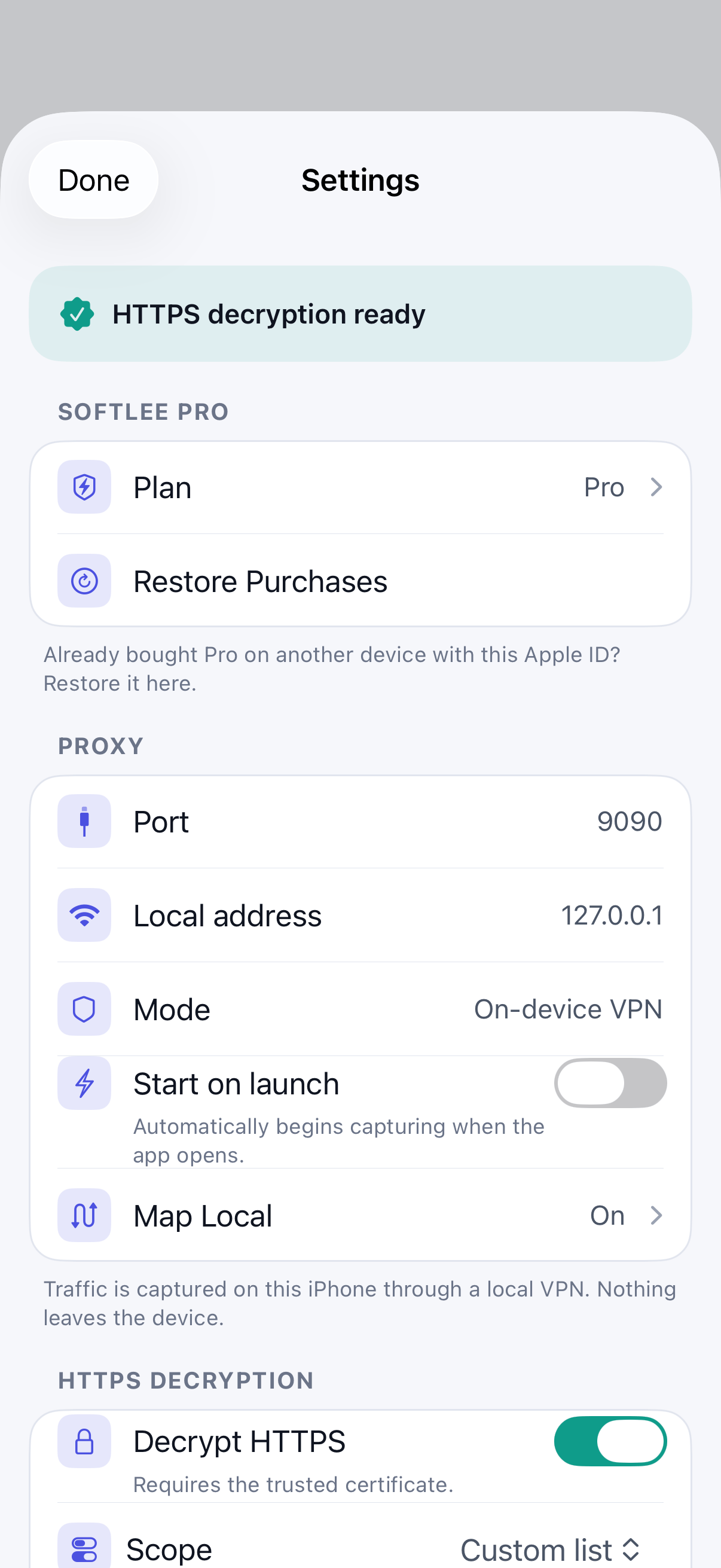
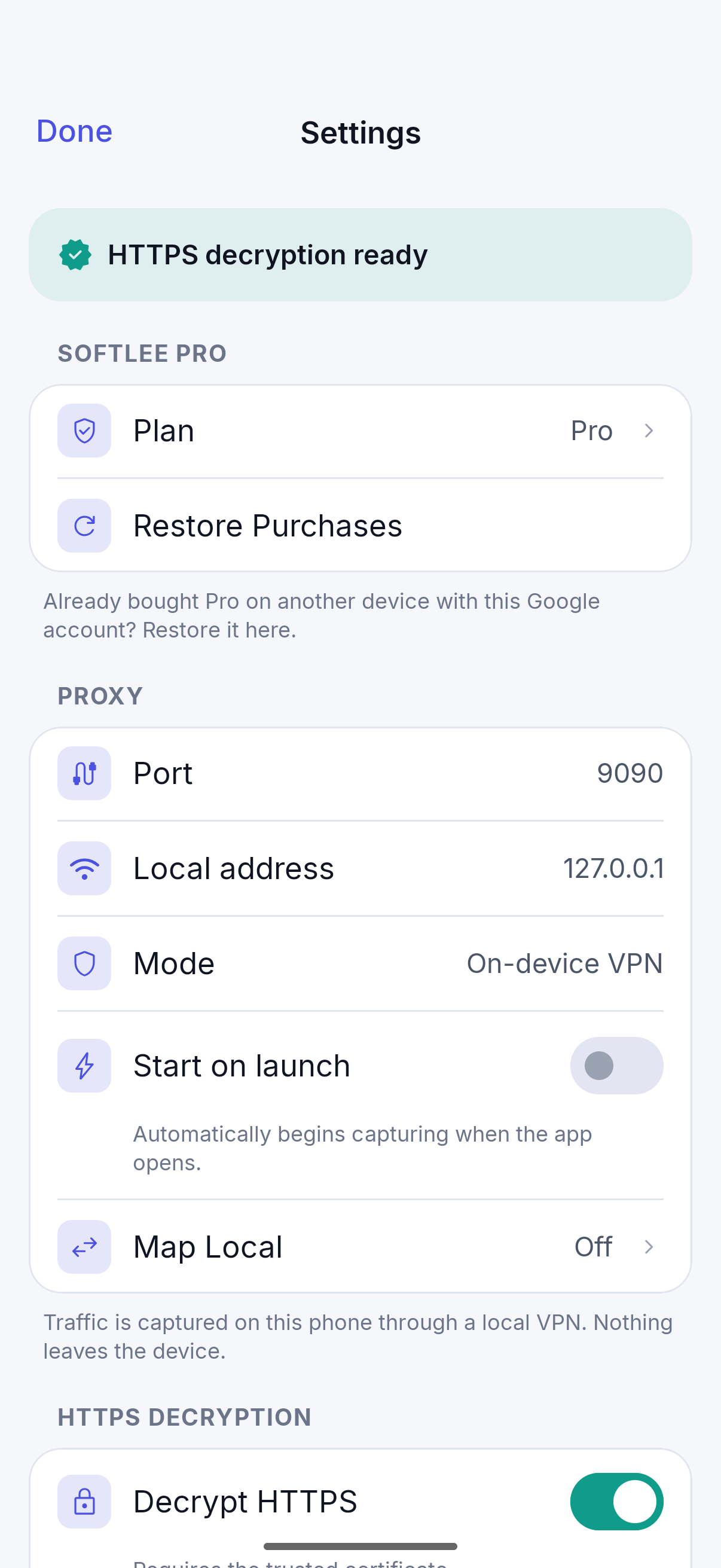
In Settings, then HTTPS decryption, make sure Decrypt HTTPS is on. It requires the trusted certificate from Getting Started.
Step 02
Choose a scope
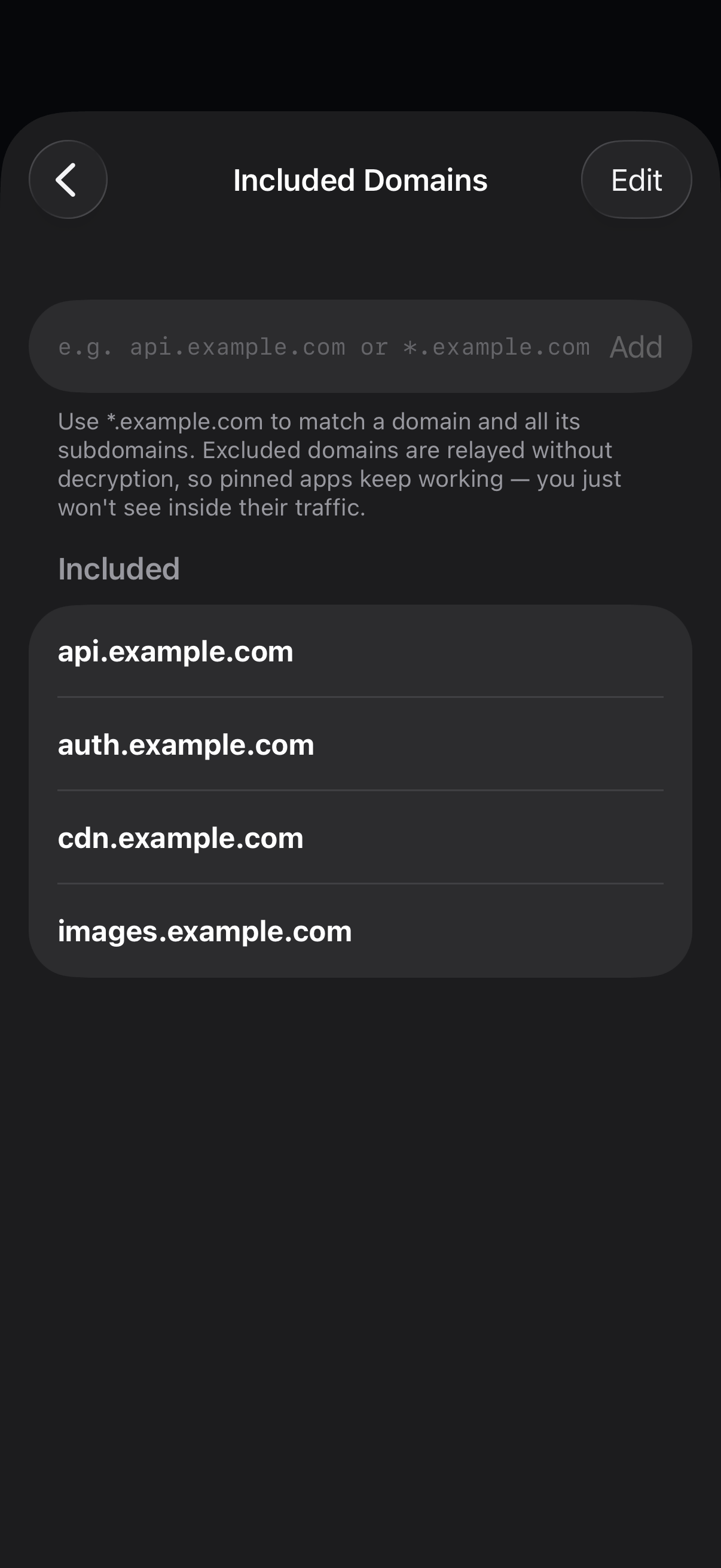
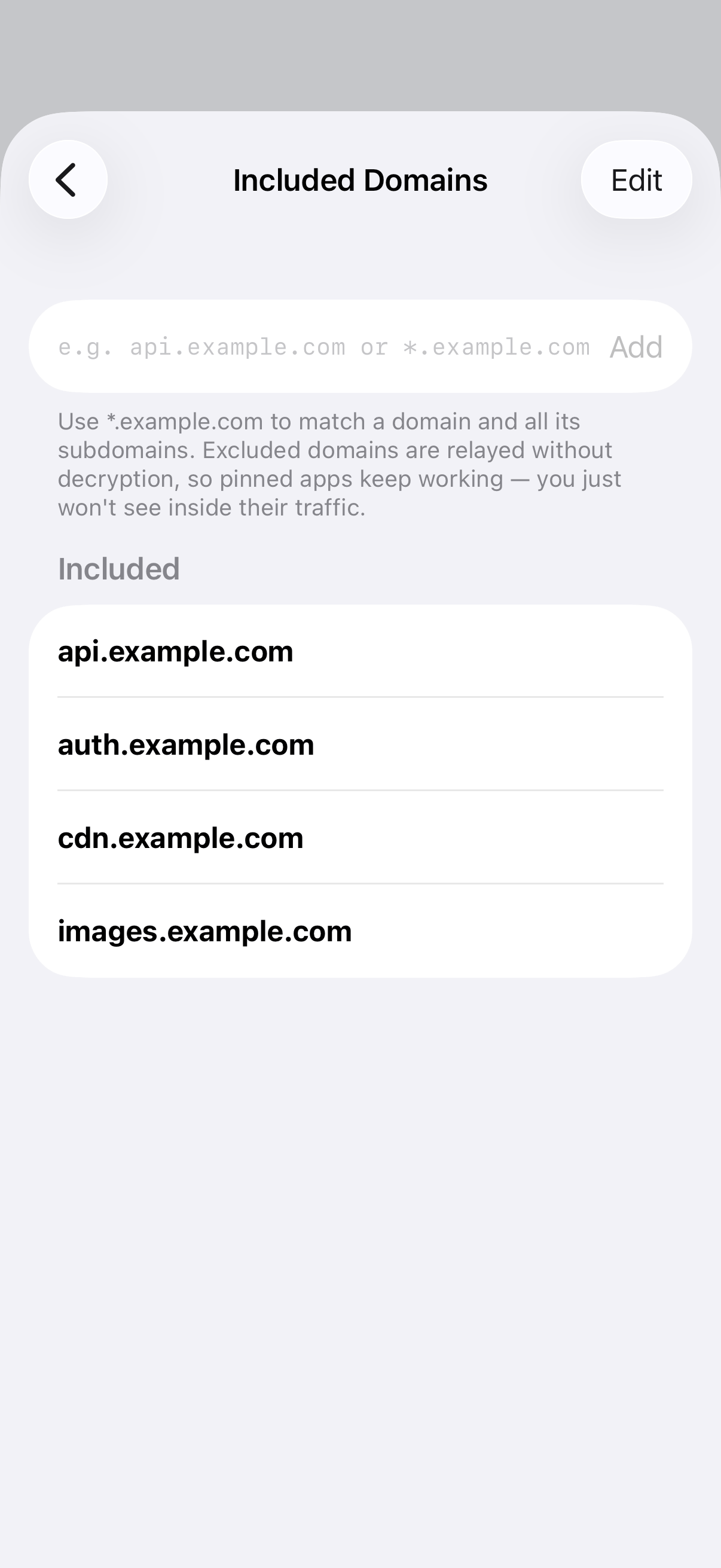
Decrypt all domains, or switch to a custom list and add only the domains you're working on under Included domains. Use
*.example.comto cover a domain and all its subdomains.Step 03
Exclude what you don't need
Add domains to Excluded domains to relay them without decryption. You'll still see that a connection happened, but not its contents.
Step 04
Turn it on from a single call
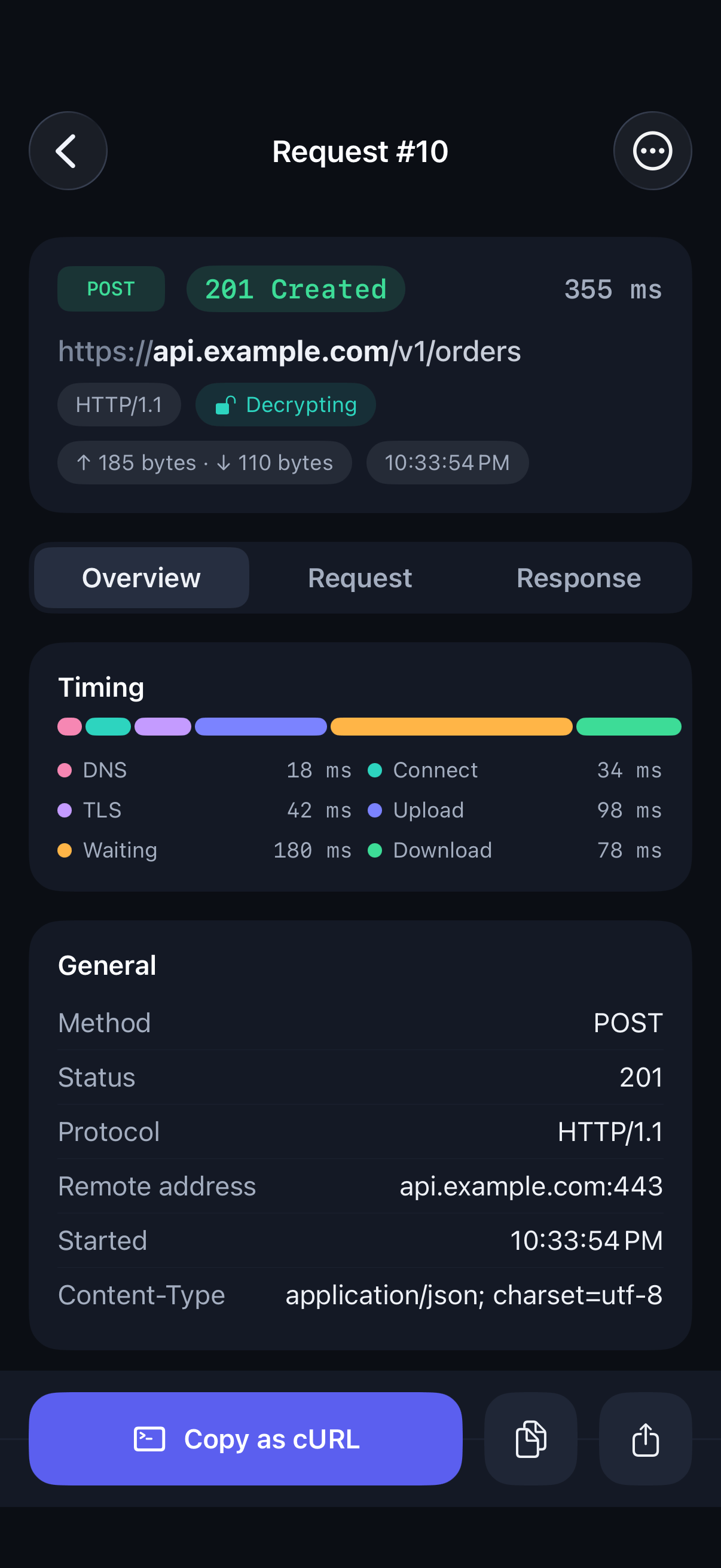
On a call that wasn't decrypted, tap the decryption chip on its detail screen. Future requests to that host are decrypted.