Getting Started
From install to capturing, in a few minutes.
SoftLee needs a few minutes of setup the first time. You install the app, create a root certificate that exists only on your device, tell your phone to trust it, and start capturing.
Step 01
Install SoftLee
Download SoftLee from the App Store. It runs on iPhone and iPad with iOS 17 or later. When you first open it, read the key points and tap I Agree.
Download SoftLee from Google Play. It runs on Android 10 or later. When you first open it, read the key points and tap I Agree.
Step 02
Download and install the certificateSave the certificate
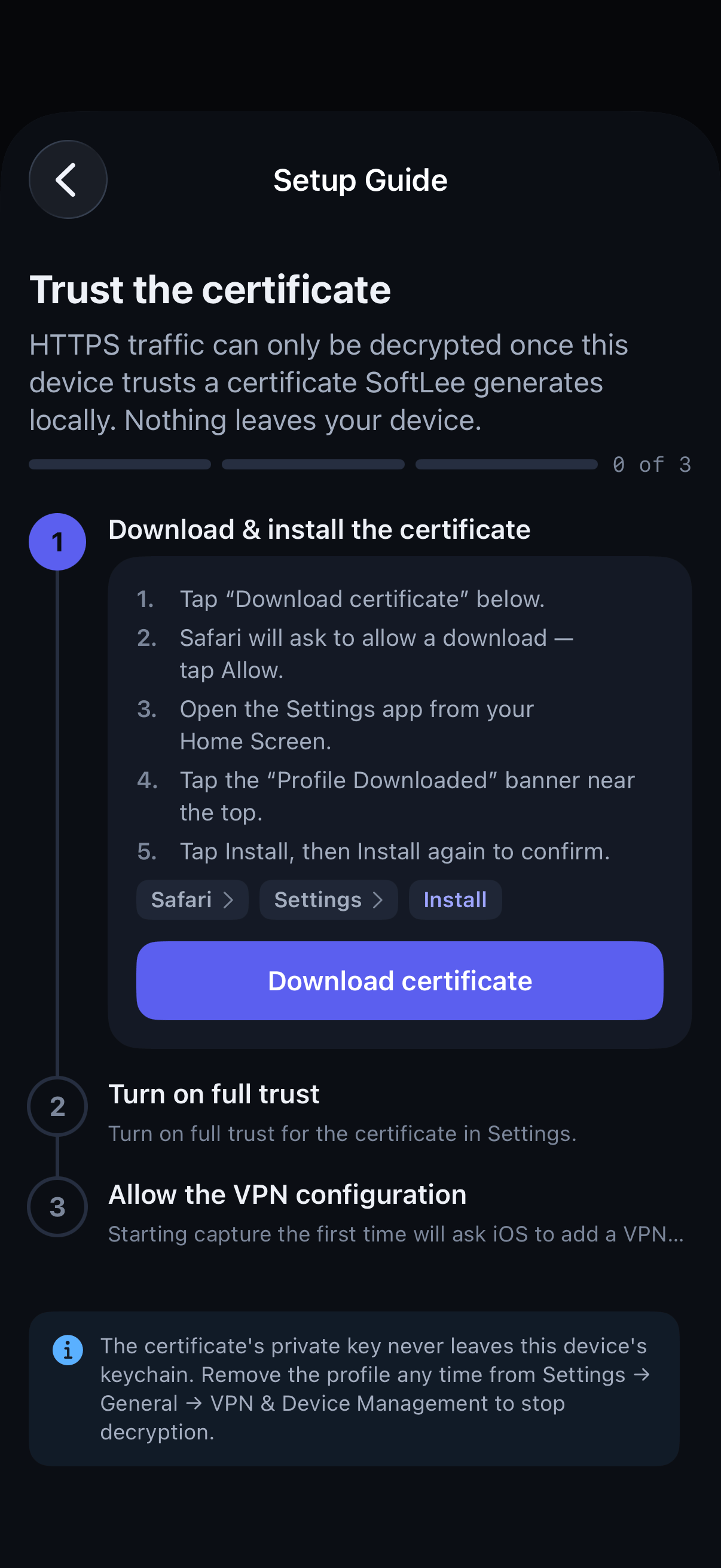
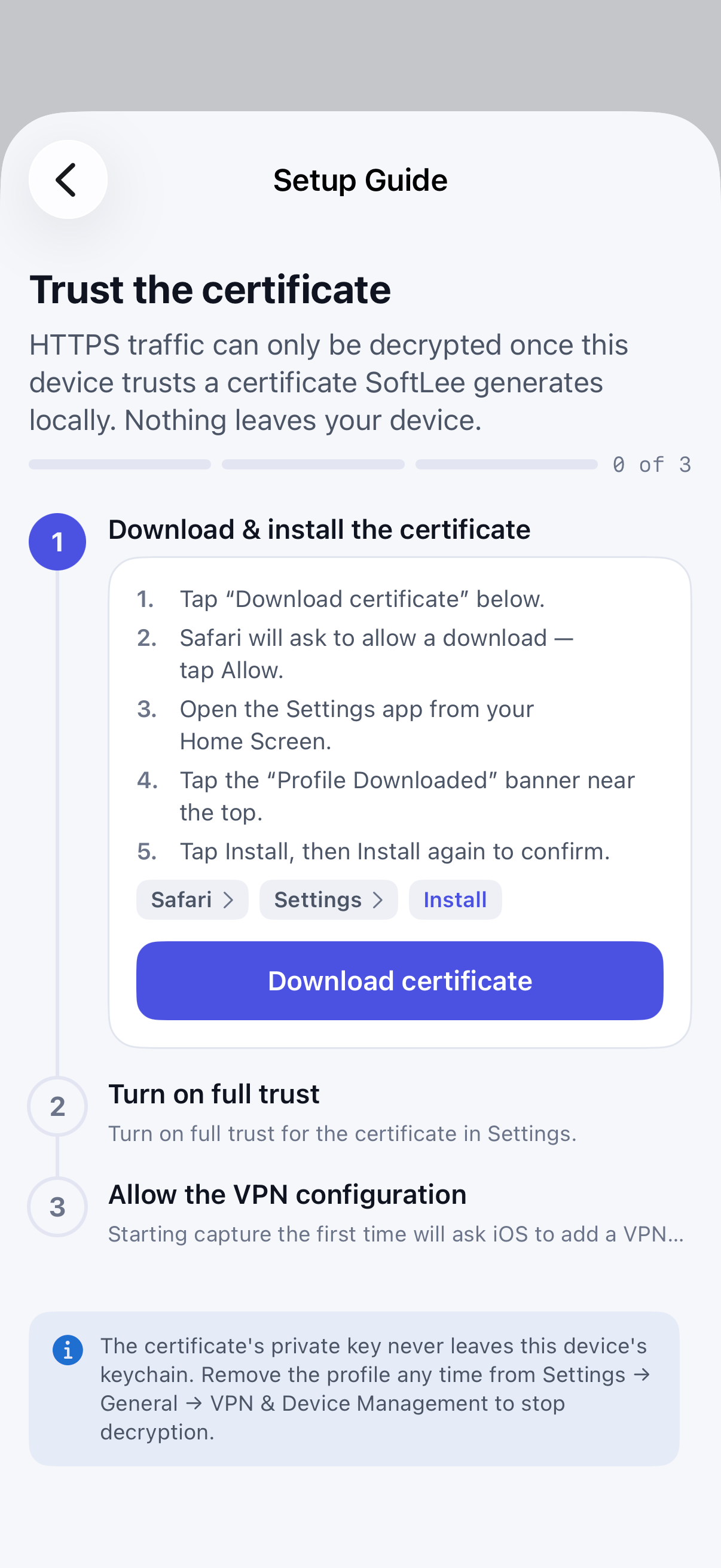
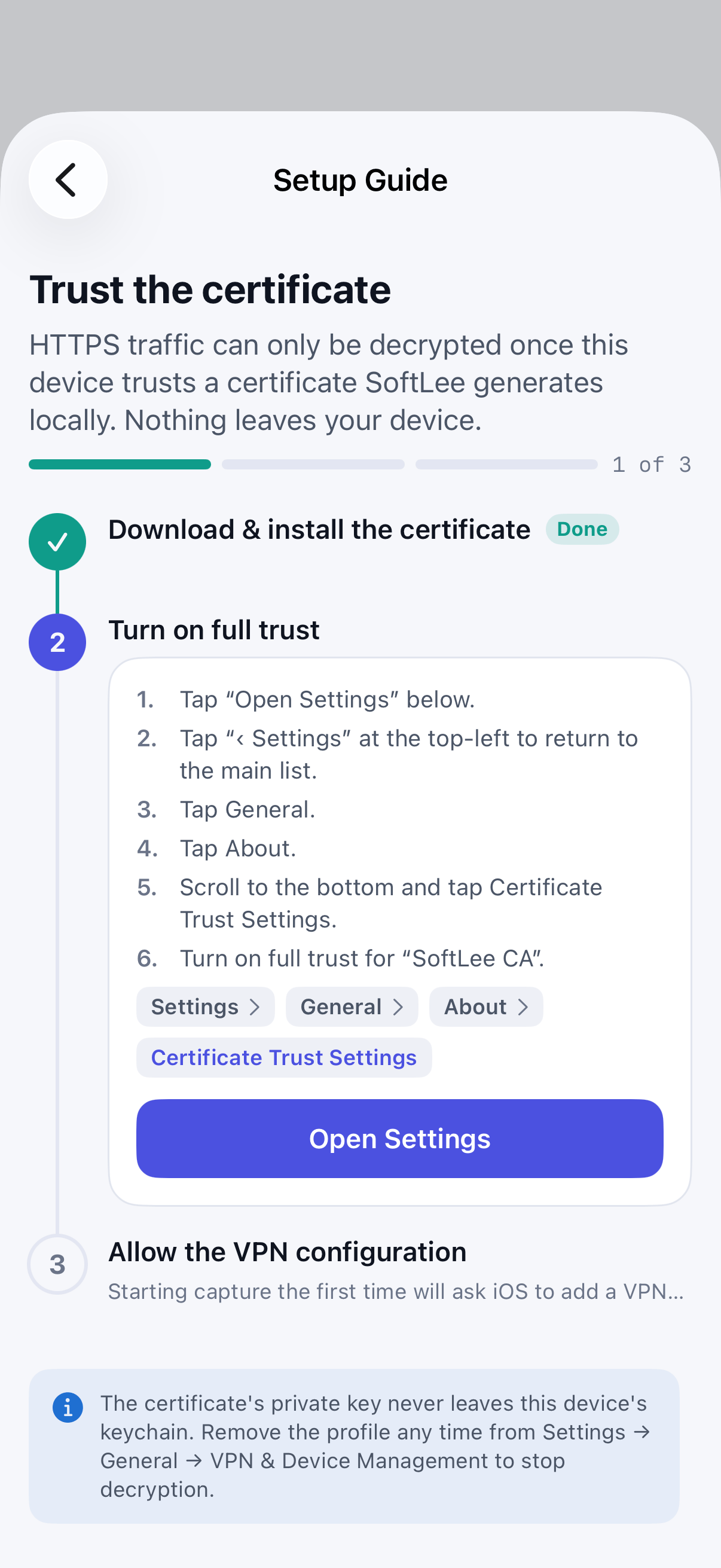
In SoftLee, open the certificate setup guide and generate the certificate. SoftLee creates it on your device and opens it in Safari, because iOS only installs profiles from Safari. Allow the download, then open the Settings app, tap Profile Downloaded, and install the SoftLee Certificate profile.
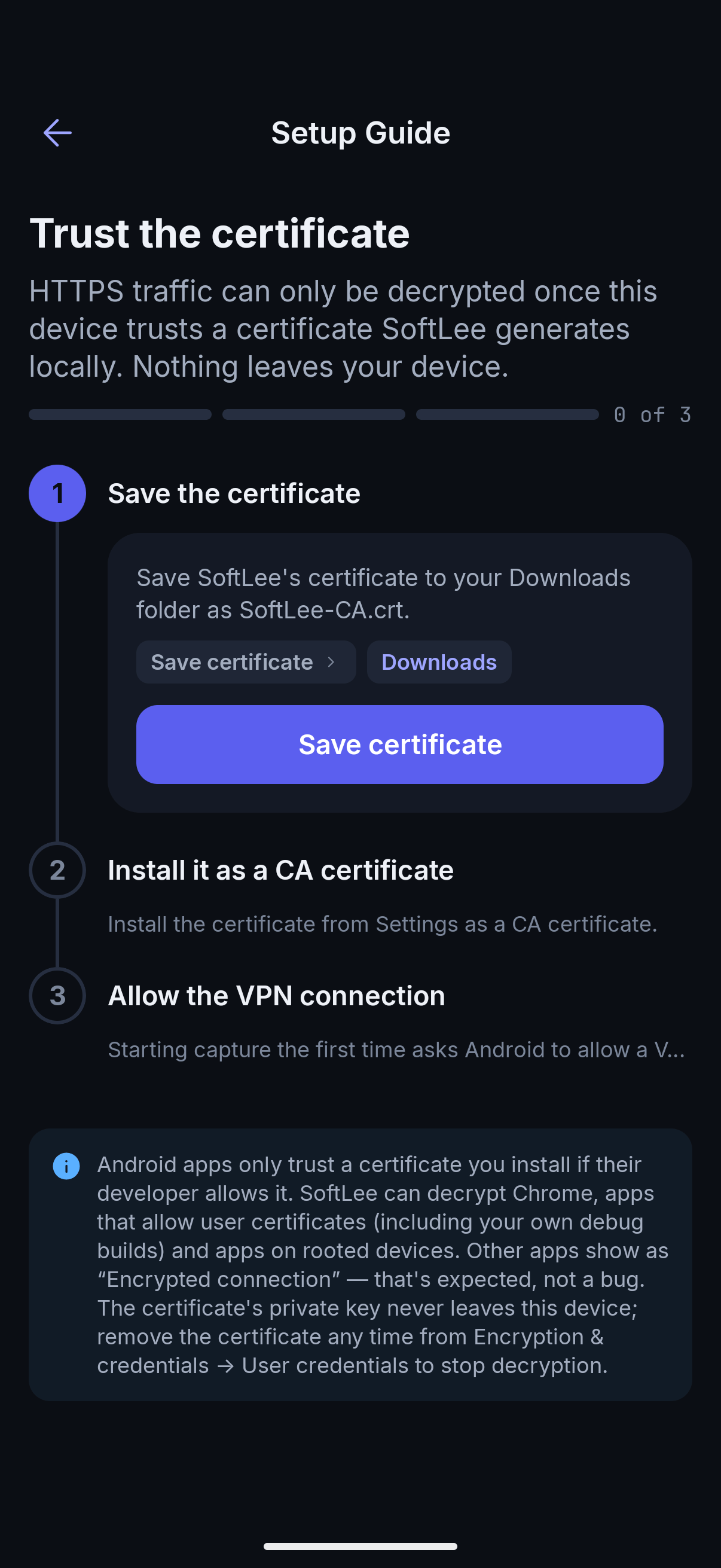
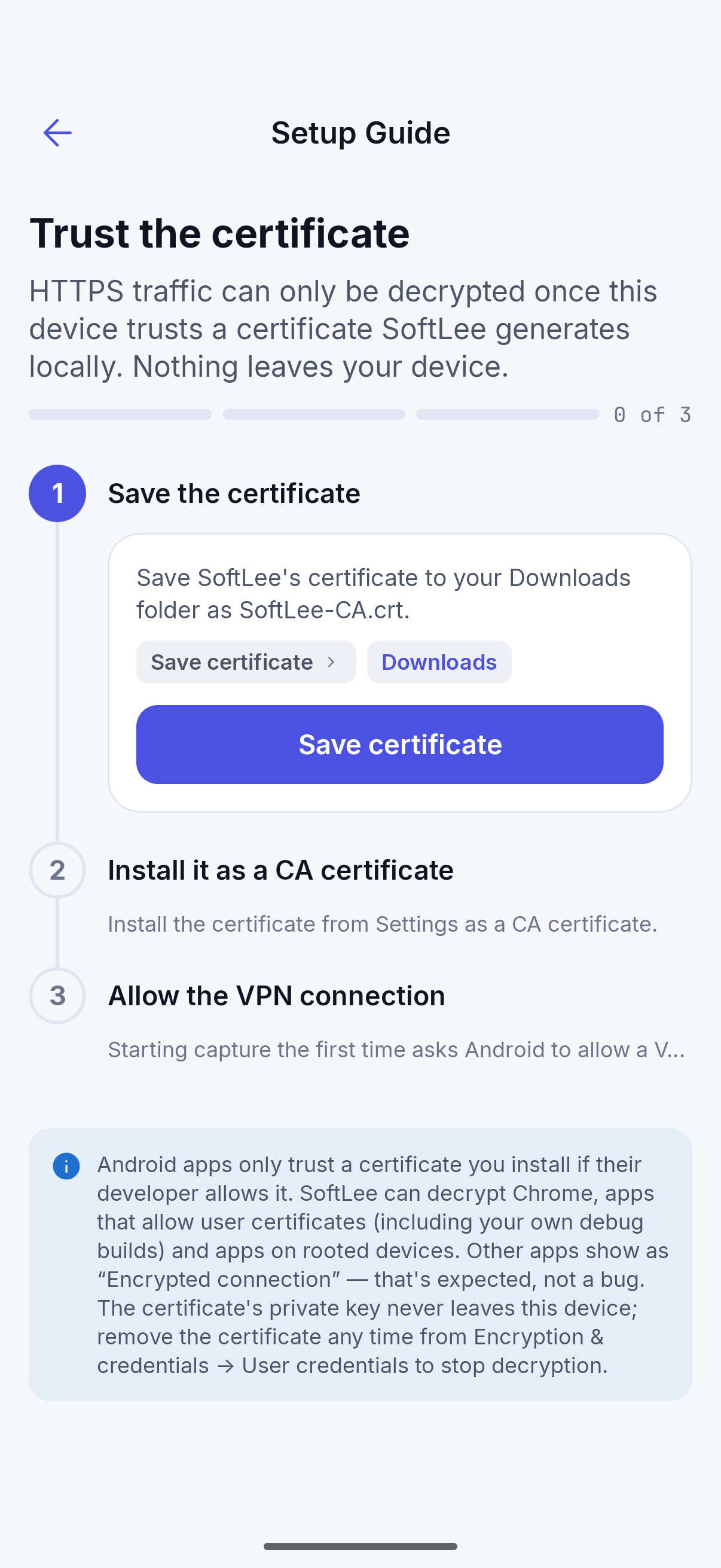
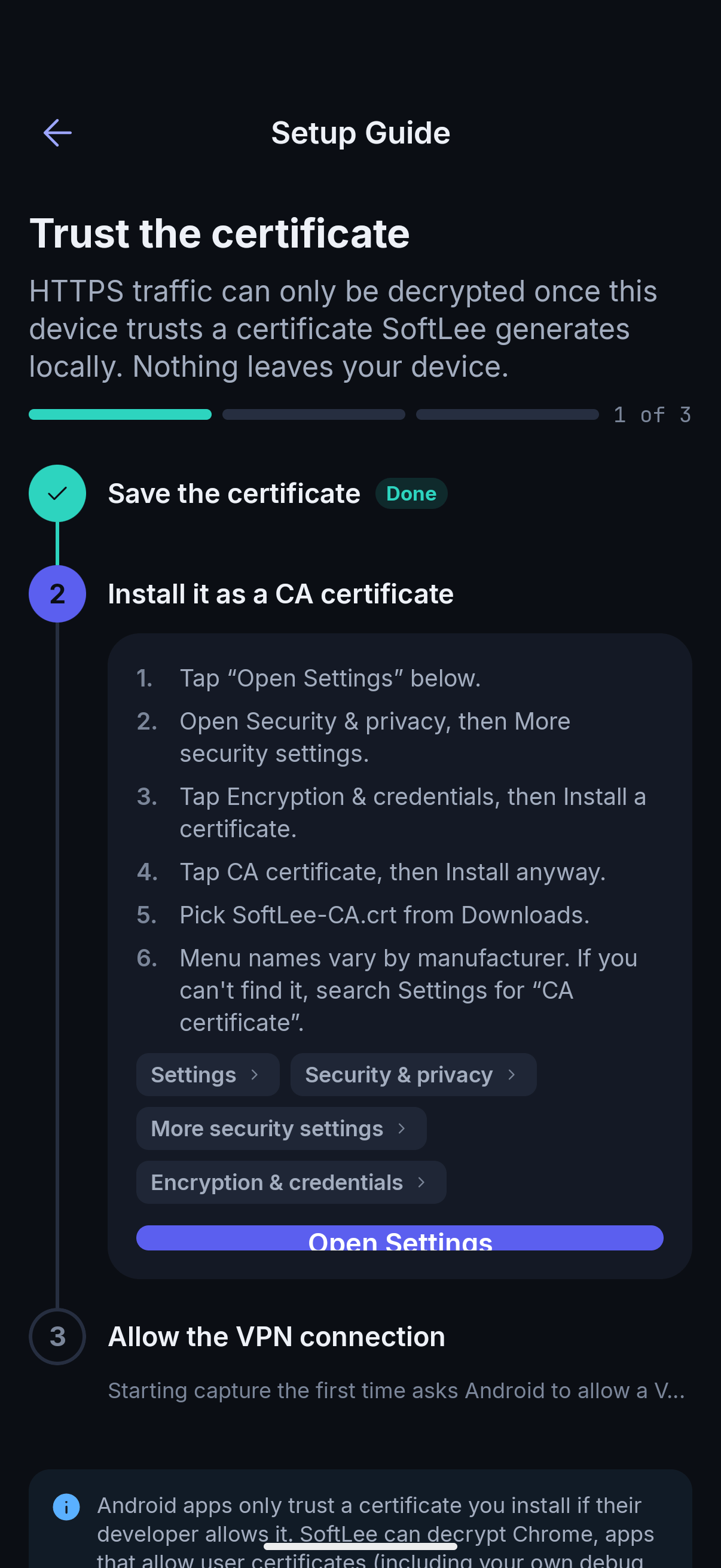
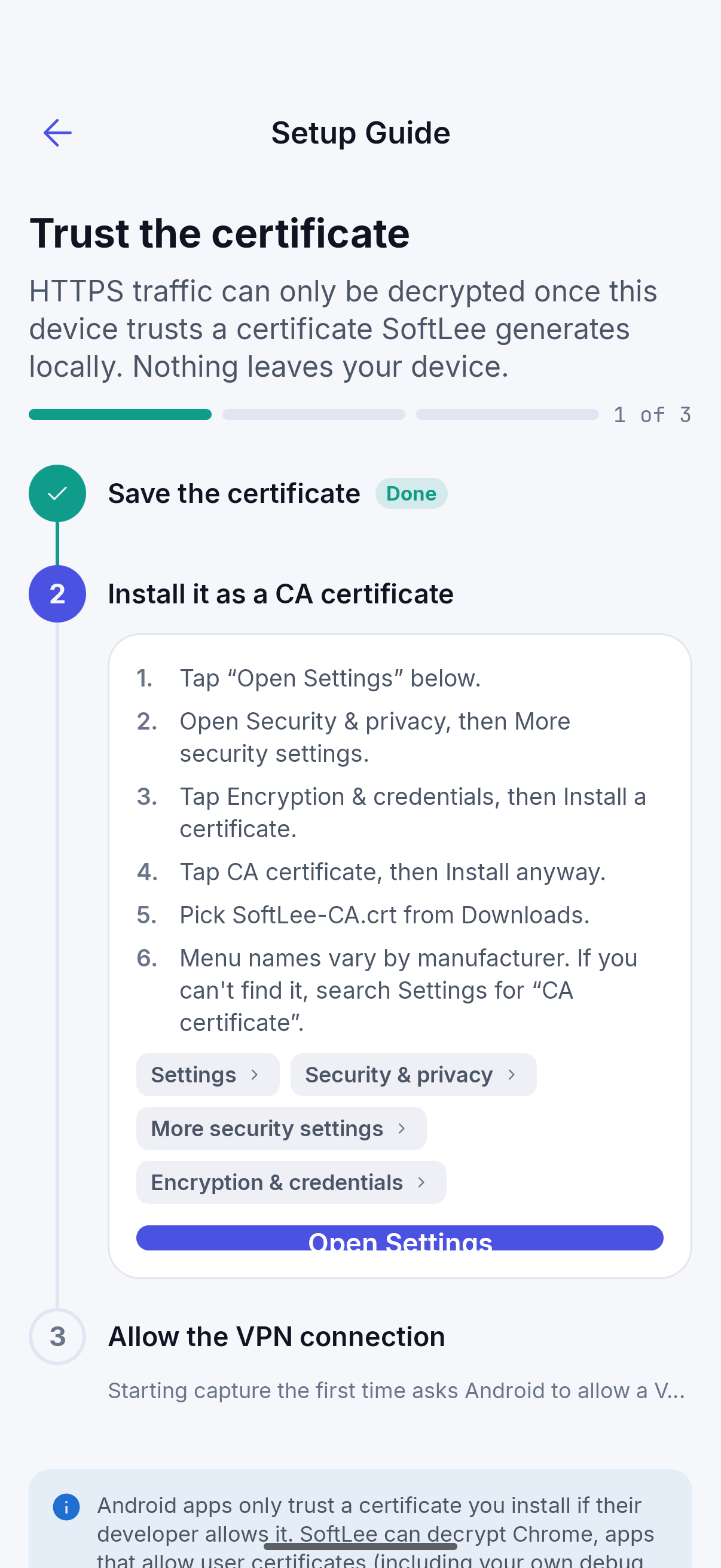
In SoftLee, open the certificate setup guide and tap Save certificate. SoftLee creates the certificate on your device and saves it to your Downloads folder as
SoftLee-CA.crt.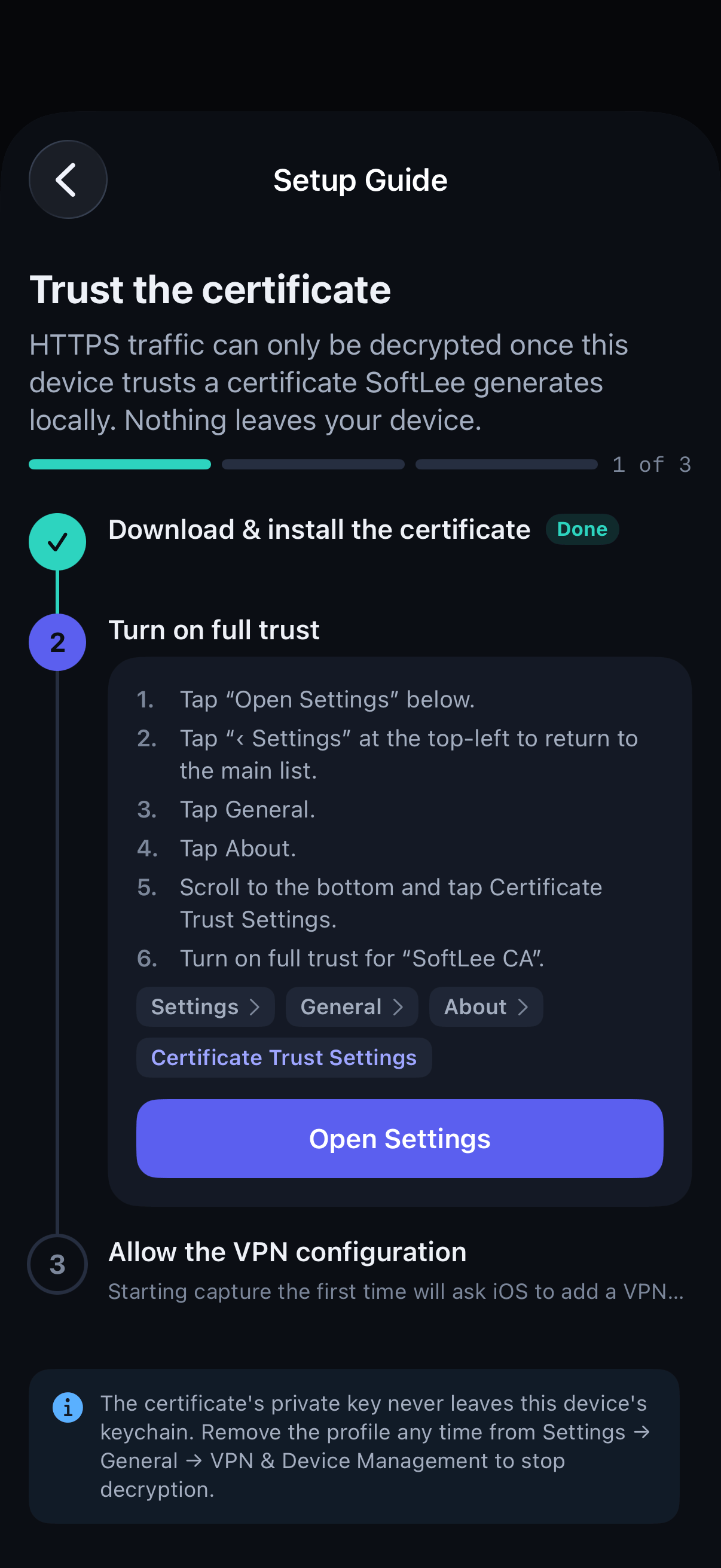
Step 03
Turn on full trustInstall it as a CA certificate
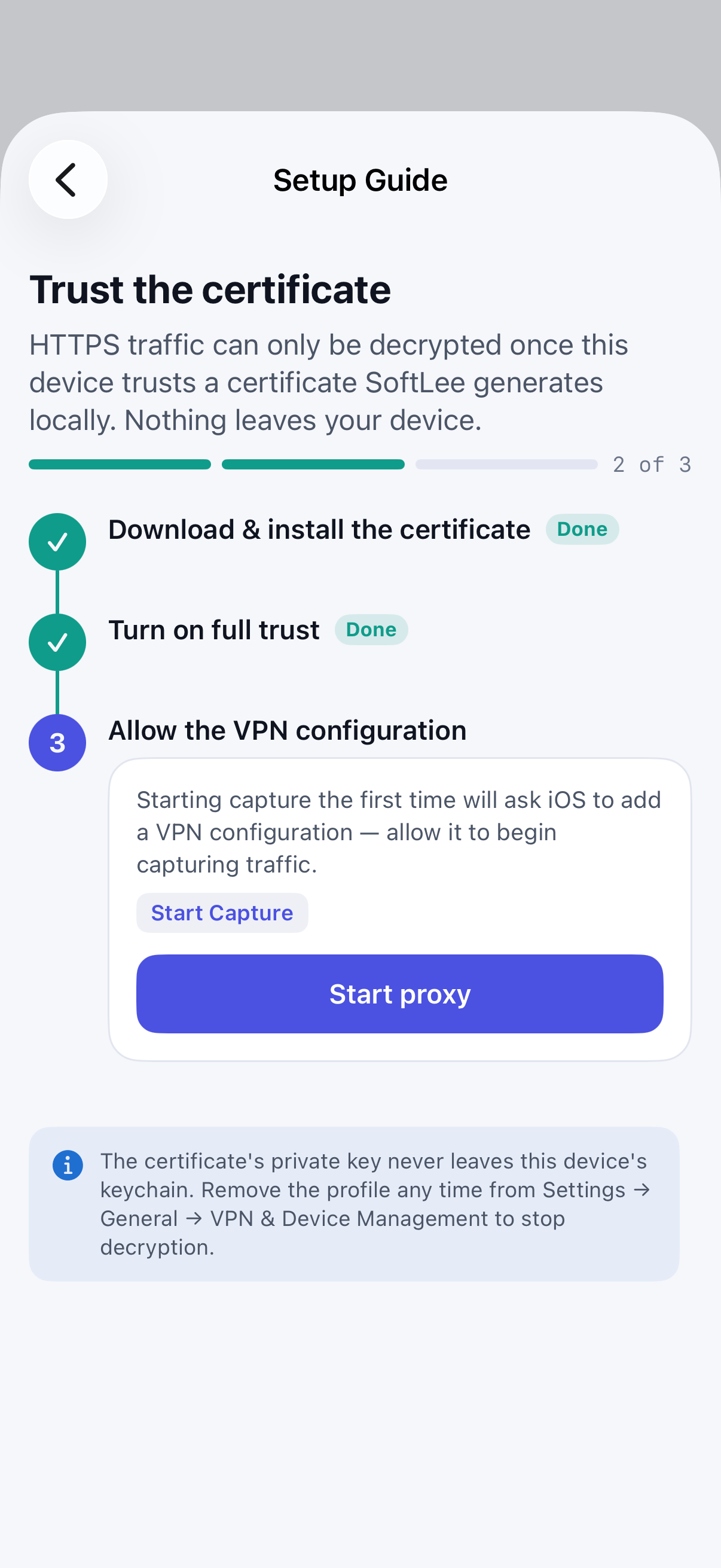
In Settings, go to General, then About, then Certificate Trust Settings and turn on full trust for SoftLee CA. iOS doesn't offer a direct link to this screen, so you need to open it yourself.
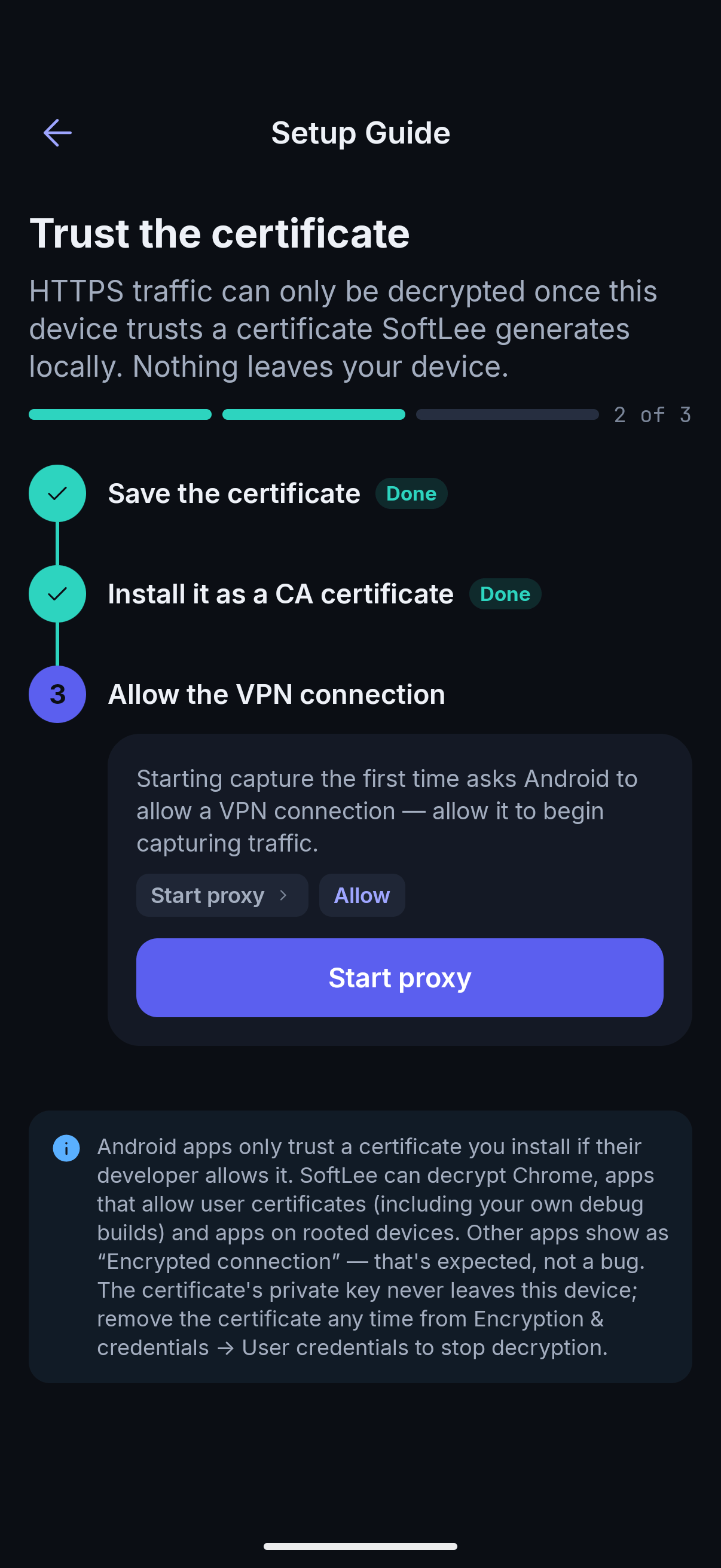
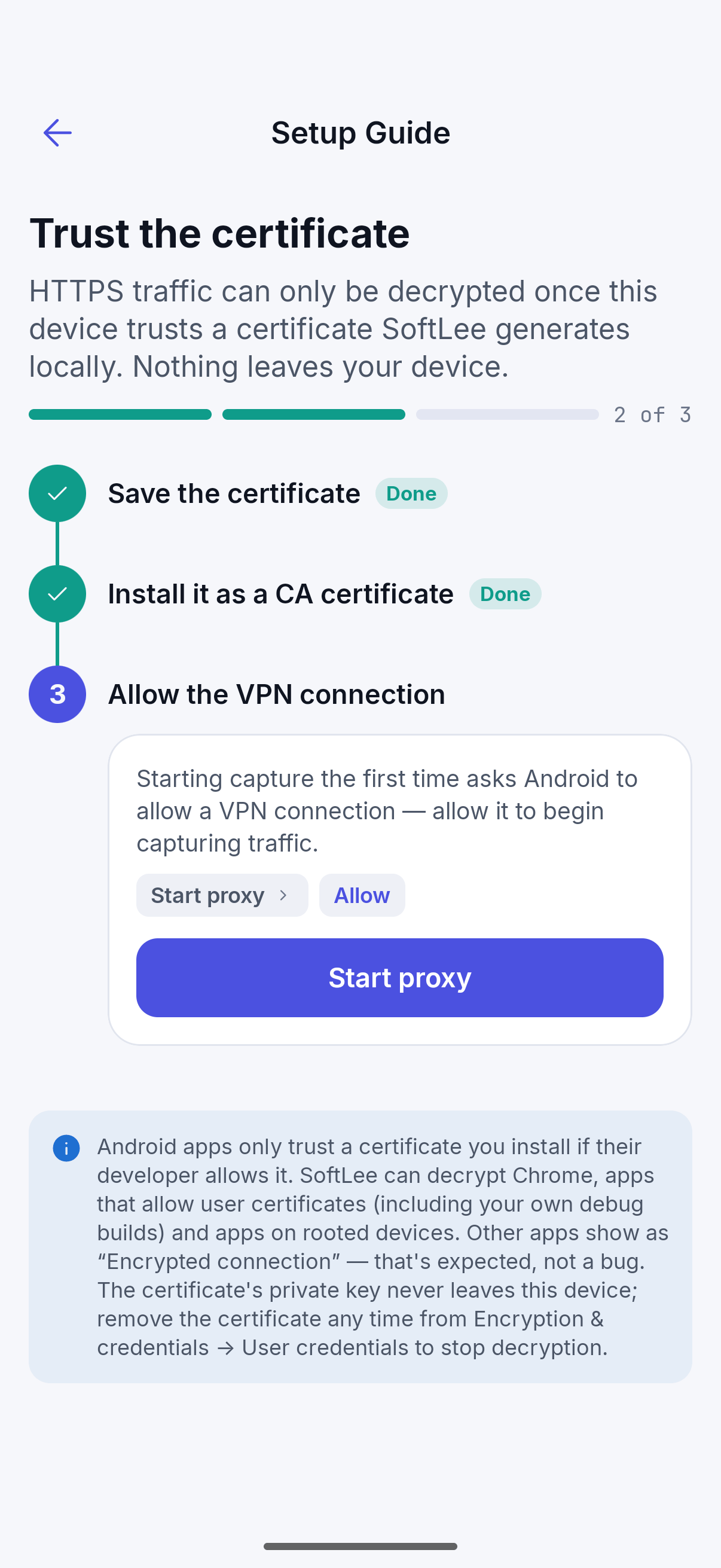
Tap Open Settings, then go to Security & privacy, then More security settings, then Encryption & credentials, then Install a certificate, then CA certificate. Tap Install anyway and pick
SoftLee-CA.crtfrom Downloads. Menu names vary by manufacturer. If you can't find it, search Settings for “CA certificate”.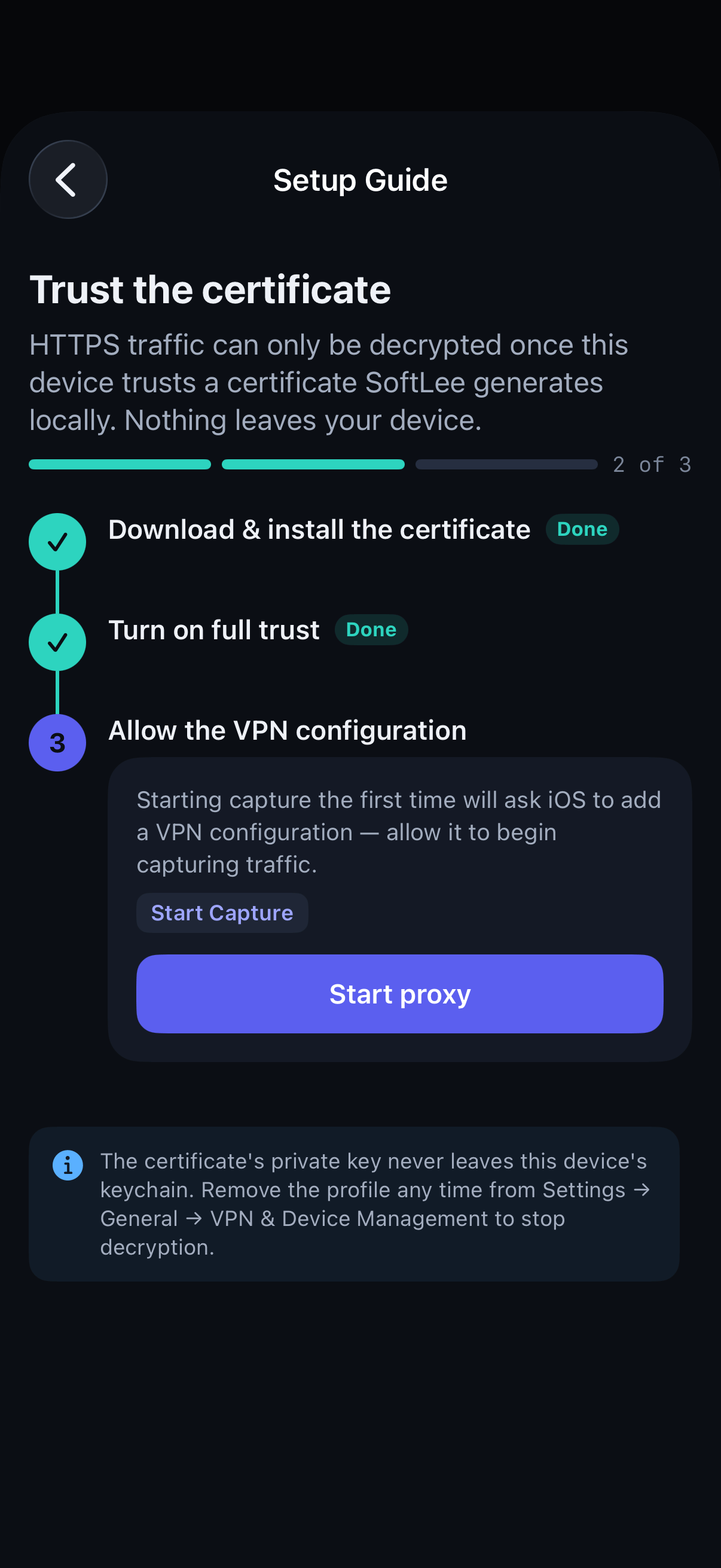
Step 04
Start capturingAllow the VPN connection
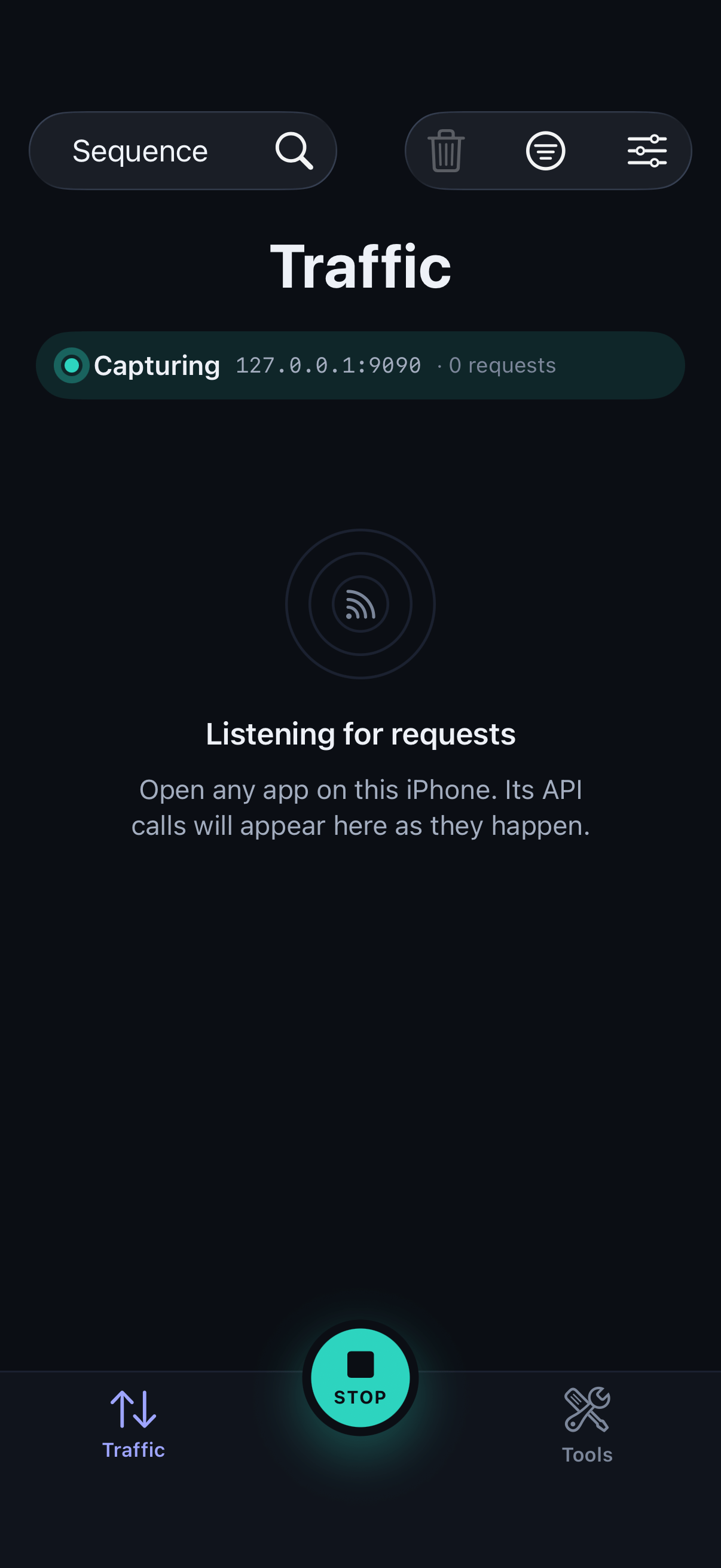
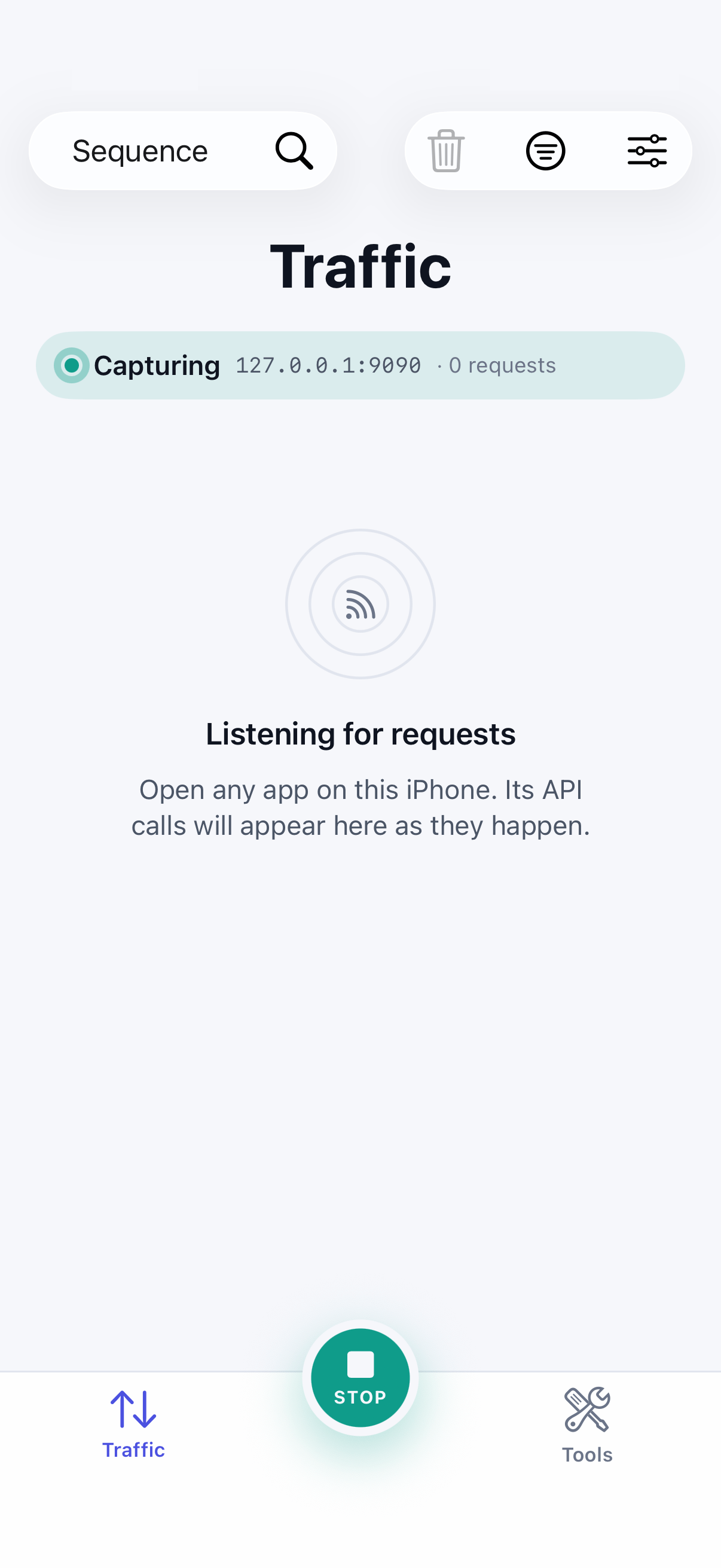
Back in SoftLee, start the proxy. The first time, iOS asks to add a VPN configuration. Allow it.
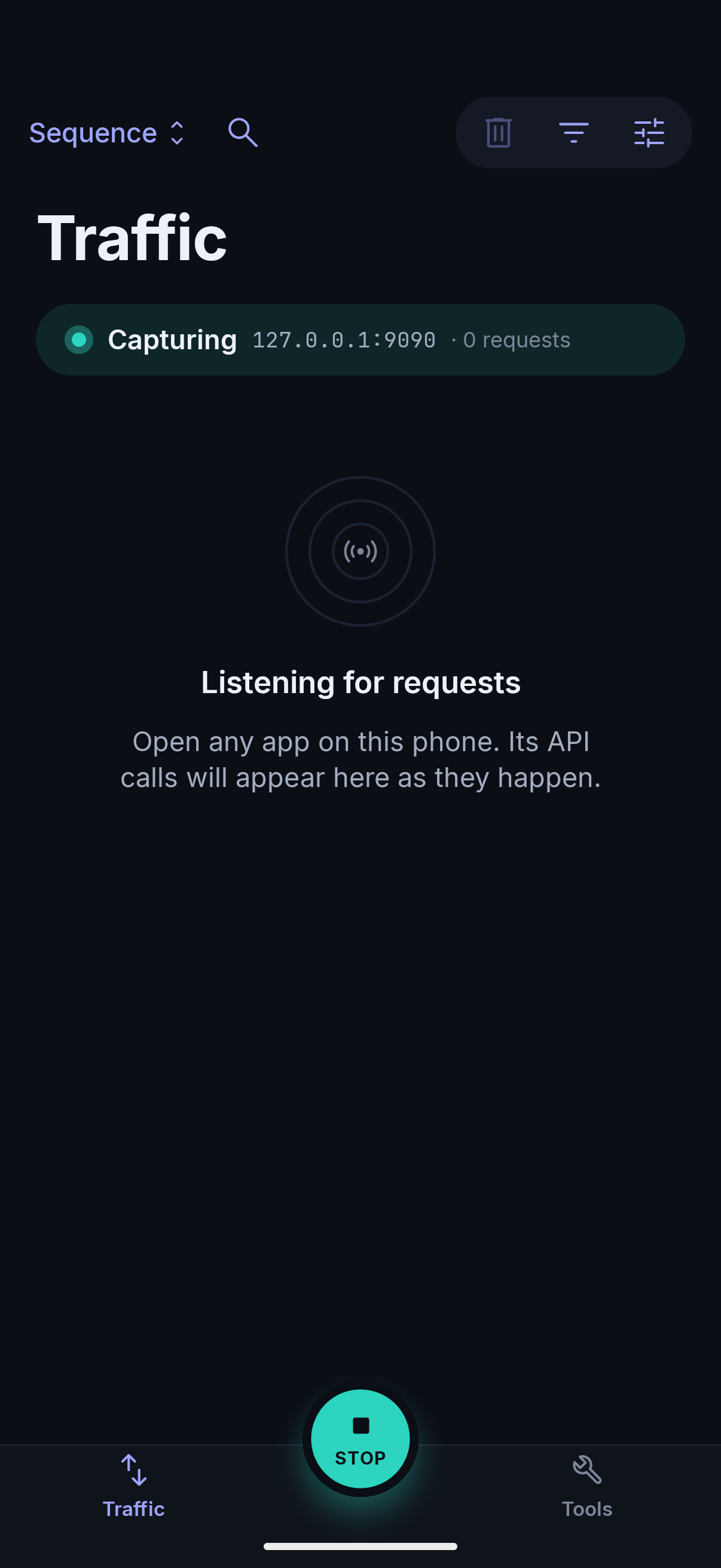
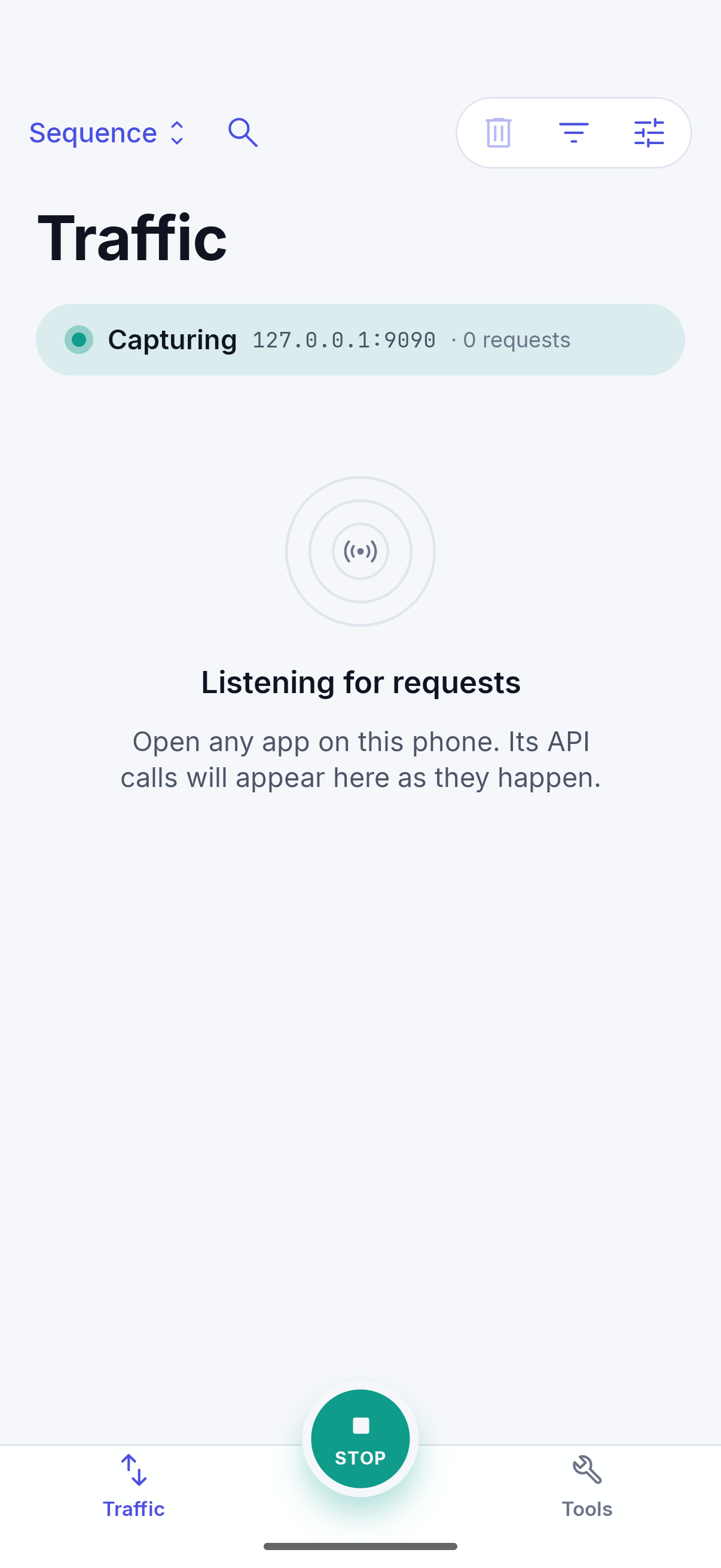
Back in SoftLee, start the proxy. The first time, Android asks to allow a VPN connection. Allow it.
Step 05
You're capturing
Open the app you're debugging. Its requests appear in SoftLee as they happen.
Why the certificate is needed
HTTPS encrypts traffic between an app and its server, which is what keeps it private. To show you the contents of your app's requests, SoftLee has to decrypt them on your device. Your phone only allows that once you've explicitly trusted a certificate, and the steps above are how you give that permission.
Android apps only trust a certificate you install if their developer allows it. SoftLee can decrypt Chrome, apps that allow user certificates, including your own debug builds, and apps on rooted devices. Other apps show as Encrypted connection.
Why your phone asks about a VPN
Neither iOS nor Android lets one app see another app's network traffic directly. SoftLee uses a VPN configuration that runs entirely on your device to route traffic through itself. It doesn't connect to any remote VPN server: your traffic goes straight to where it was already going.