HTTP & HTTPS debugging proxy for iOS and Android
See exactly what your app sends and receives.
SoftLee is a network debugger that runs on your iPhone or Android phone. Capture, inspect, edit, replay, pause and mock your app's live HTTP and HTTPS requests without a computer, and catch network issues in development, before they ship.
Everything stays on your device. No cloud, no account.
Privacy
Nothing leaves the device.
Capture, decryption, storage and replay all happen on your phone. SoftLee has no cloud backend, no remote server, and no analytics on your traffic.
Captured on your device
Traffic is intercepted by a VPN configuration that runs locally. It doesn't connect to any remote server.
Decrypted on your device
HTTPS is decrypted with a certificate generated on your phone. Its private key never leaves the device.
Stored on your device
Captured traffic and sessions are kept locally until you clear them. Nothing is uploaded, synced or analysed.
Why it matters
The UI can look fine while the data is wrong.
A wrong header, a malformed body, a slow endpoint, an error the app quietly swallows. These are some of the hardest bugs to catch in normal testing, because they live in the traffic, not on screen. SoftLee makes that traffic visible and actionable while you're still building, so these bugs never reach your users.
Capabilities
See it, check it, change it, mock it.
Traffic capture
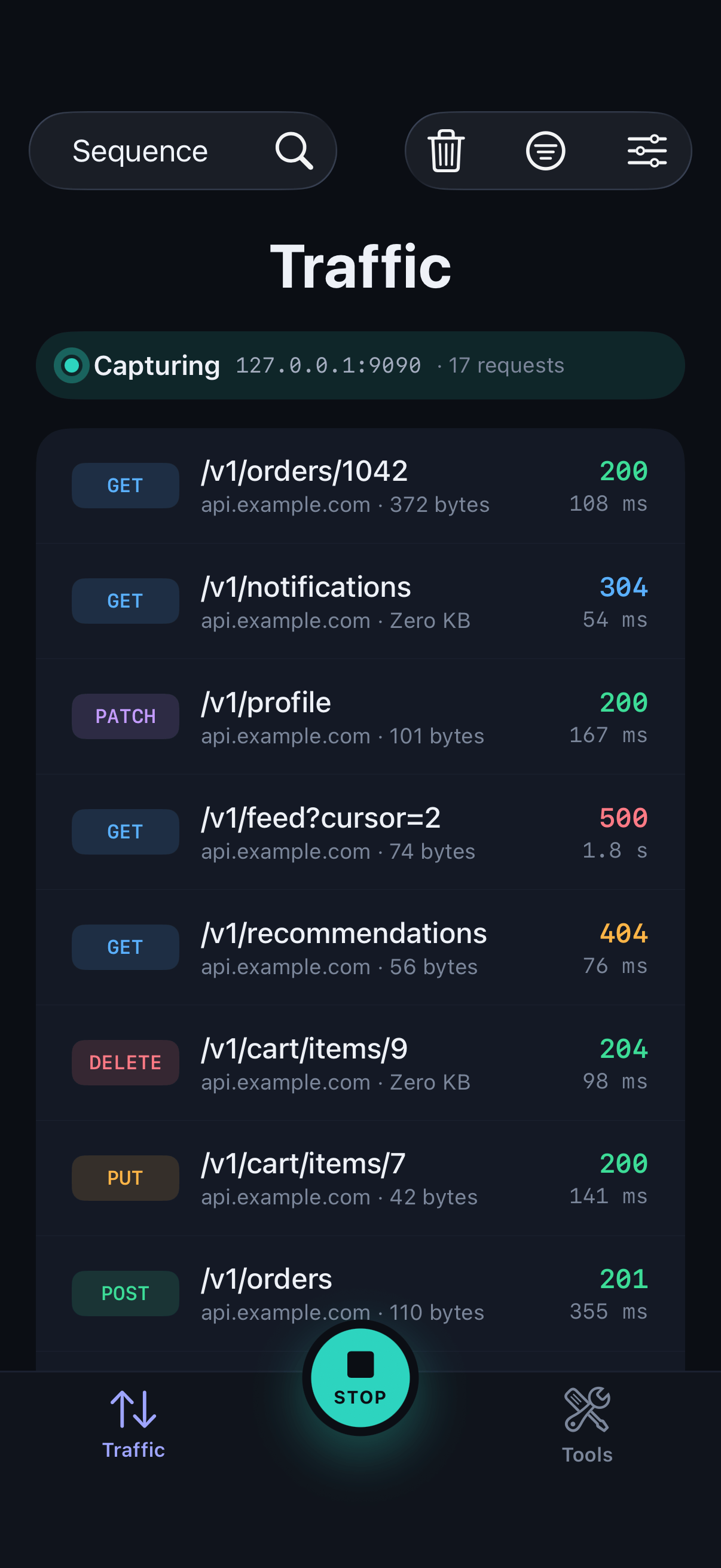
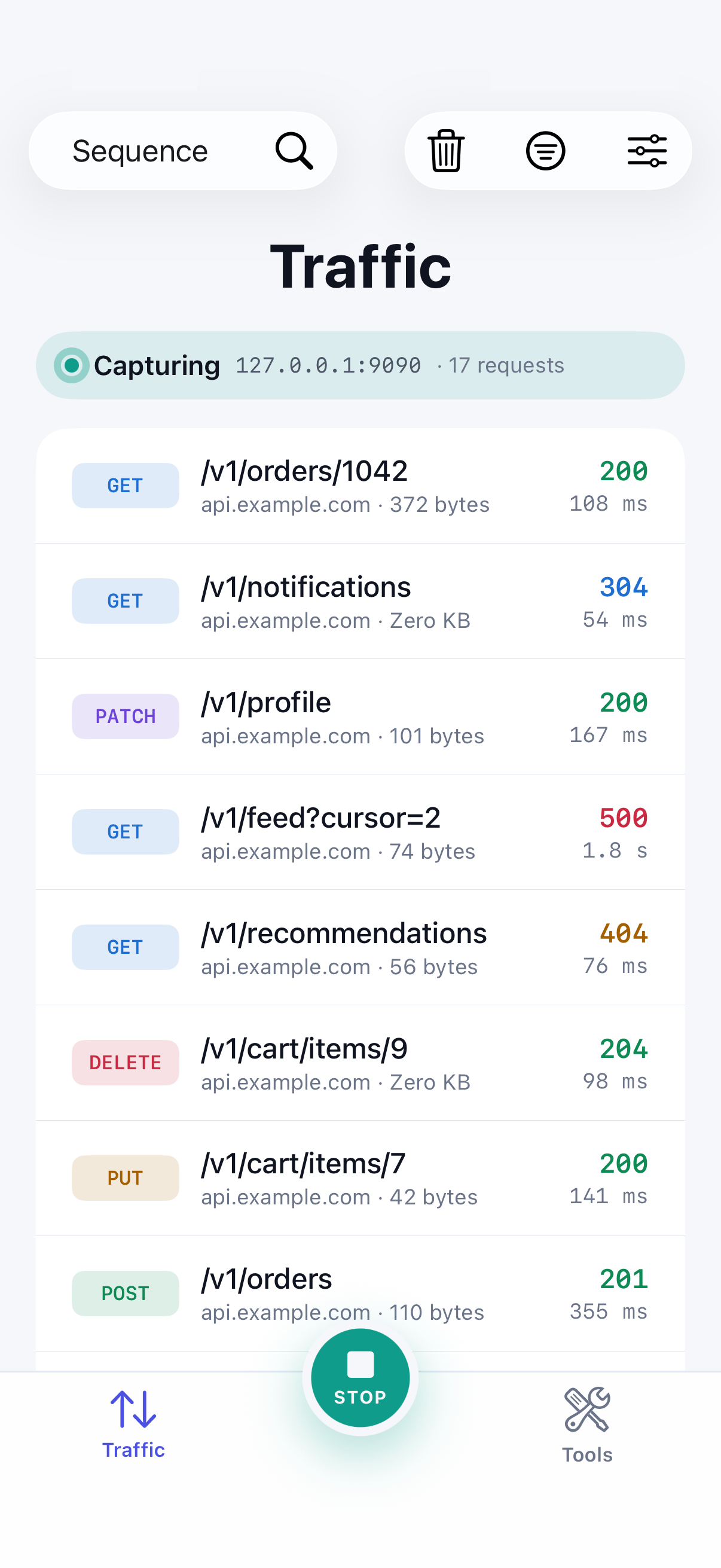
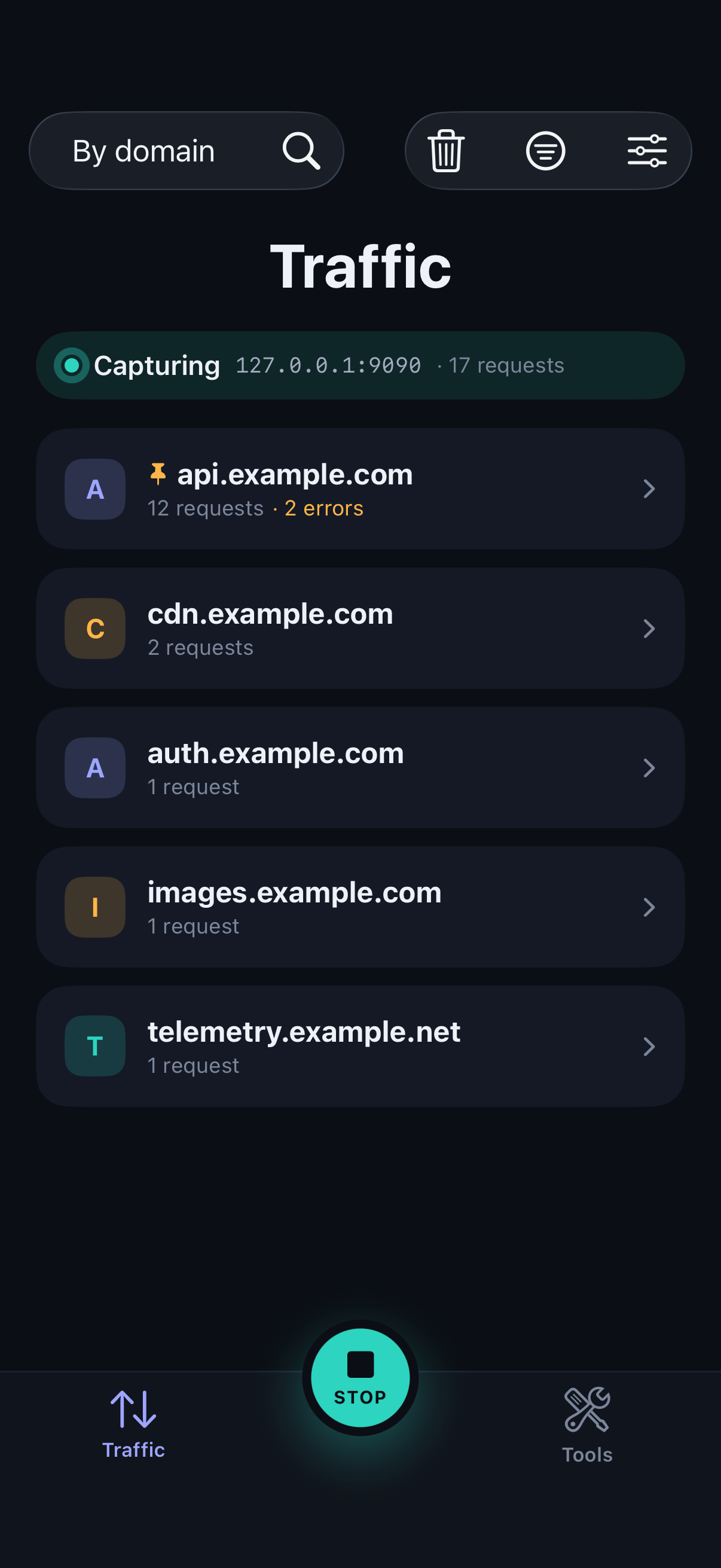
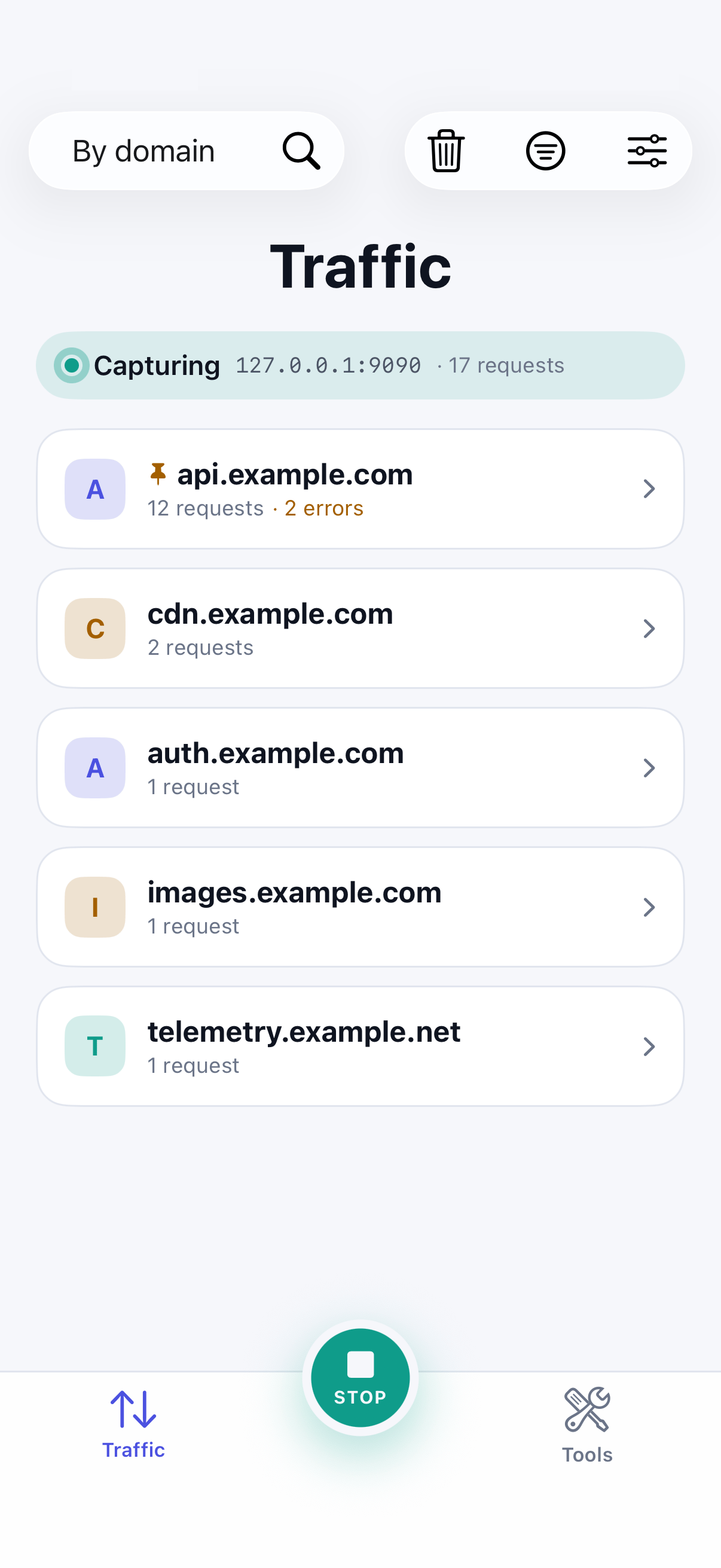
Every HTTP and HTTPS request your app makes, live, as it happens.
Learn more →Choose what's decrypted
Turn on HTTPS inspection for the domains you choose, and leave everything else alone.
Learn more →Request & response detail
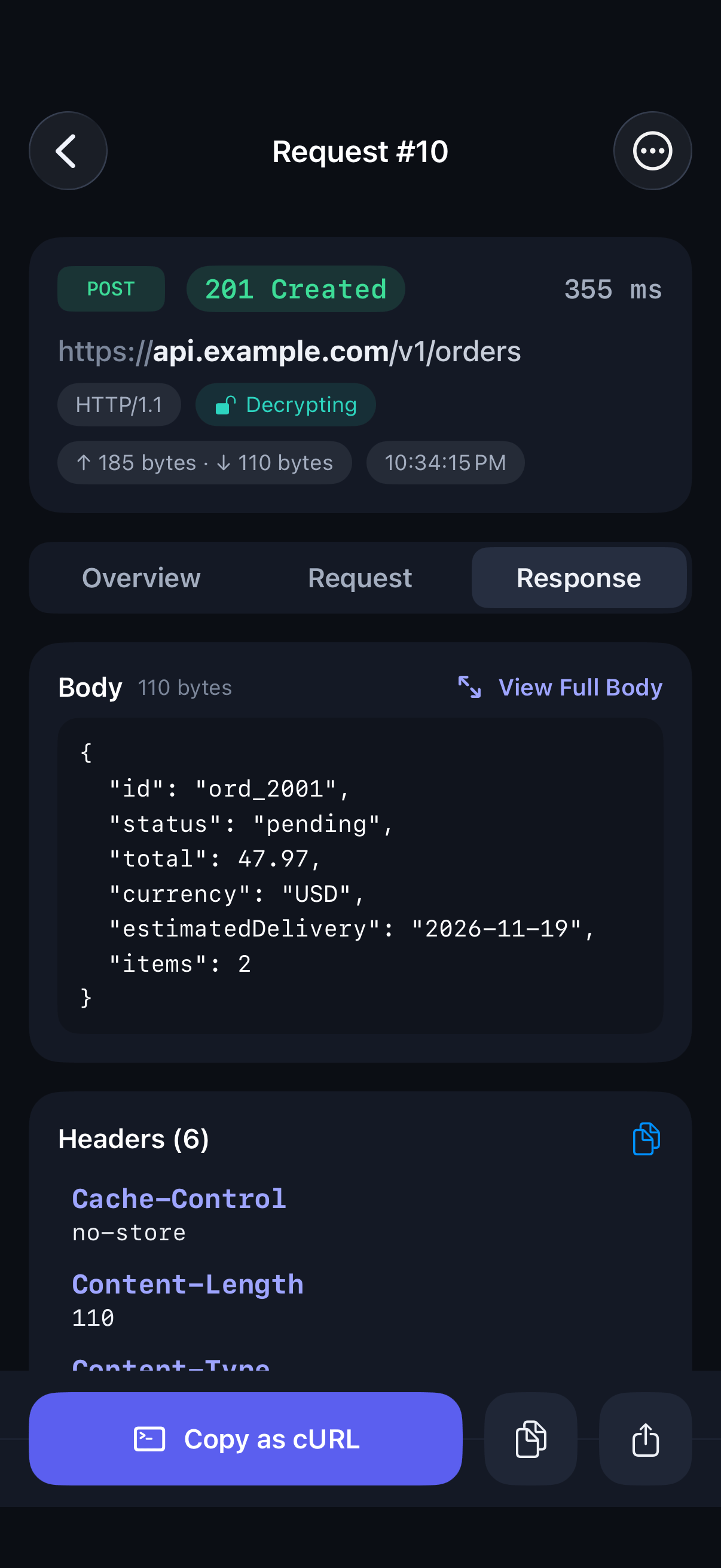
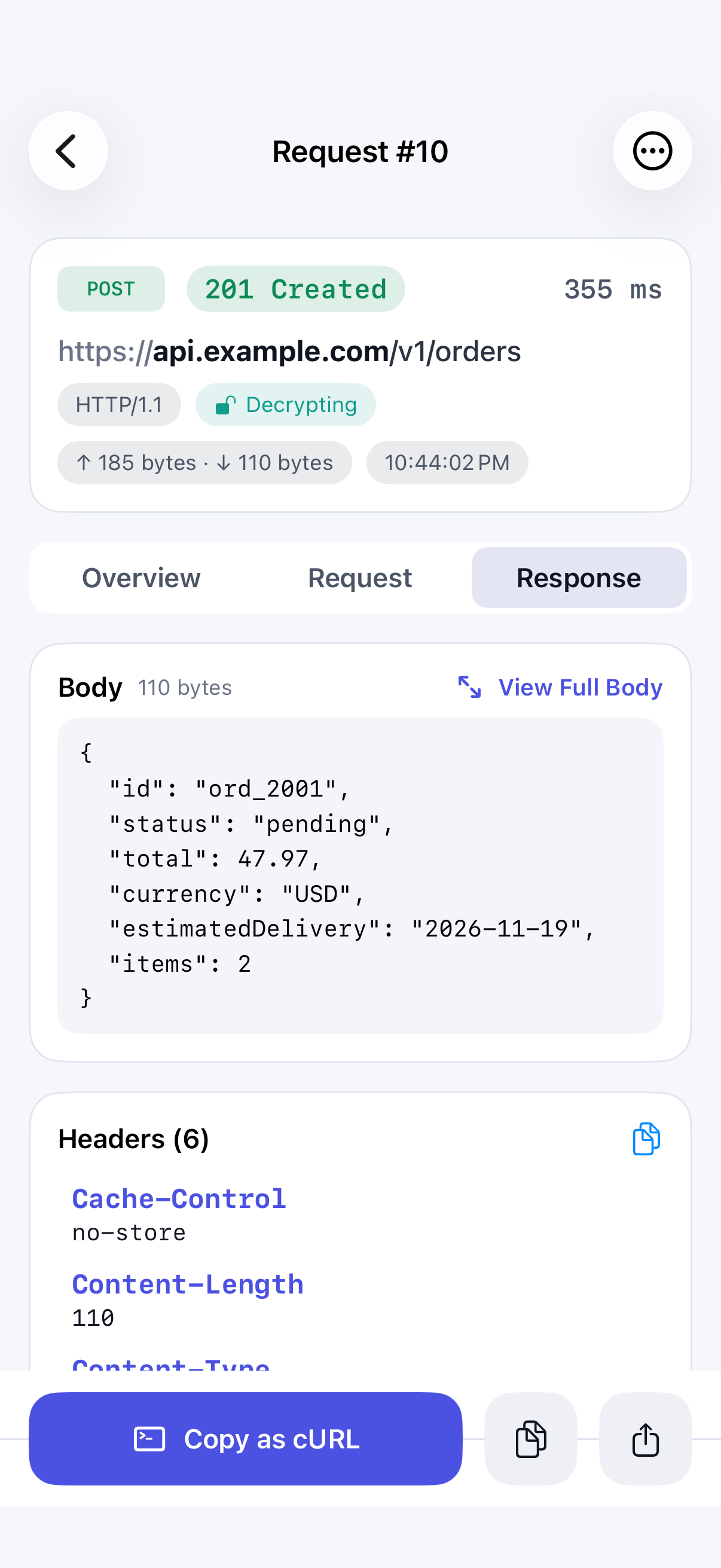
Headers, bodies, status, timing and size for every call, with JSON you can fold.
Learn more →Edit & Replay
Change any part of a request, or write a new one, and send it to see the real response.
Learn more →Breakpoints
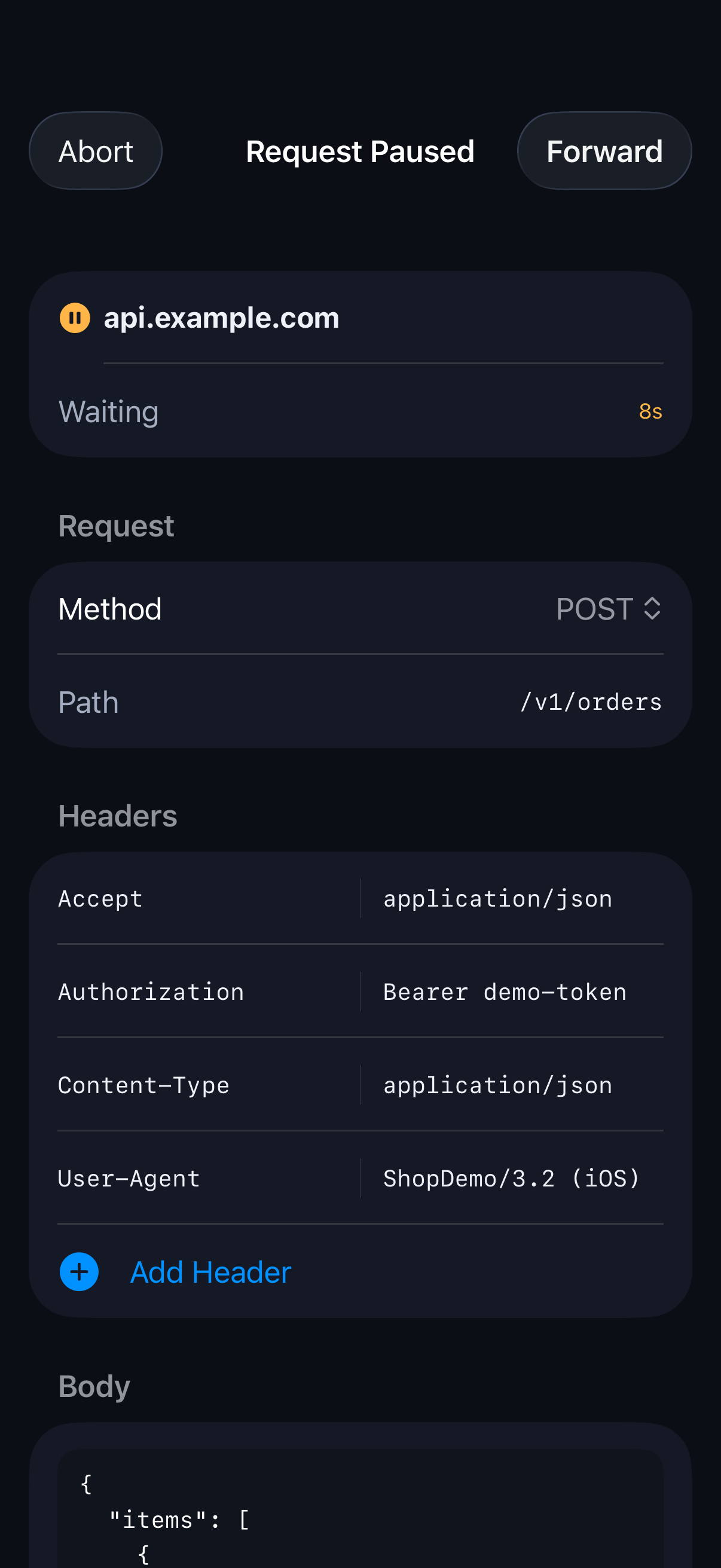
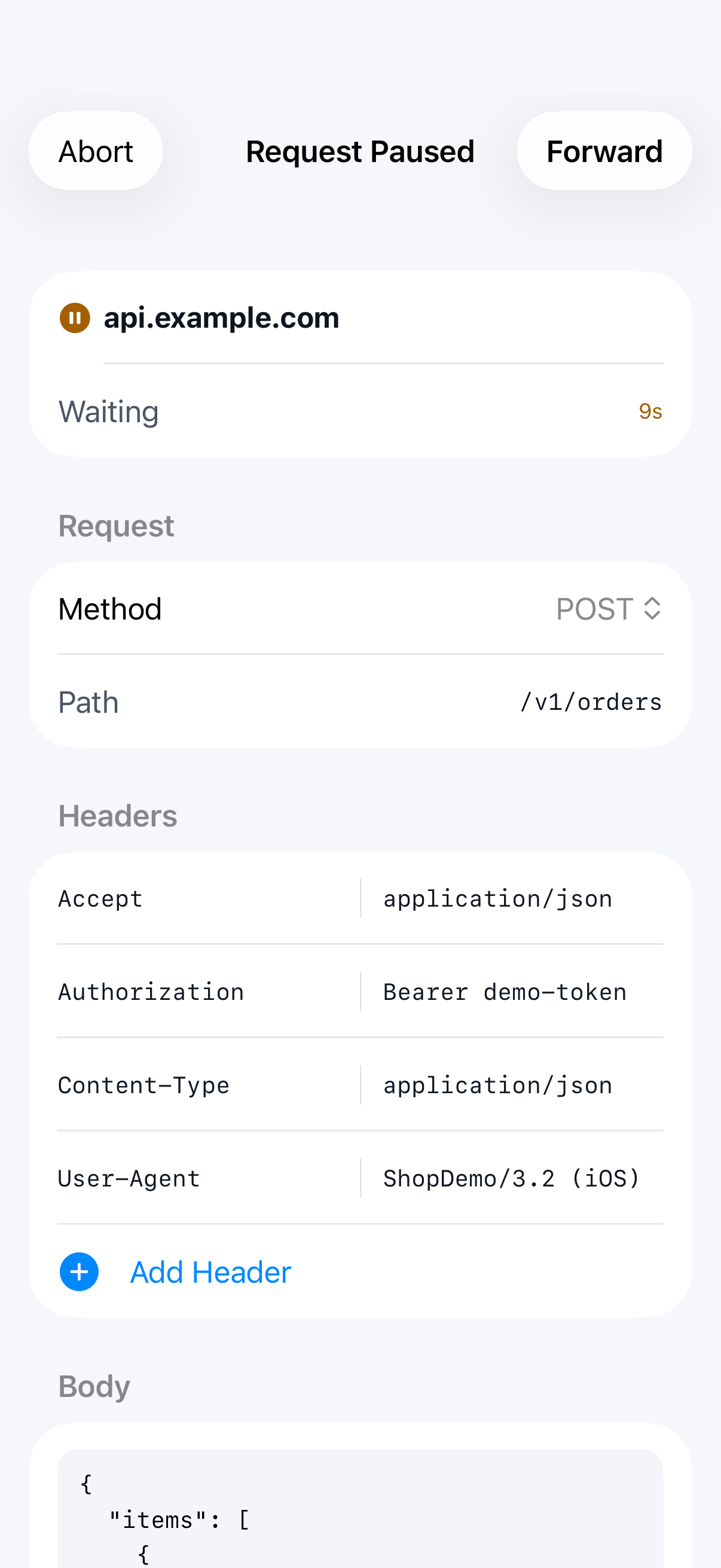
Pause a live request or response, edit it, then forward or abort it.
Learn more →Map Local
Answer a request with a response you prepared, without contacting the server.
Learn more →Compare
Put two requests side by side and see every difference highlighted.
Learn more →Saved Sessions
Every capture run is saved automatically, so you can go back to it.
Learn more →Export
Copy a request as cURL, or export traffic as HAR or a Postman collection.
Learn more →
Getting started
Capturing in four steps.
Install the app, generate a certificate that exists only on your device, trust it in Settings, and start capturing.
- 01
Install SoftLee
- 02
Generate the certificate
- 03
Trust it in Settings
- 04
Start capturing
FAQ
Questions developers ask.
How on-device HTTP and HTTPS capture works on iPhone and Android, and what SoftLee can do with it.
How do I see the network requests an iPhone or Android app makes?
Install SoftLee, trust the certificate it creates on your device, and start capturing. Every HTTP and HTTPS request your app makes appears in the traffic list as it happens, with its headers, body, status code and timing.
Can I capture HTTPS traffic on iPhone or Android without a computer?
Yes. SoftLee is an HTTP and HTTPS debugging proxy that runs entirely on your phone. Capturing, decrypting, inspecting and replaying requests all happen on the device, with no Mac or other computer involved.
How does SoftLee decrypt HTTPS traffic?
SoftLee generates a root certificate that is unique to your device. Once you trust it in Settings (turning on full trust on iOS, or installing it as a CA certificate on Android), SoftLee can decrypt HTTPS for the domains you choose. The certificate's private key never leaves your device, and you can remove the certificate at any time to stop decryption.
Why does SoftLee add a VPN configuration?
Neither iOS nor Android lets one app see another app's network traffic directly. SoftLee adds a VPN configuration that runs entirely on your device and routes traffic through its local proxy. It doesn't connect to a remote VPN server, so your traffic still goes straight to where it was going.
Can I mock an API response or modify a request on my phone?
Yes. Map Local answers a request with a status, headers and body you prepared, so the real server is never contacted. Breakpoints pause a live request or response so you can edit it before forwarding it. Edit & Replay sends a changed copy of any request, or one you write from scratch, and shows the real response.
Can I export captured requests as cURL, HAR or a Postman collection?
Yes. Copy any request as a cURL command, export one call or all filtered traffic as a HAR file, or export filtered traffic as a Postman collection organised by host and path. Nothing is shared until you choose to share it.
Why can't some apps' traffic be decrypted?
Some apps only accept their own server certificates, a practice called certificate pinning. Their HTTPS traffic can't be decrypted, and SoftLee doesn't try to work around it. On Android, most apps also ignore certificates you install unless their developer allows it. Add those domains to Excluded domains and the apps keep working normally while you capture.
Does my captured traffic leave the device?
No. SoftLee has no cloud backend and no analytics on your traffic. Captured requests are stored only on your device, and are shared only when you export them yourself.
Which devices does SoftLee support, and is it free?
SoftLee runs on iPhone and iPad with iOS 17 or later, and on Android 10 or later. It's free to download, every feature is free for 30 days, and a free plan keeps capture and inspection available after that.
Catch network bugs before your users do.
SoftLee runs on iPhone and iPad with iOS 17 or later, and on Android 10 or later.