Guide
Setting and using a breakpoint
Pause a live request or response, change it, then forward or abort it.
A breakpoint pauses a live call so you can change it before it continues. Use one to see how your app handles a slow response, a malformed payload or an error status, without waiting for it to happen naturally.
Step 01
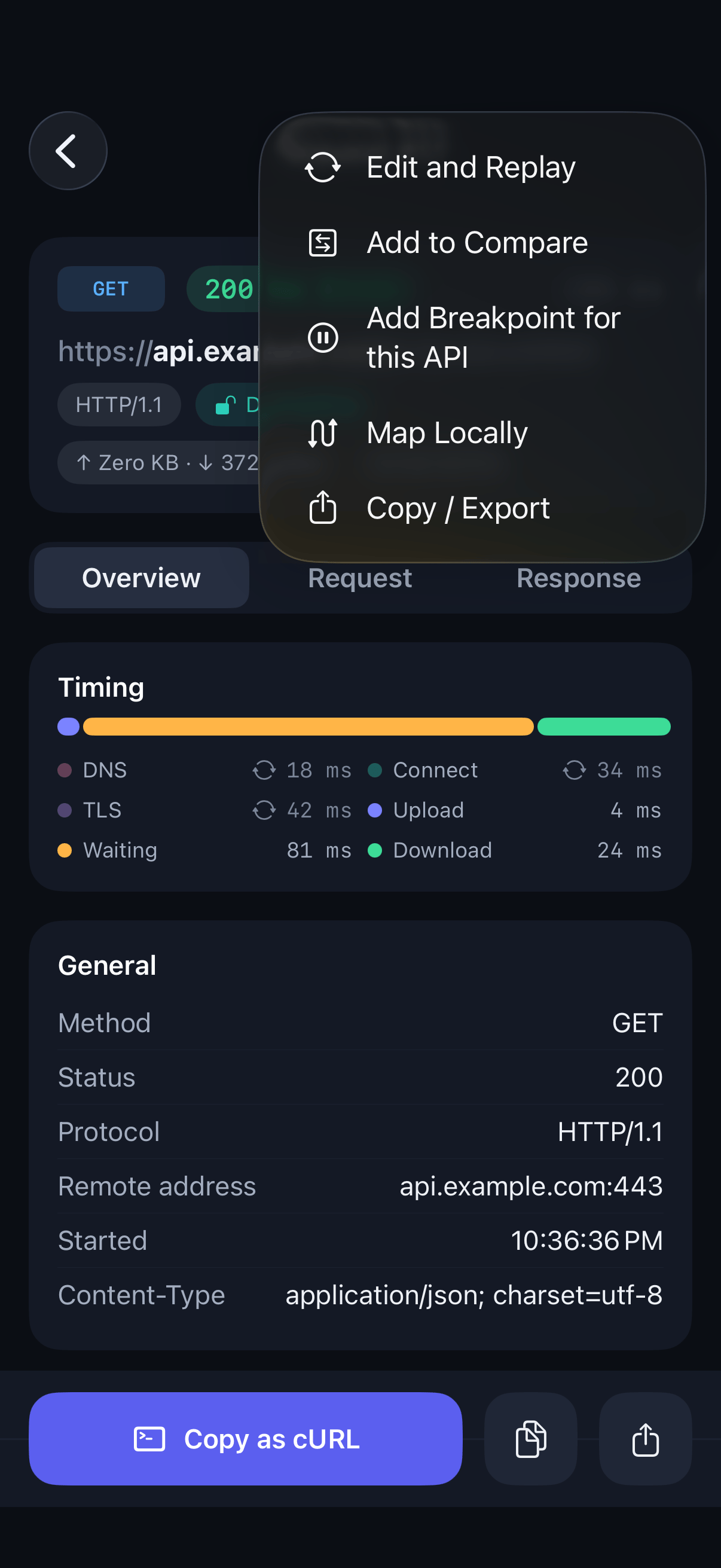
Add a breakpoint from a call
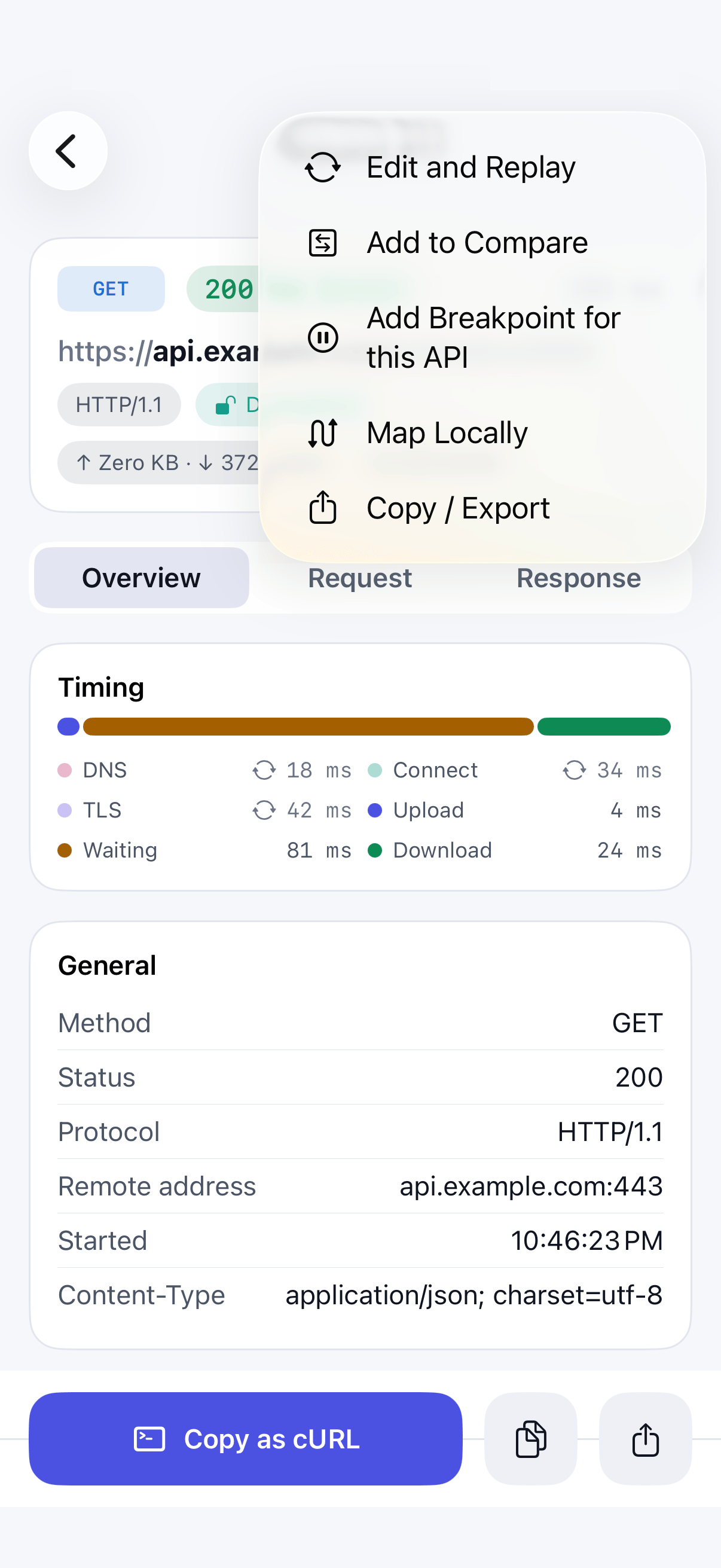
Open a captured call for the API you want to pause, tap the … menu, and choose Add Breakpoint for this API.
Step 02
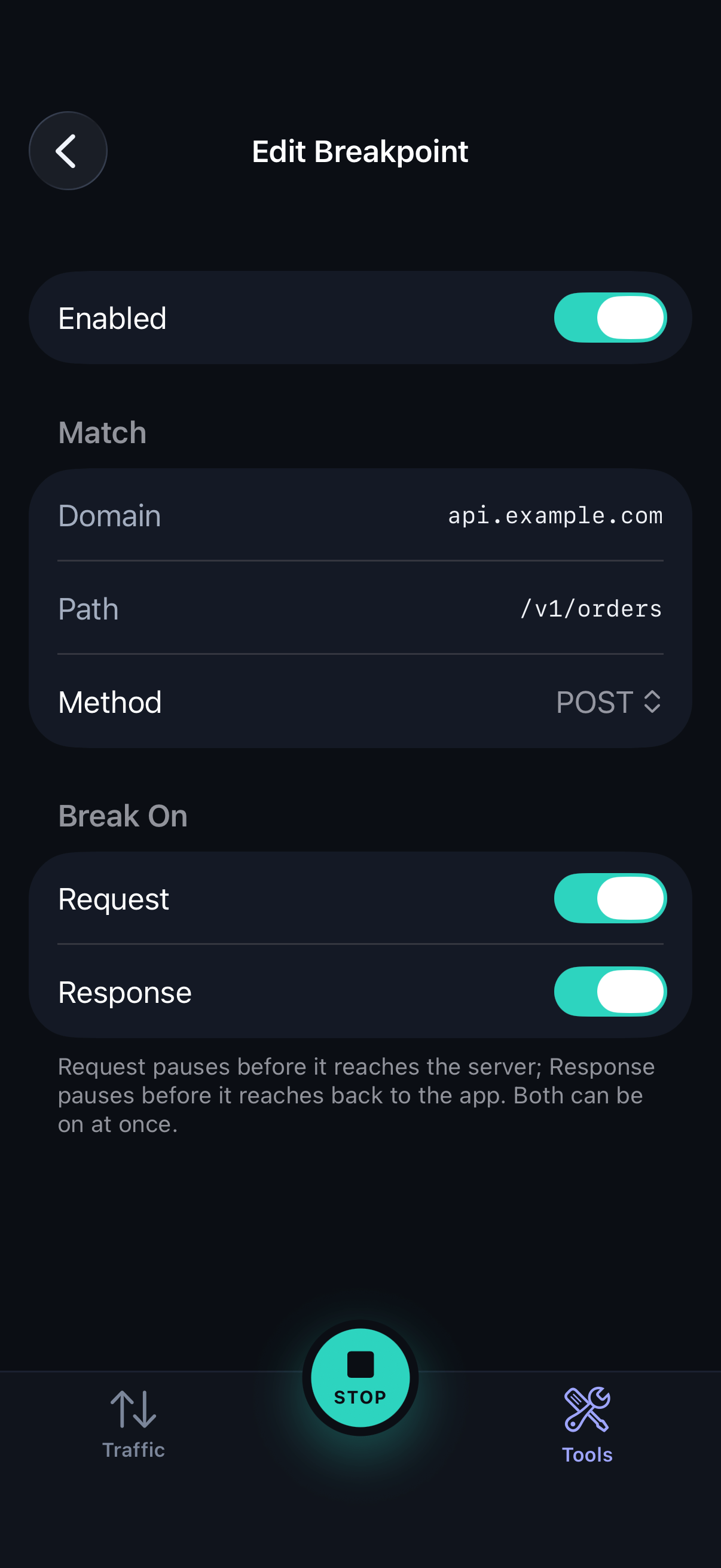
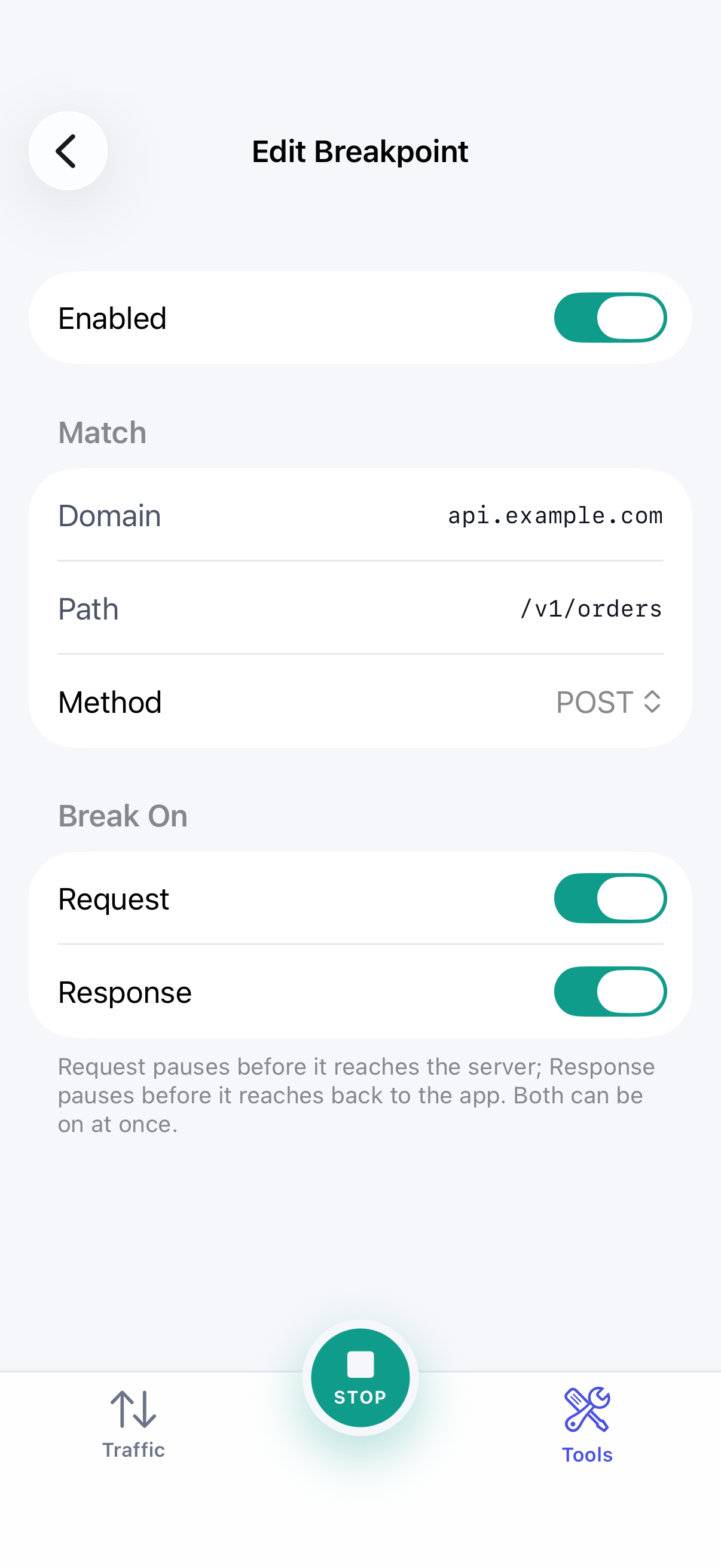
Configure the rule
Choose the method and path to match. A path ending in
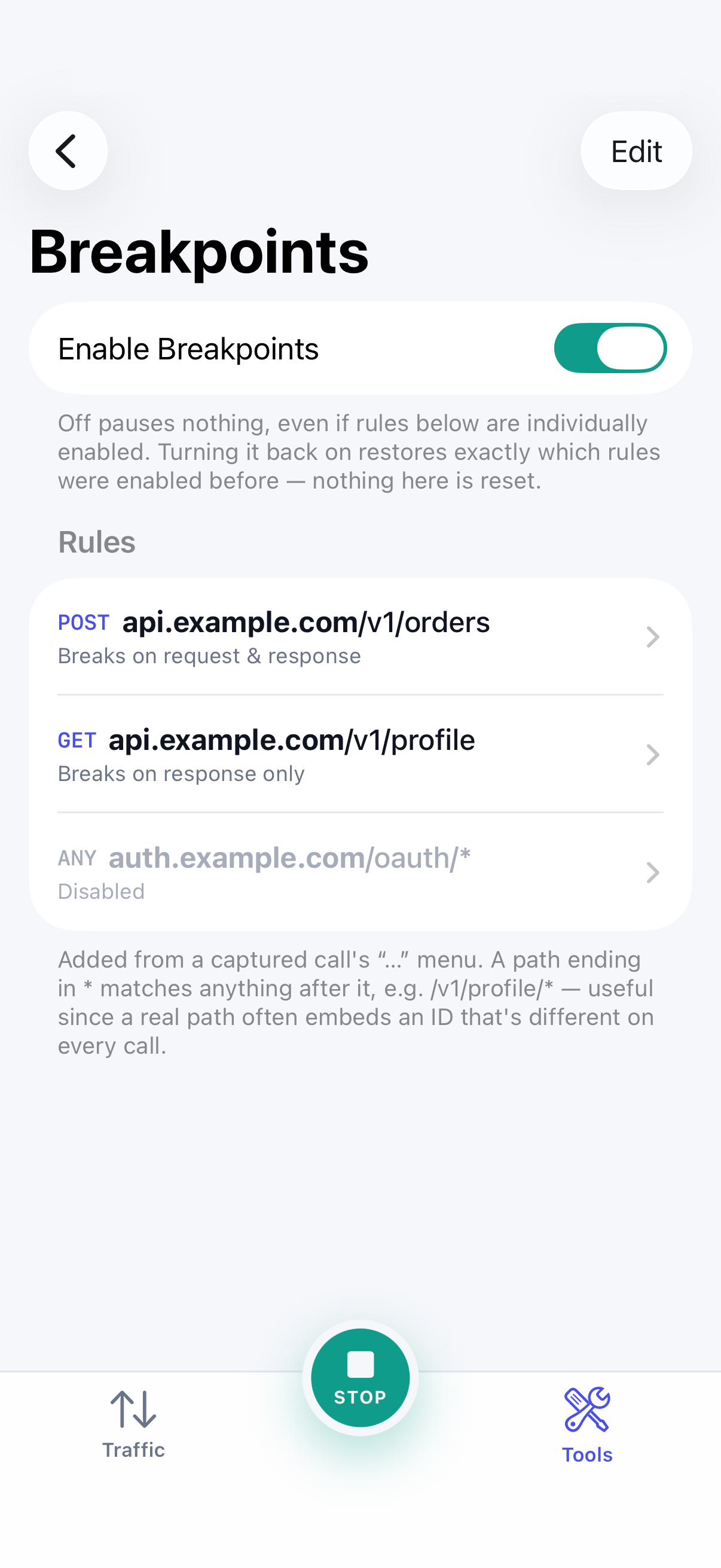
*matches anything after it, such as/v1/profile/*. Under Break On, choose Request, Response, or both.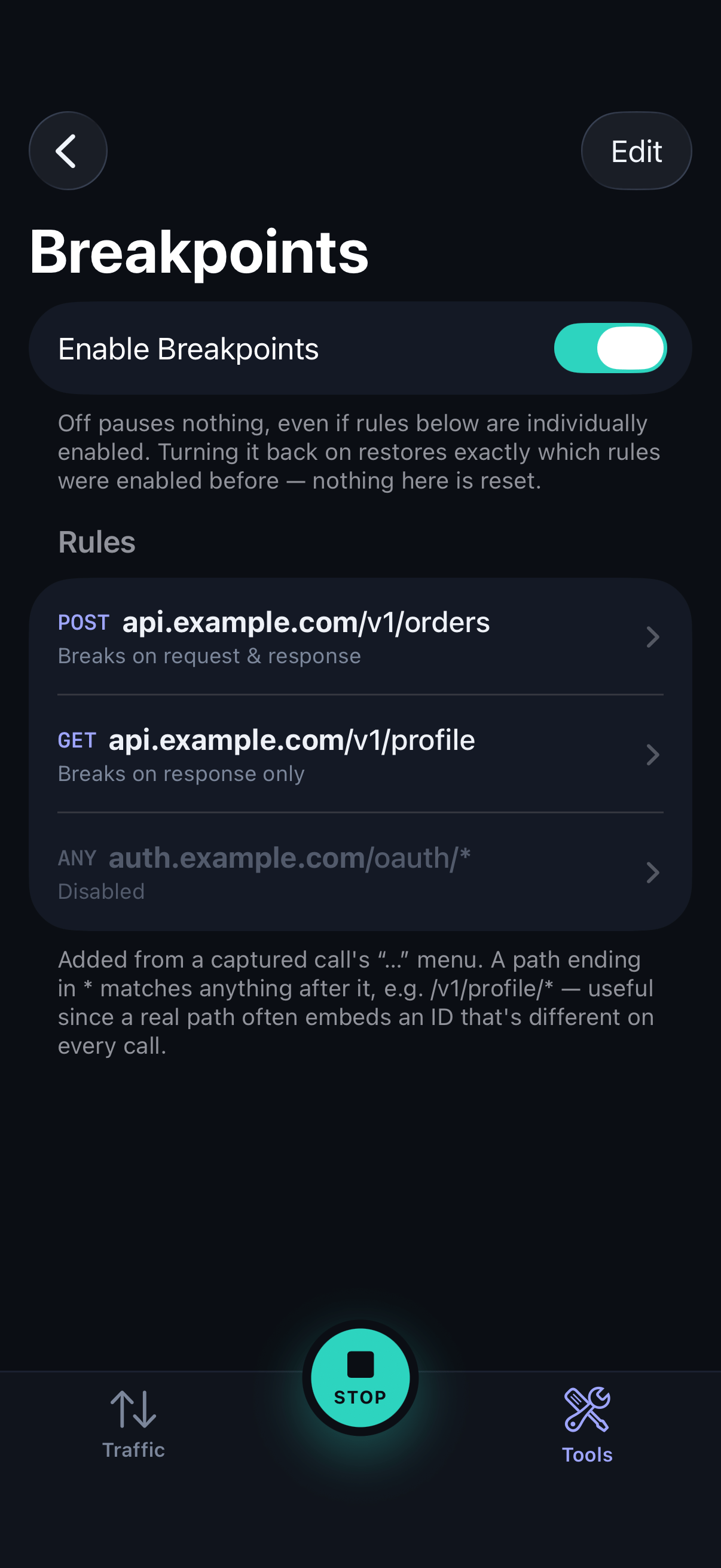
Step 03
Check the master switch
Open Breakpoints from the Tools tab. The master switch turns all rules on or off at once. Each rule also has its own switch, so you can keep rules ready without them firing.
Step 04
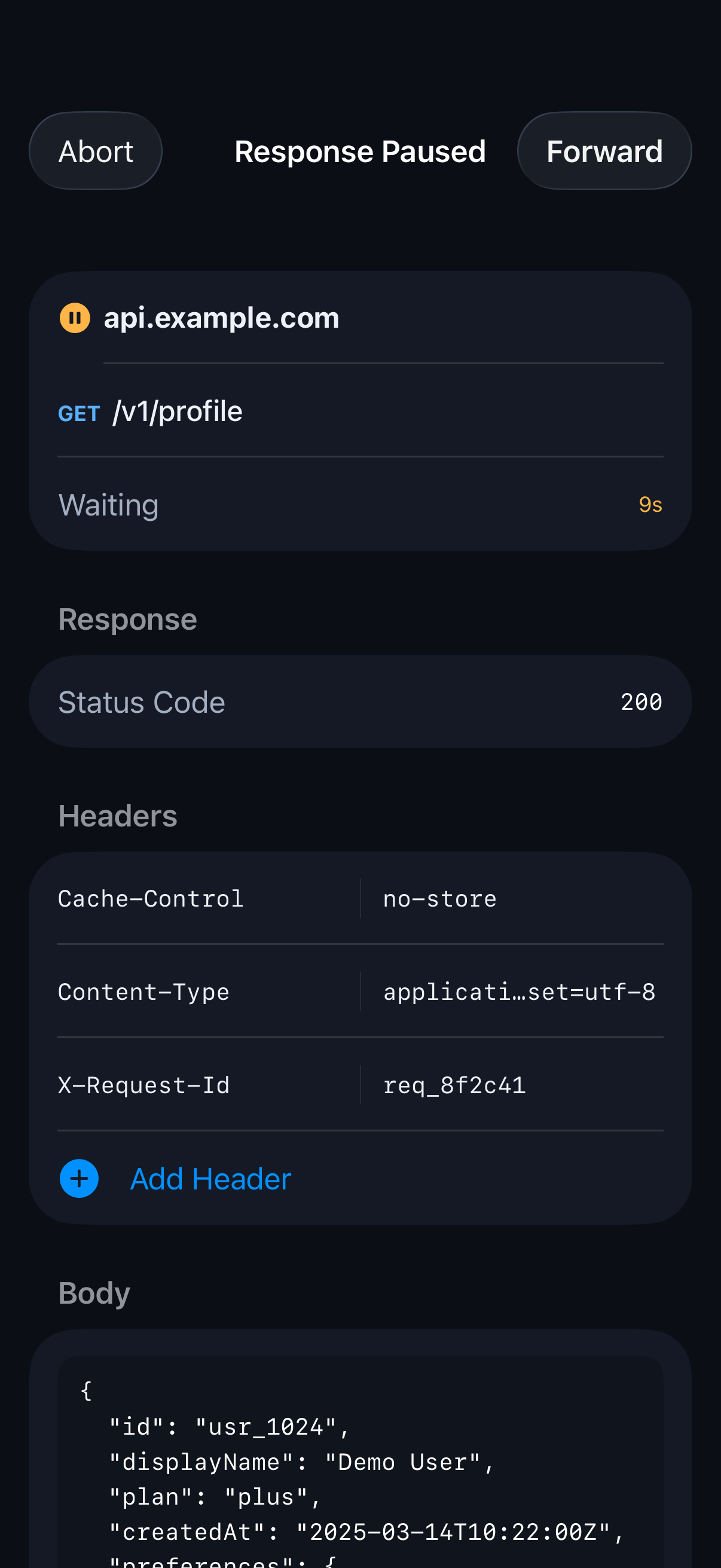
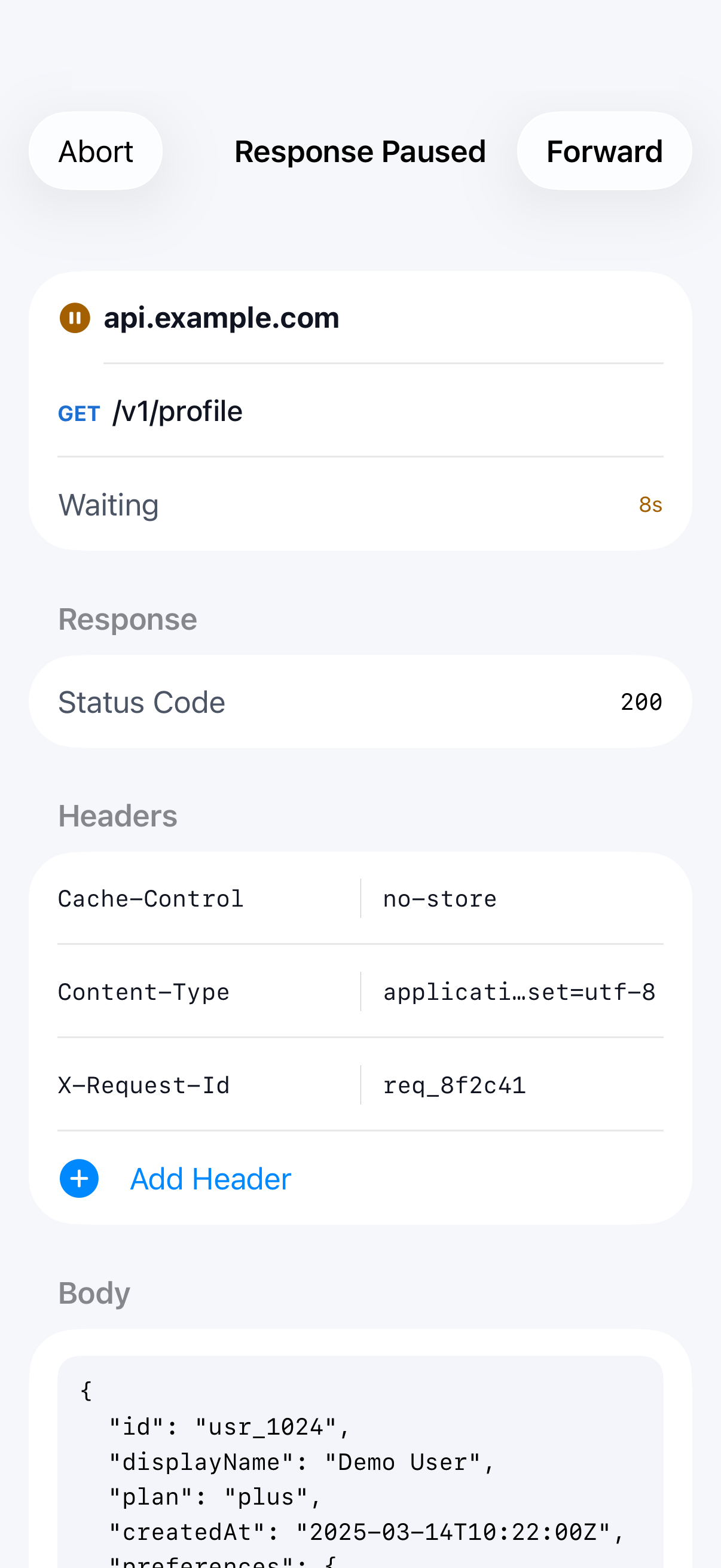
Edit the paused call
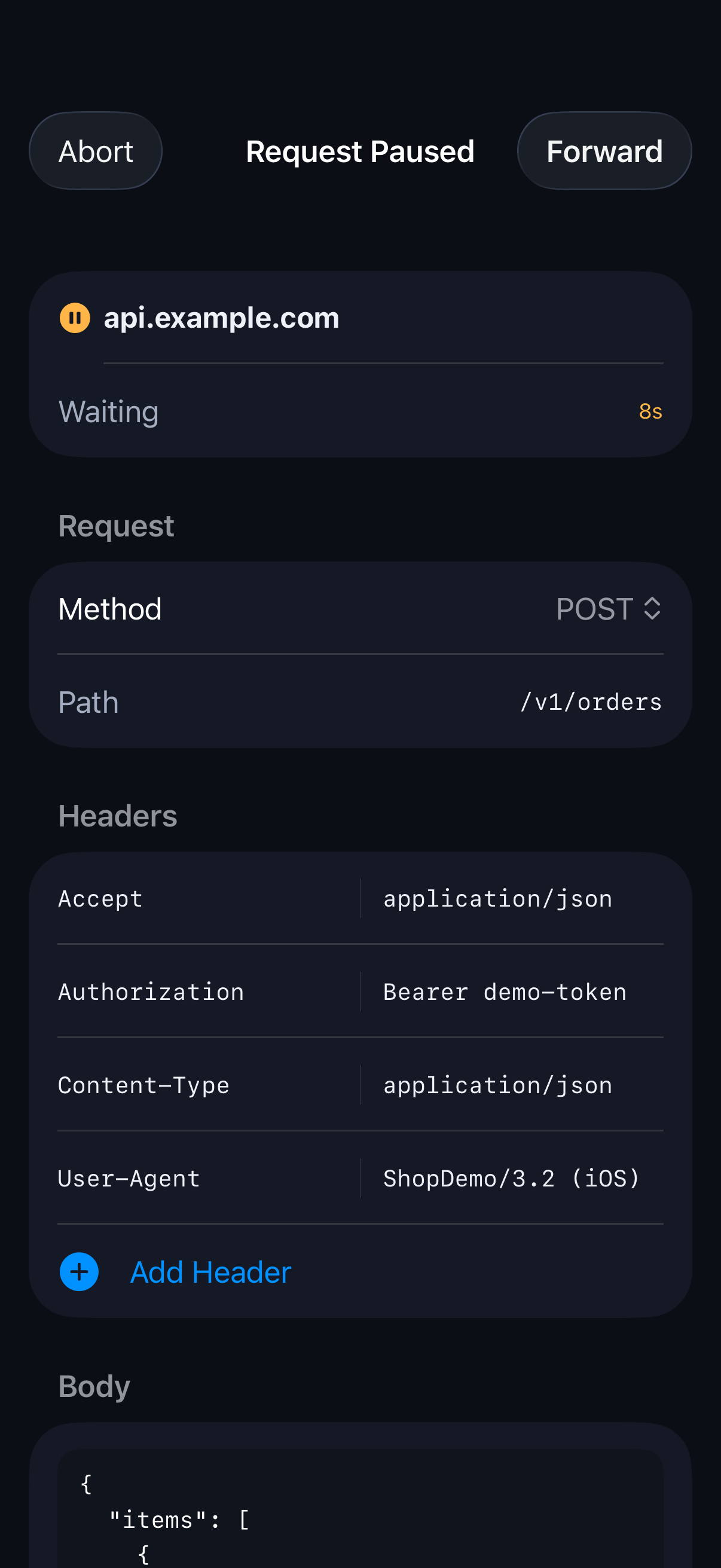
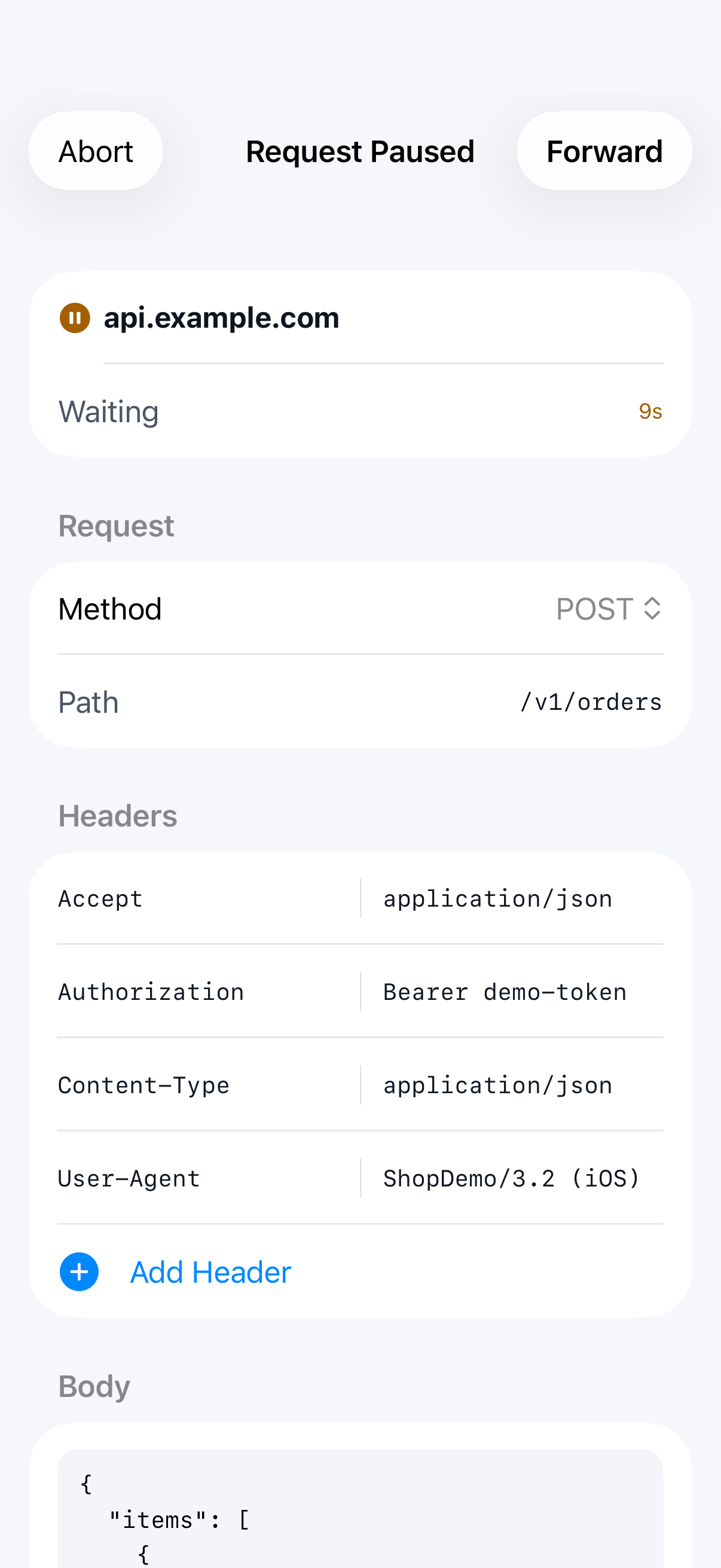
When a matching call arrives, SoftLee pauses it and opens the editor. Change the headers or body, or for a response, the status too.
Step 05
Forward or abort
Tap Forward to send the call on, edited, or Abort to fail it. If several calls are paused, they wait in a queue in the order they arrived.
Step 06
Come back from another app
If a call pauses while you're using another app, a notification appears. Tap it to go straight to the paused call.