Guide
Exporting as cURL, HAR or Postman
Share an exact, runnable reproduction of one request, or of everything you've filtered.
A request someone can run is the fastest bug report there is. Export one call as cURL or HAR, or export everything you've filtered as a HAR file or a Postman collection.
Step 01
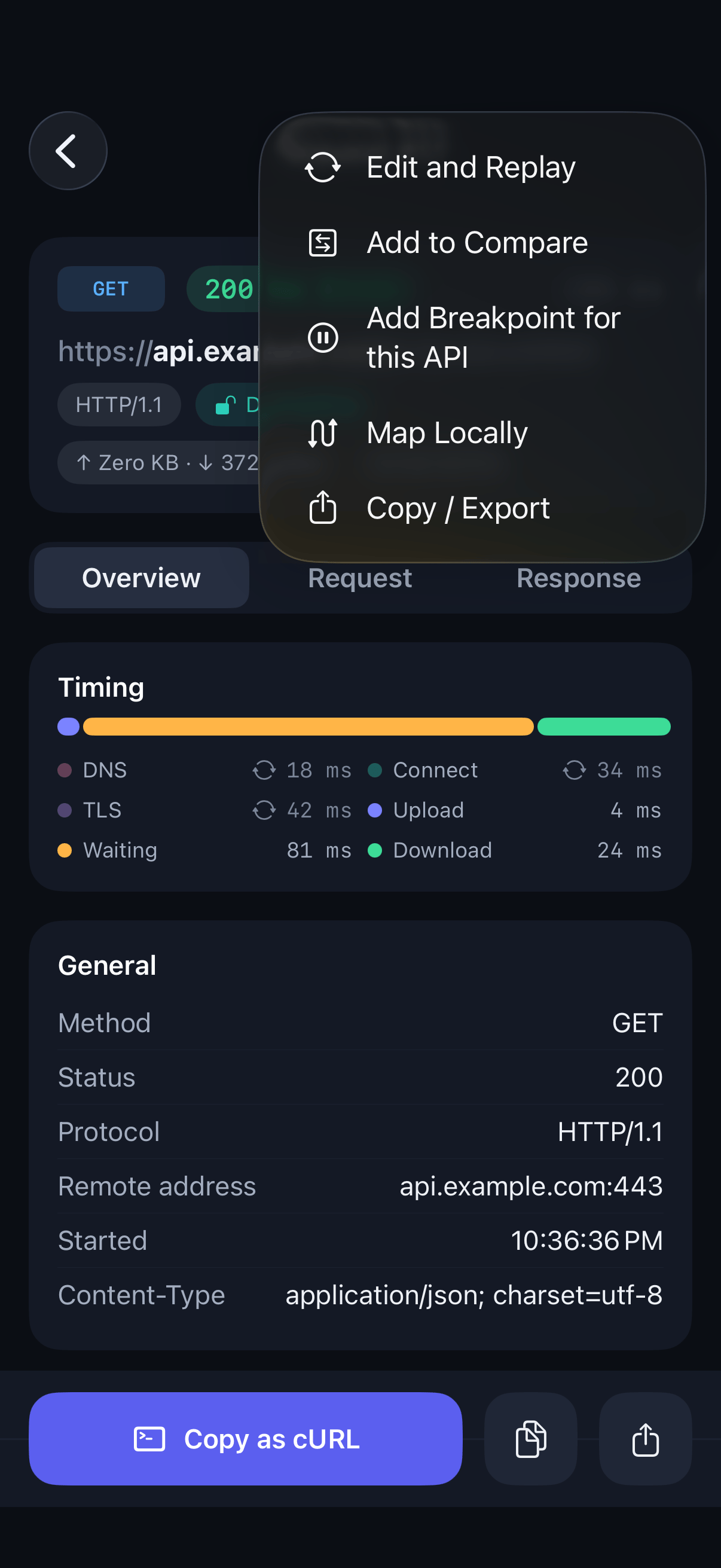
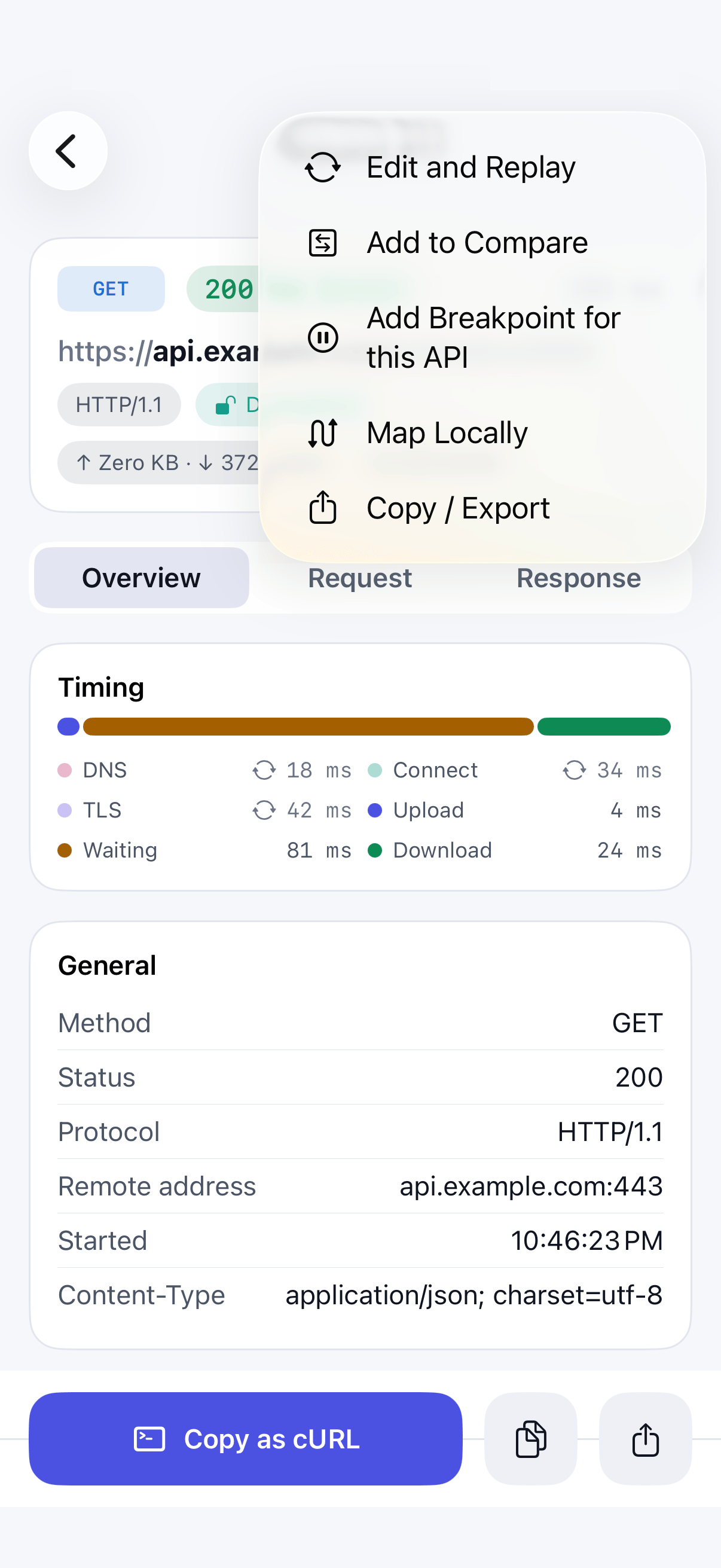
Open the export options for a call
Open a call, tap the … menu, and choose Copy / Export.
Step 02
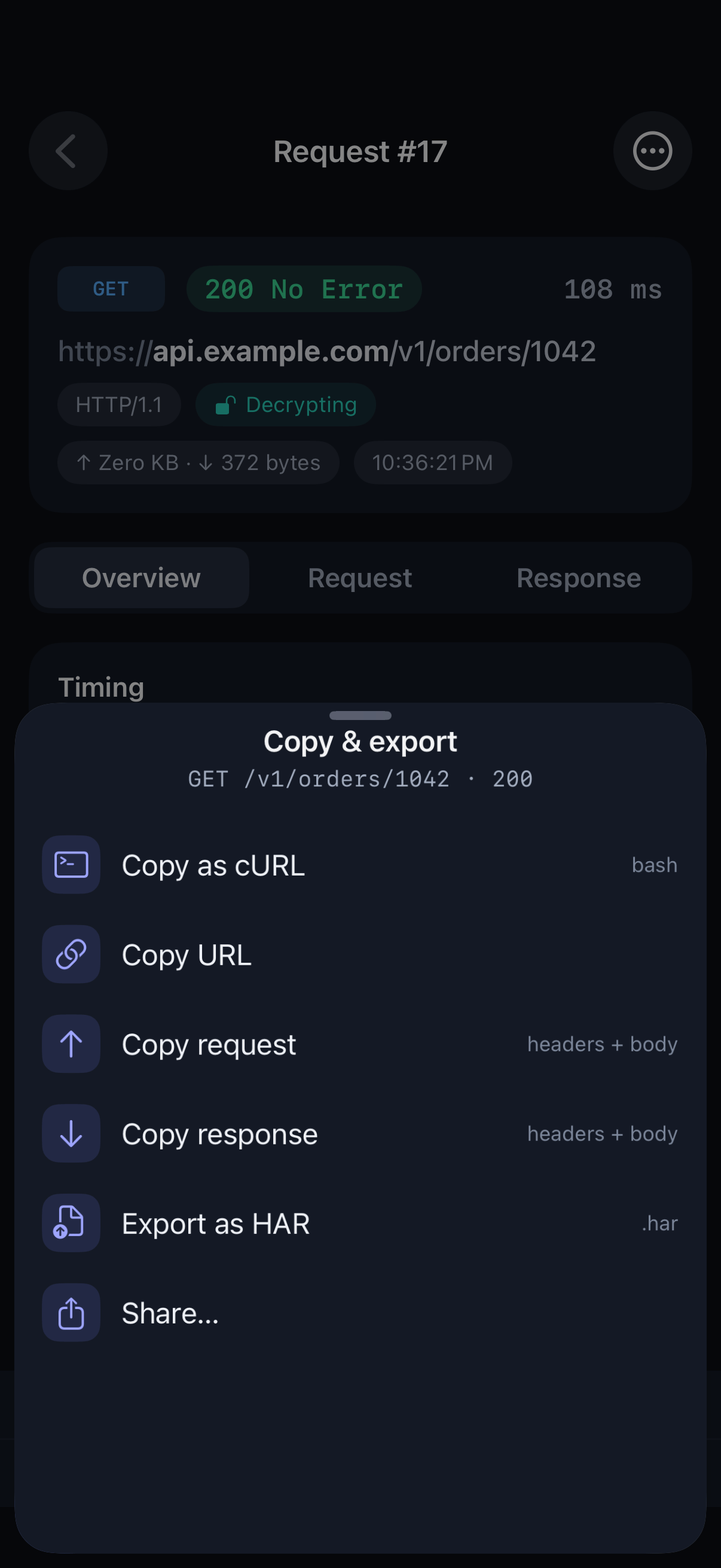
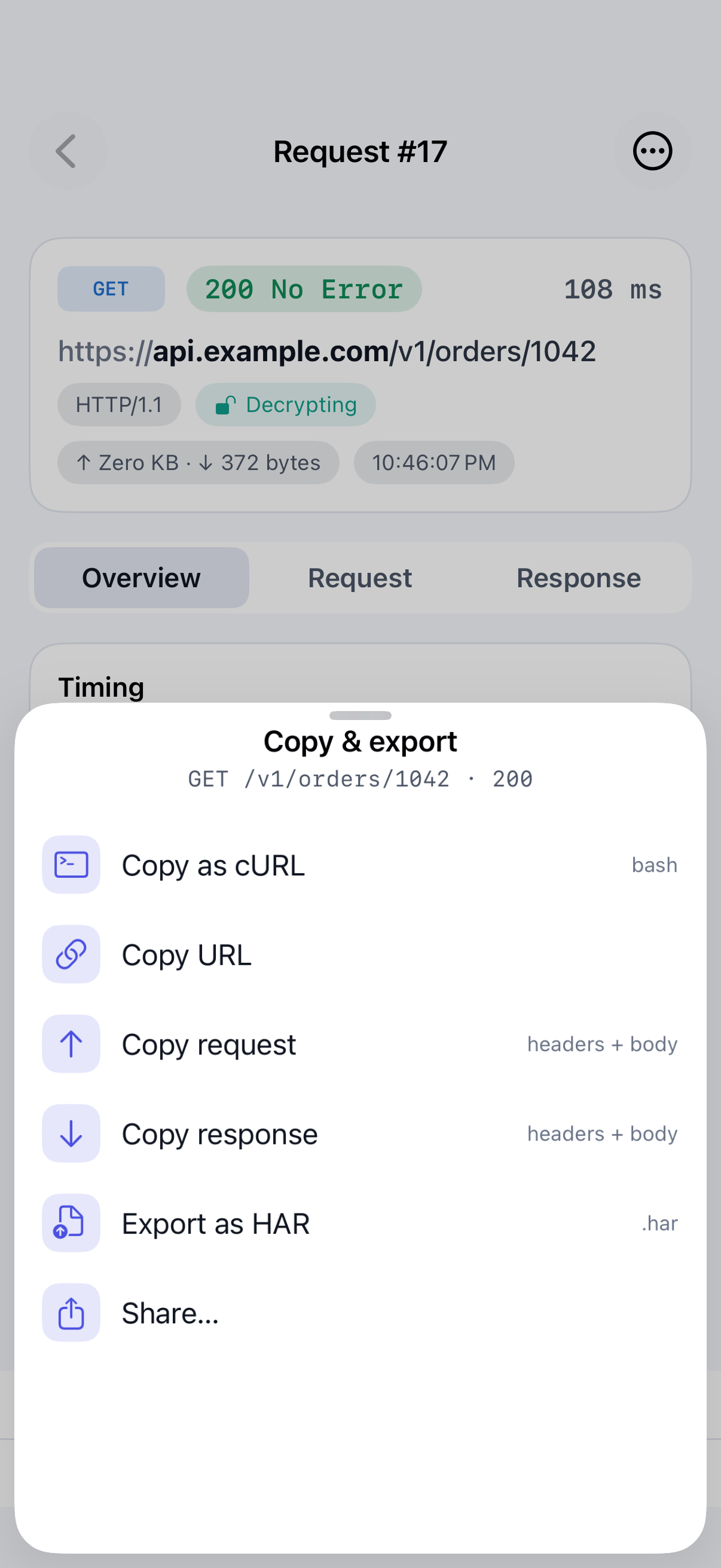
Copy as cURL
Choose Copy as cURL. The command includes the method, URL, headers and body, ready to paste into a terminal.
Step 03
Export the call as HAR
Choose Export as HAR to save the call in the standard HTTP Archive format, which many debugging and performance tools can open.
Step 04
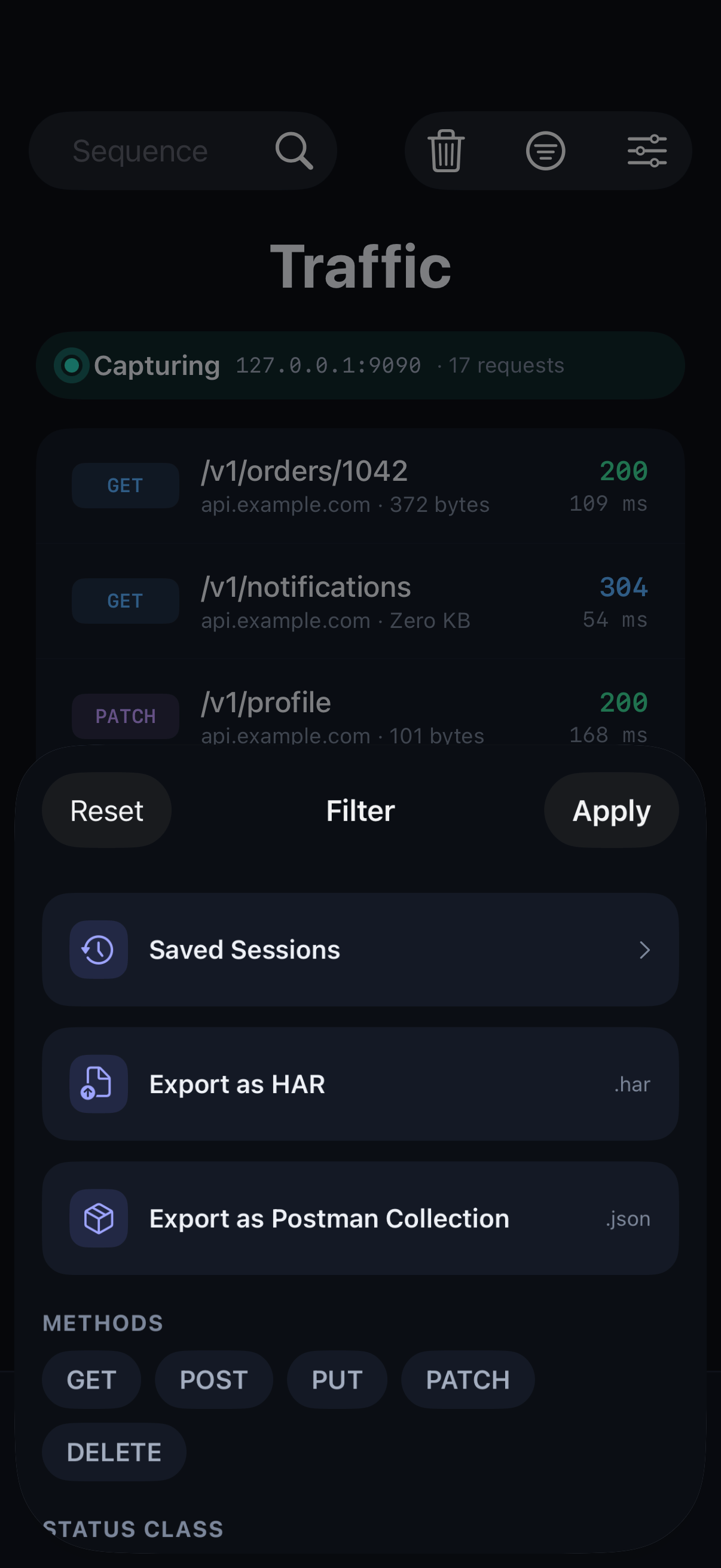
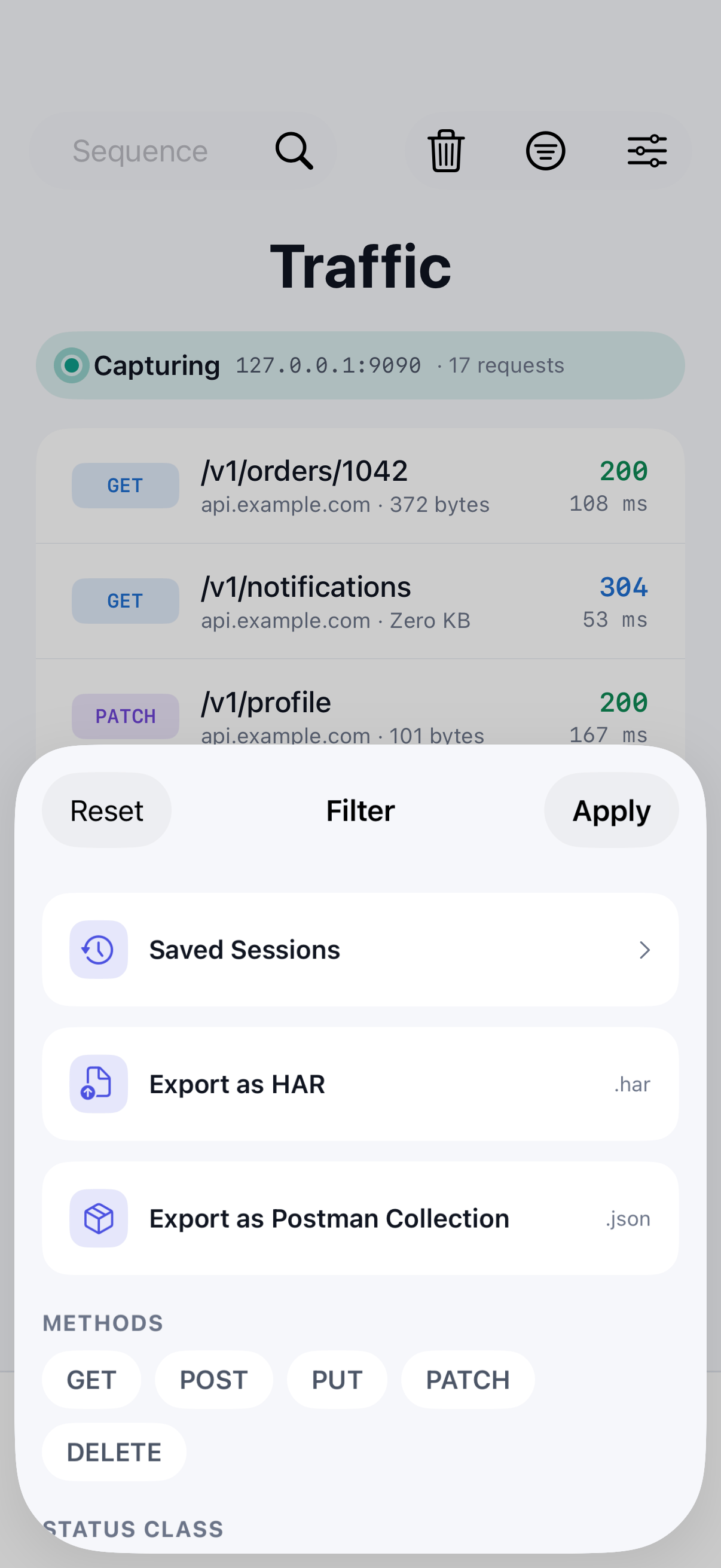
Export everything you've filtered
Filter the traffic list to the calls you want, then open the filter sheet and choose Export as HAR or Export as Postman Collection.
A copied cURL command looks like this:
curl -X POST 'https://api.example.com/v1/orders' \
  -H 'Content-Type: application/json' \
  -H 'Authorization: Bearer <token>' \
  --data '{"items":[{"sku":"A-102","qty":1}]}'
How a Postman collection is organised
The collection is arranged in folders by host, then by path, the same shape as the folder view in the traffic list. Path segments that look like IDs are grouped, so /v1/users/123 and /v1/users/456 land in one v1/users/{id} folder. Each folder keeps one working example per method, using the most recent call's real URL, headers and body.